



Adobe Express
Create social graphics and videos, resize assets and apply brand styling in a visual editor.
Free + paid plansWeb · Mobile
Find the right tools for your next idea. From AI assistants to video editors, explore what each app makes possible.
Free + paid plans
Free tools + paid plans
 Brand image
Free utilities + paid memory
Alphabetical listings. A clear job for every tool.
18 apps
Create social graphics and videos, resize assets and apply brand styling in a visual editor.
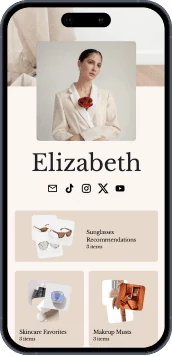
Build a creator bio page and store with tools for digital products, audience email and media kits.
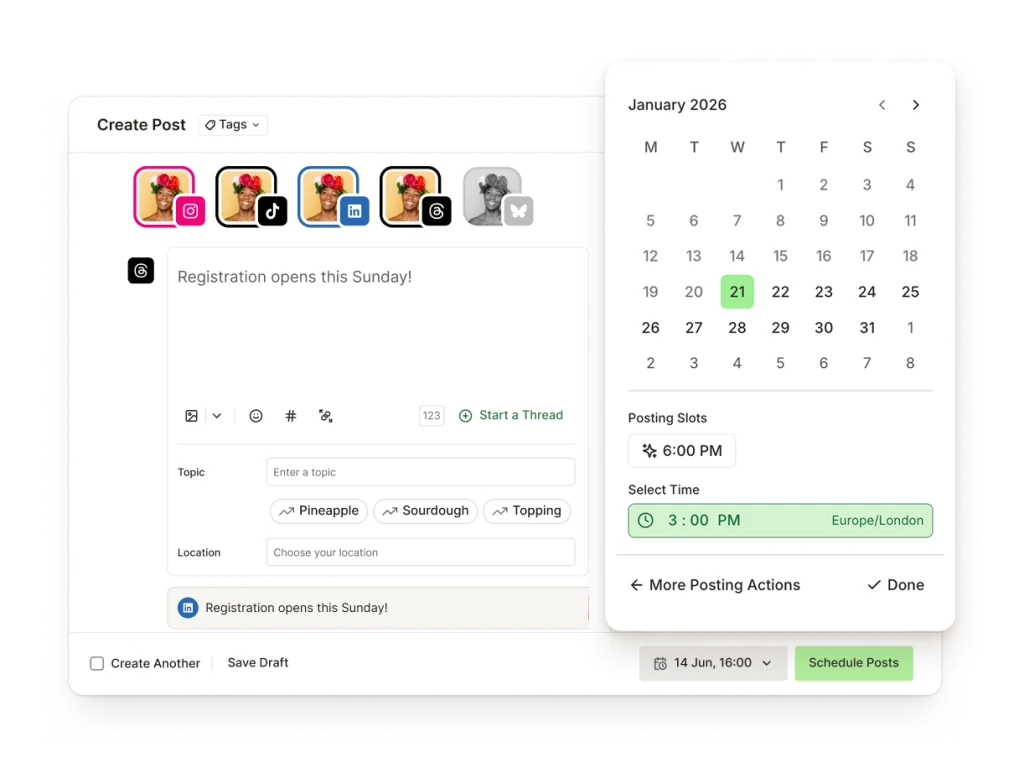
Organize ideas, plan a publishing queue and schedule posts across connected social channels.
Design social posts, thumbnails and other visual assets with templates, photo tools and video editing.
Edit social videos using cuts, transitions, captions and templates across web, mobile and desktop versions.
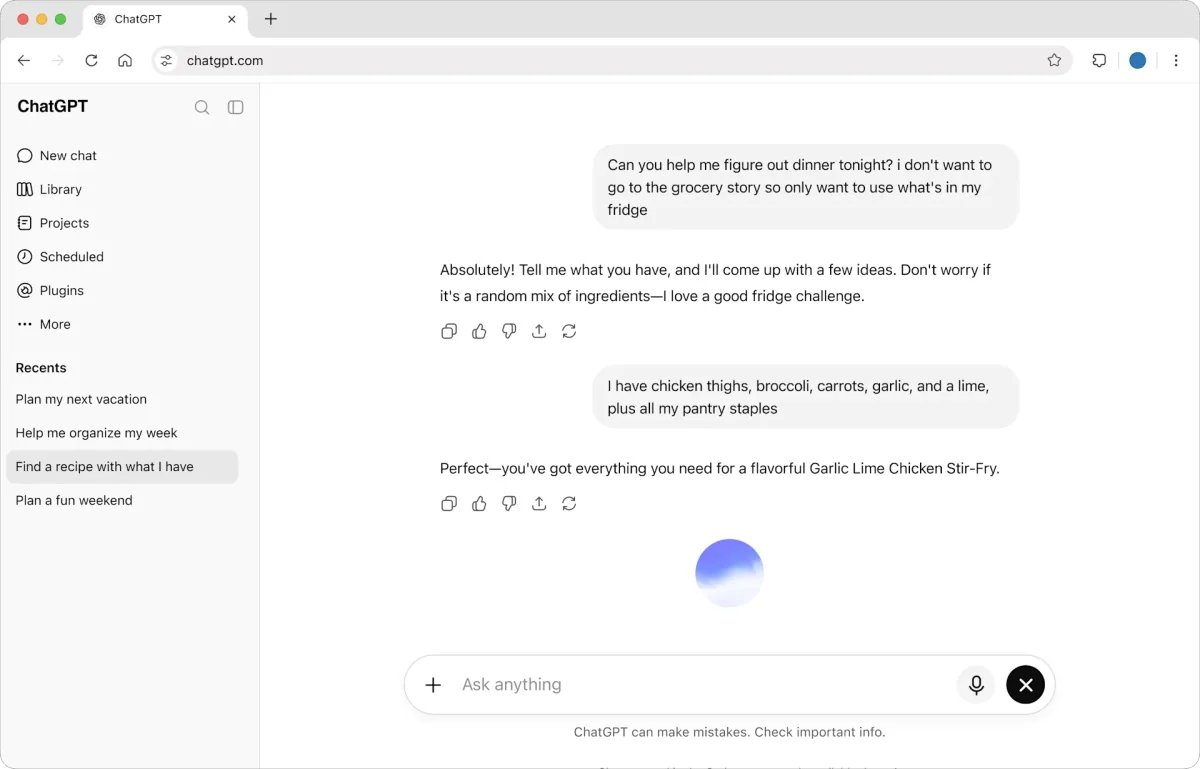
Develop content ideas, revise drafts and analyze supplied files with an AI assistant and plan-dependent agent tools.
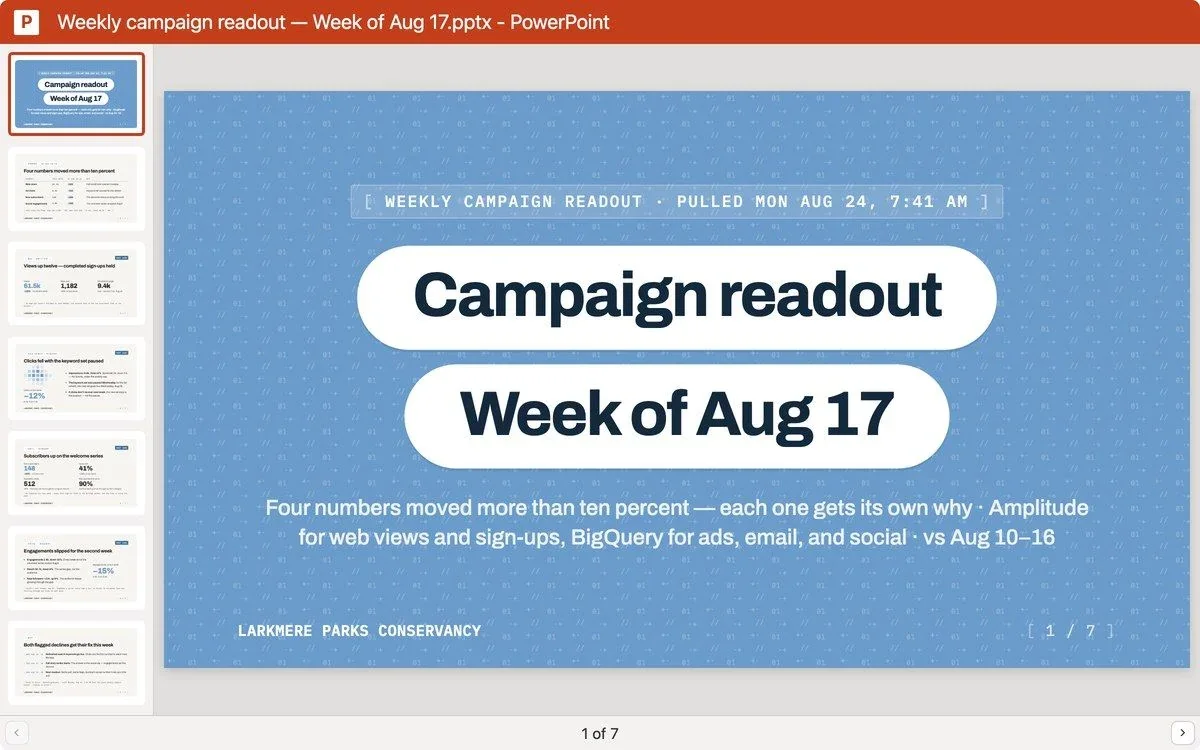
Draft and refine content, work with supplied documents and create reusable artifacts with an AI assistant.
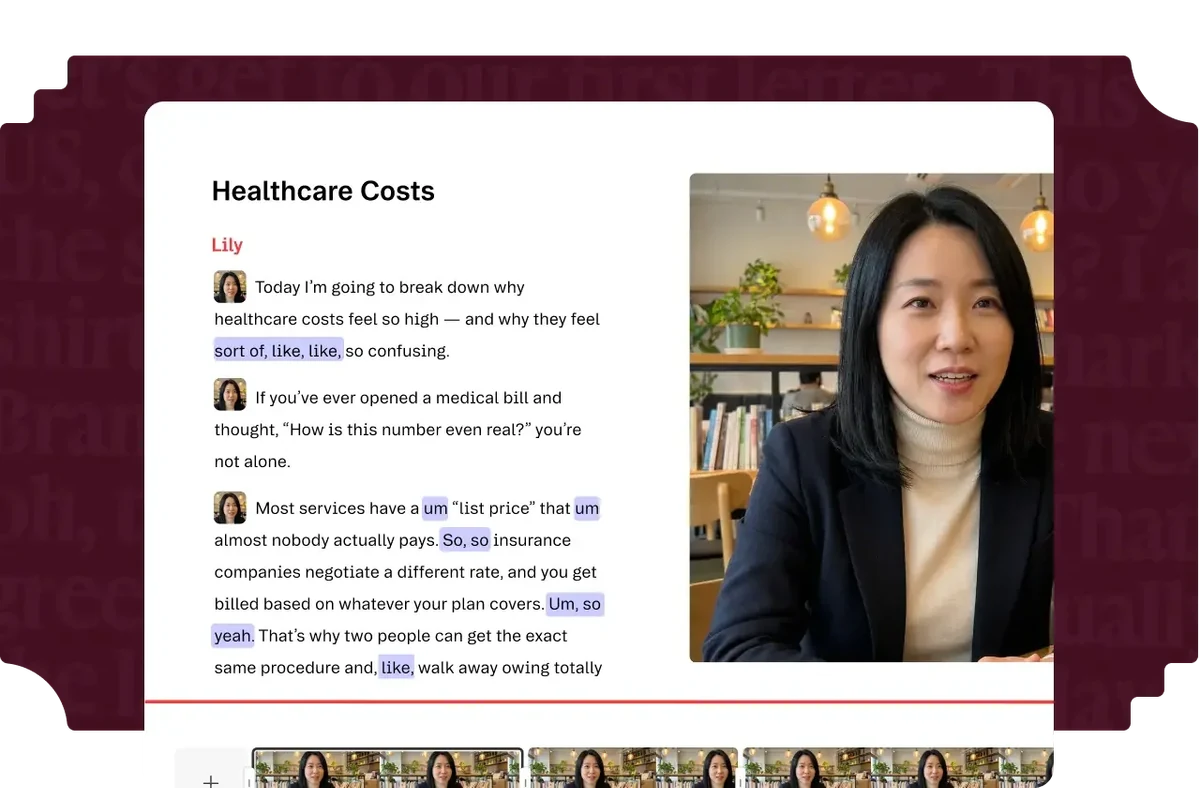
Edit recorded speech and video through its transcript, then repurpose longer recordings into social clips.
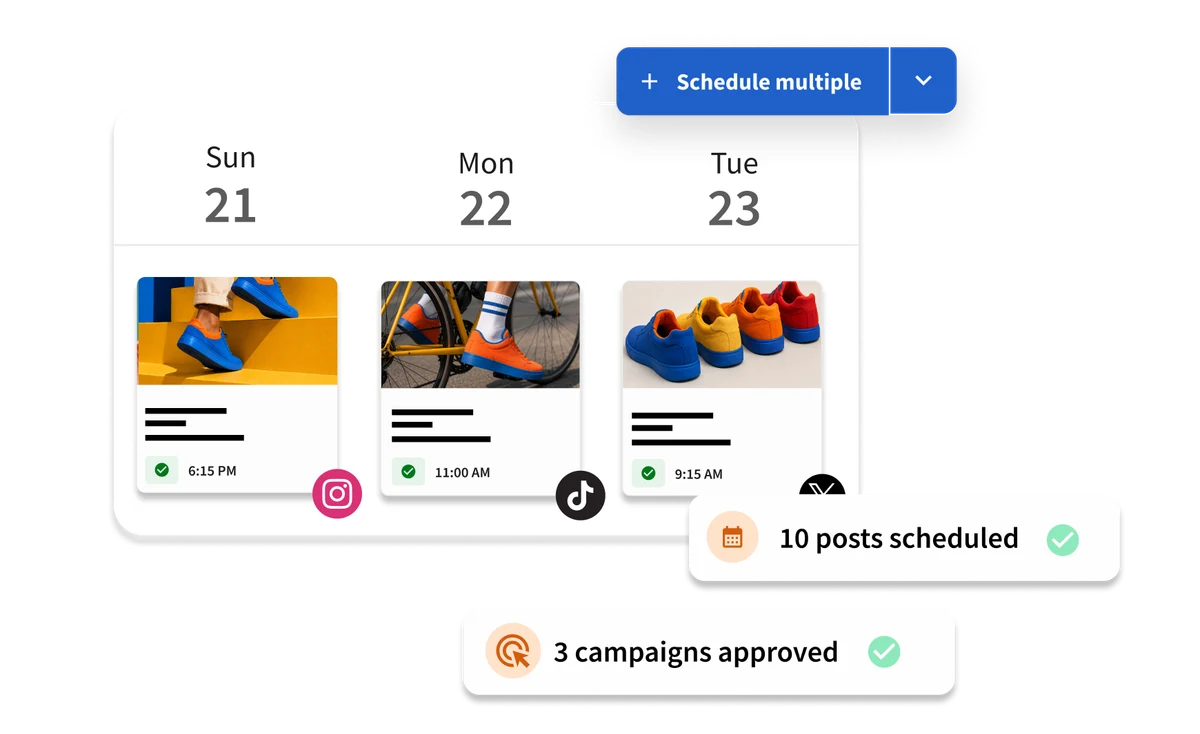
Plan and publish content across connected social accounts, manage messages and review performance in one workspace.
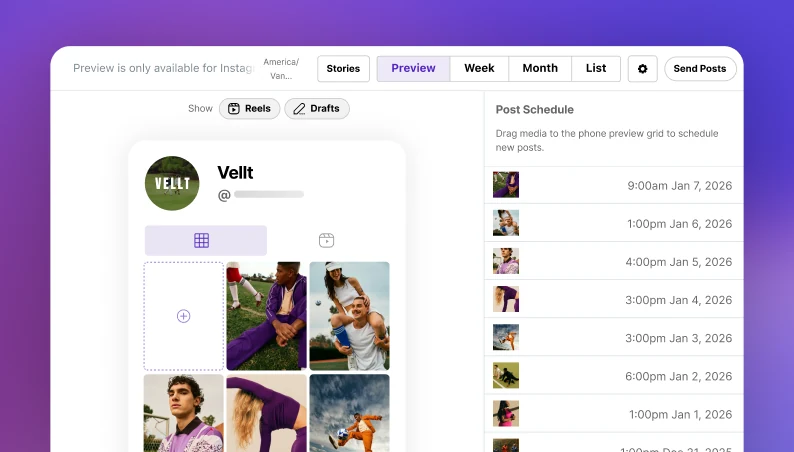
Visually plan, schedule and analyze social posts, with a linked bio page for your content.
Give social visitors one page for your links, audience sign-ups and available monetization options.
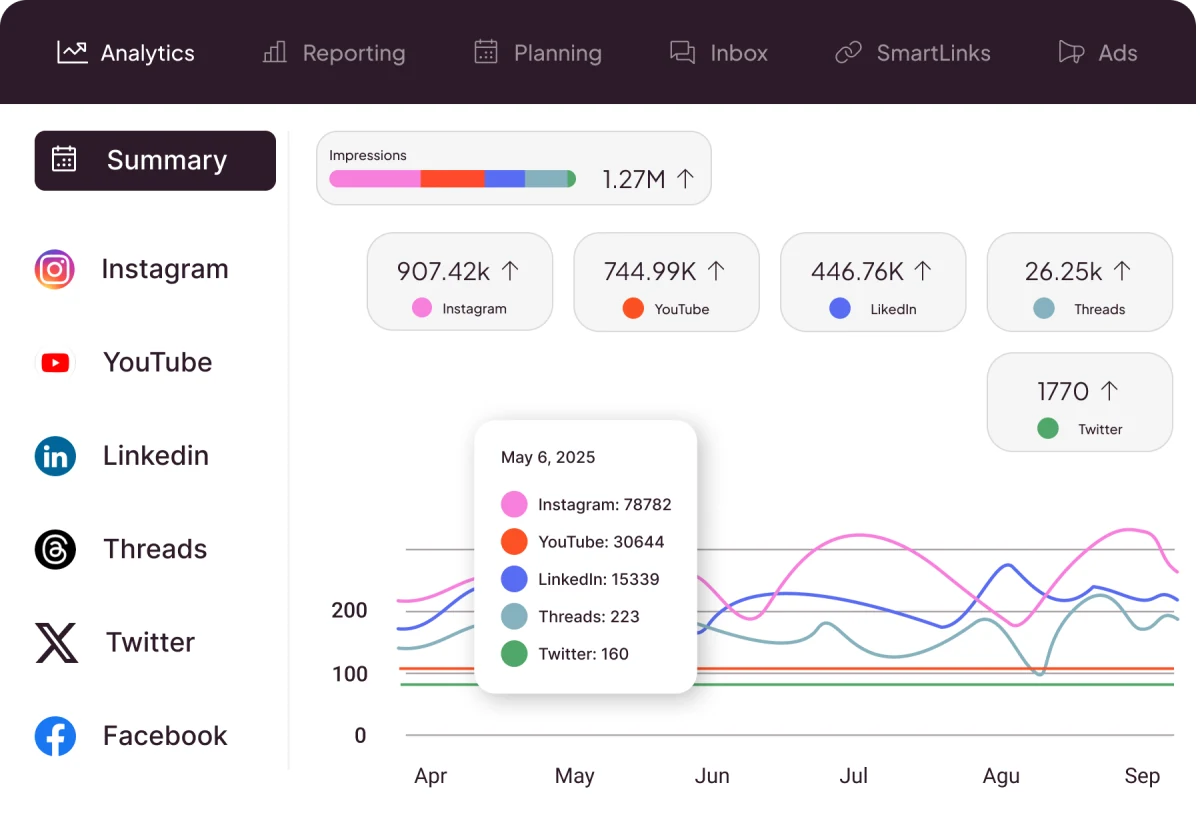
Review social performance, plan and publish content, and prepare reports in a shared workspace.
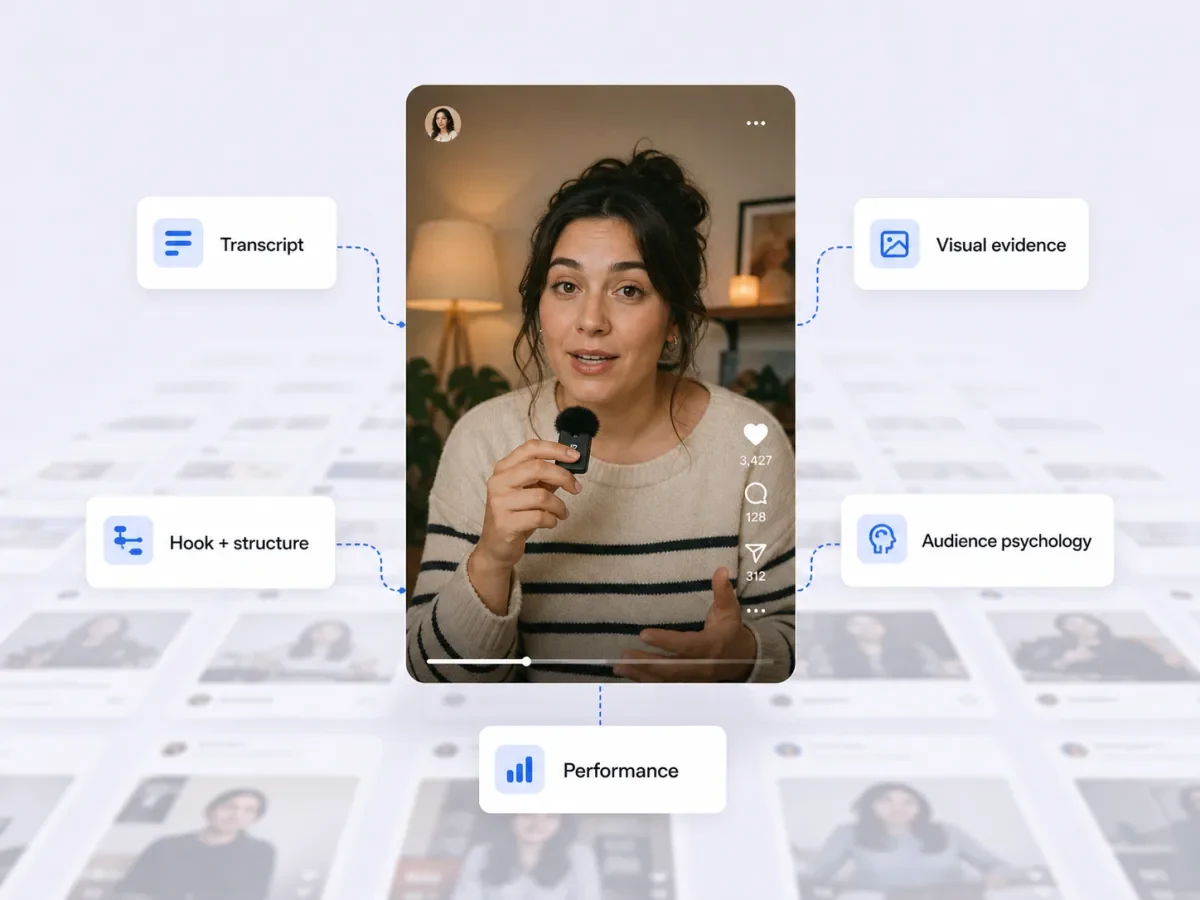
Brand imageBuild Content Memory from your published work, audience evidence and performance to inform your next idea.
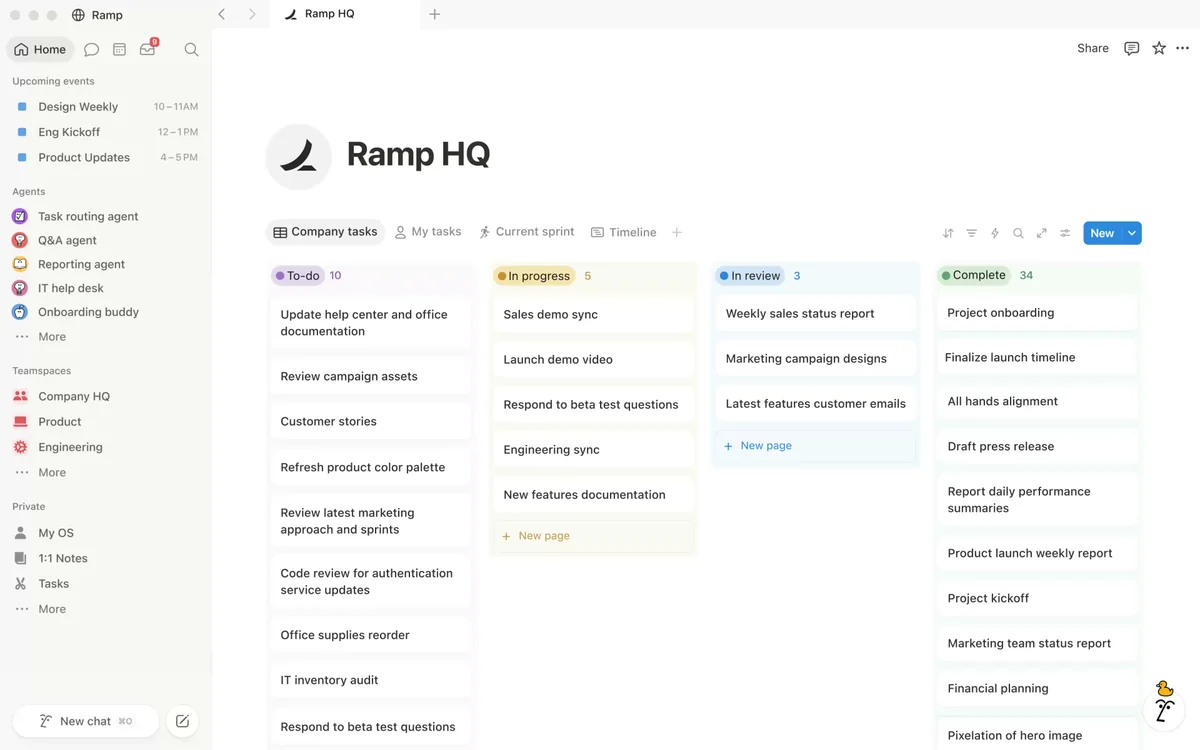
Organize content ideas, drafts and production tasks in pages and databases with optional AI and automation tools.
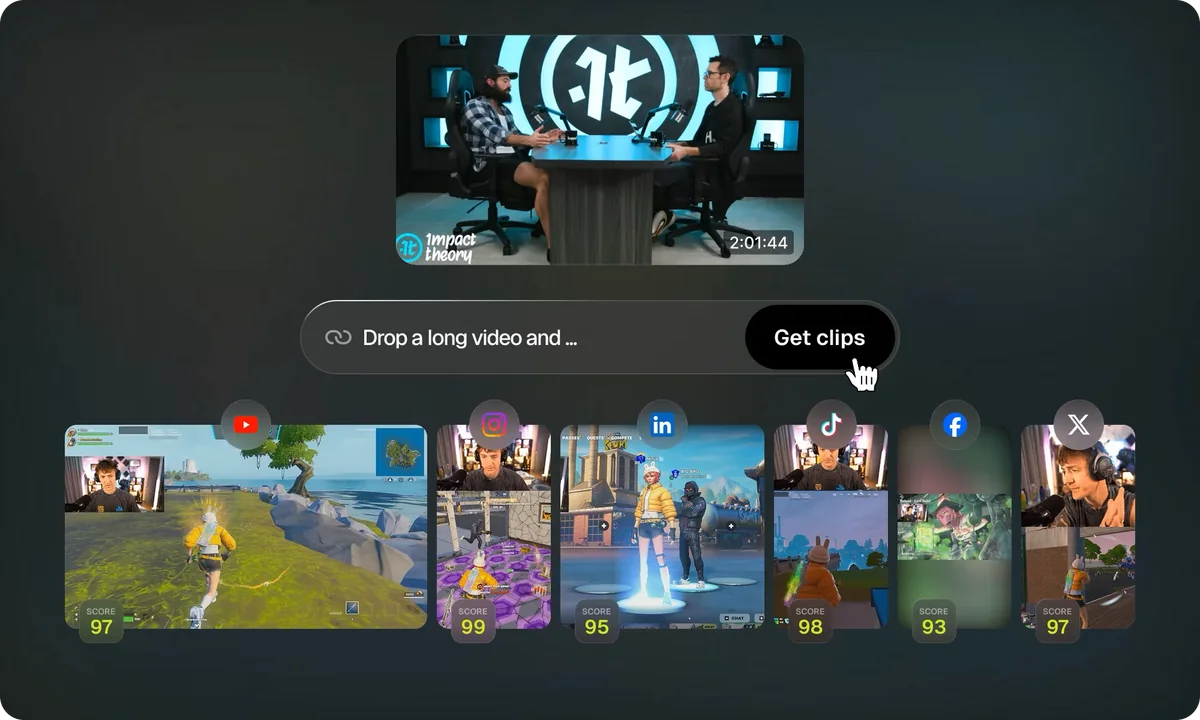
Turn longer videos into short clips with AI selection, captions and reframing for social formats.
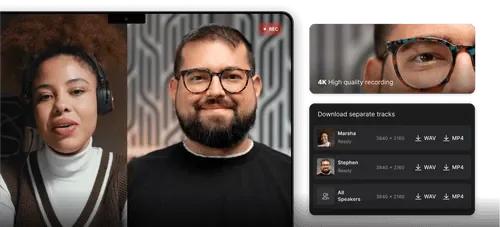
Record remote audio and video, edit recordings and turn longer sessions into clips for social channels.
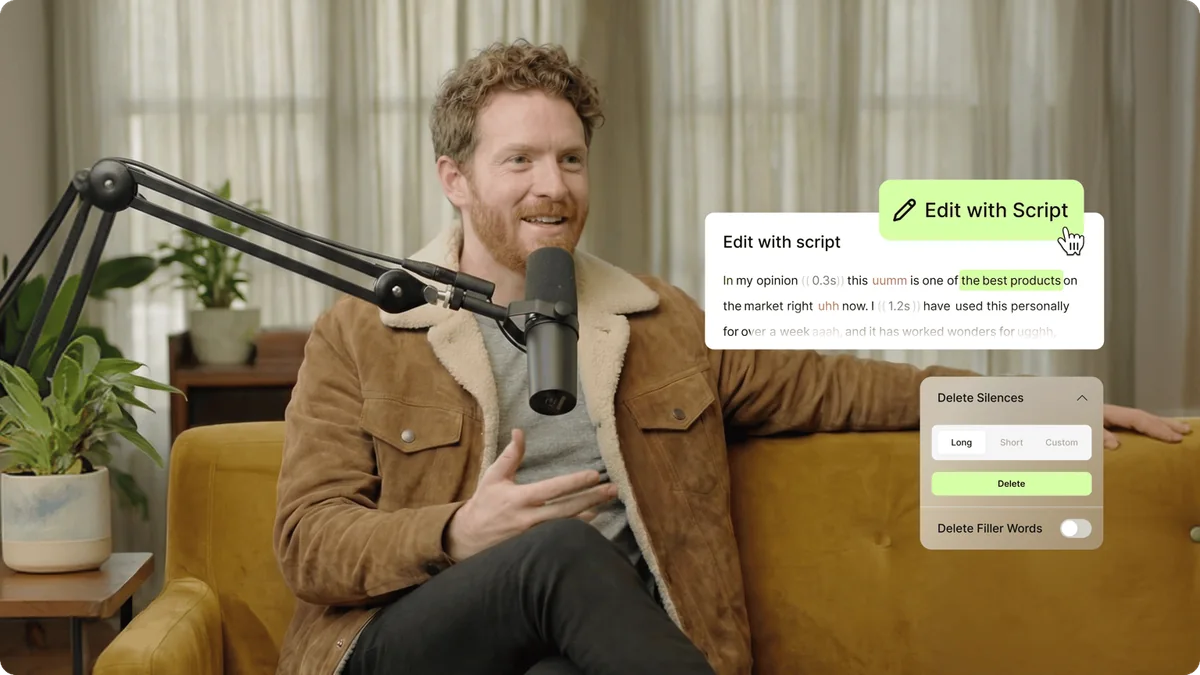
Edit uploaded video with a timeline, captions and audio tools, then export clips for social channels.
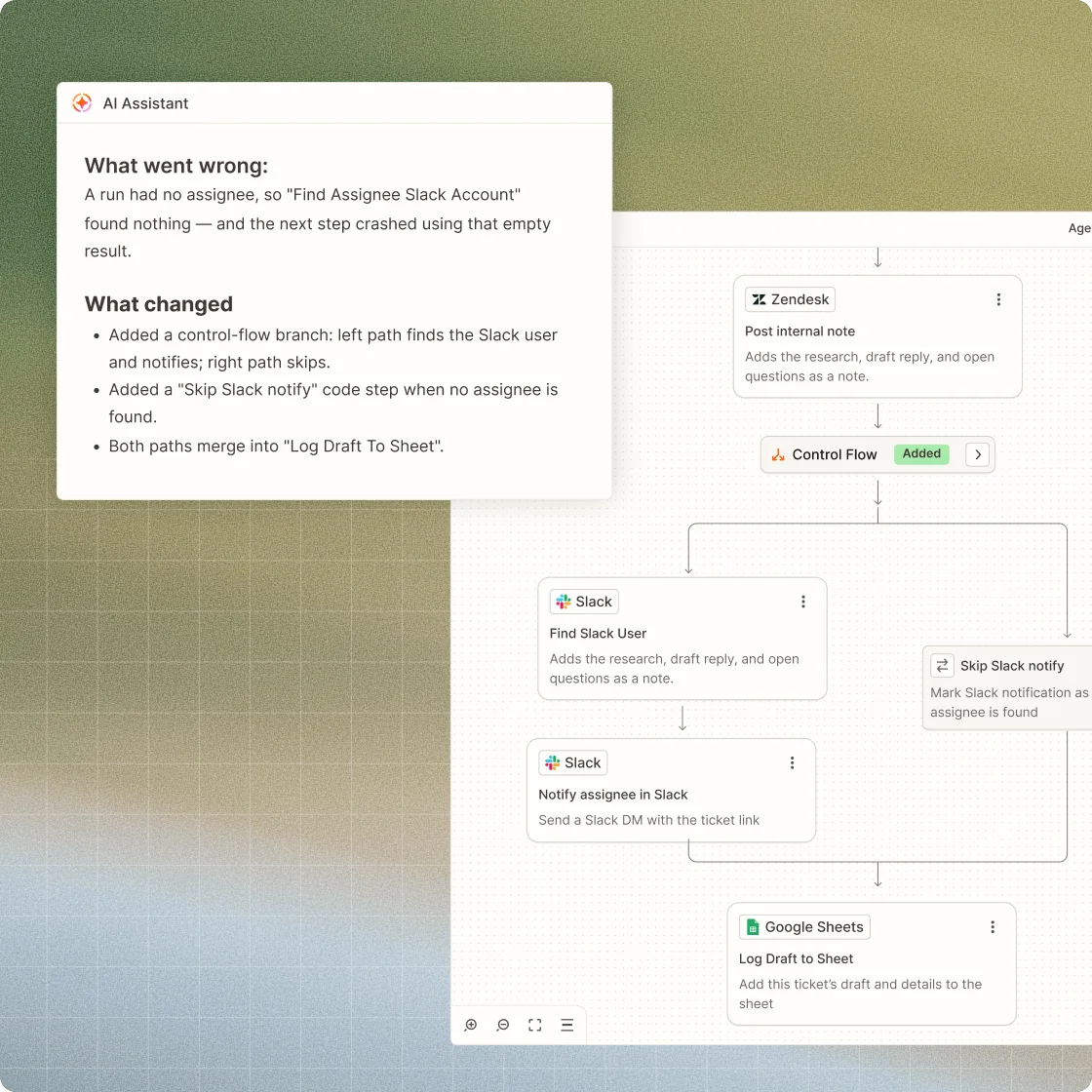
Connect supported apps with trigger-and-action workflows to organize creator operations and reduce repeated manual steps.
Try a different name or browse all creator workflows.
Compare Hootsuite and Metricool for creator publishing, analytics, client reporting and team workflows. See free access, billing models and plan limits.
Compare ChatGPT and Claude for creator scripts, brand briefs, research, image assets and connected workflows. See free access and the limits to check.
Use your own published Reel as the source, draft slide copy with a connected assistant, then design and review the carousel yourself.
 Mysocial
Before you start. Reel transcripts require Mysocial Intelligence and available source data. The assistant needs connector access; ChatGPT availability depends on your plan, workspace and admin settings. Design assets and exports have their own plan limits.
Documented connection Authorize the Mysocial MCP connection to read your available account context in Claude.
Documented connection Use the documented ChatGPT Web custom-app setup where your account and workspace allow it.
Manual handoff Copy the reviewed text into your design. This recipe does not rely on an assistant-to-editor integration.
Manual handoff Paste reviewed text into a design and supply your own usable visuals.
A bounded prompt preserves source facts and returns slide copy plus design notes. Own Instagram source, Mysocial Intelligence for transcripts and a connected assistant.
Instagram supplies the source; Claude helps draft the copy. Connect your Instagram account to Mysocial, then authorize Mysocial in Claude.
Use the same source with another supported assistant, subject to connector access. ChatGPT Web custom-app access depends on your plan, workspace and admin settings.
Keep approved ideas in a planning space, prepare the assets, choose one scheduler and review what happened after publication.
 Notion
 Metricool
Before you start. These are separate accounts and manual handoffs. Each scheduler supports its own networks and formats; analytics depth, approvals and exports depend on the plan. You choose dates and authorize publication.
Manual handoff Use the approved brief as design input; transfer copy and asset links yourself.
Manual handoff Export usable assets and upload them to the scheduler; review its accepted formats.
Complementary tools Connect the social account separately for measurement. This does not claim a Buffer-to-Metricool data connection.
Complementary tools An optional separate reporting tool can support a review; first check whether your scheduler already covers the job.
Optional preparation: use your own written archive as evidence before adding briefs to your planner. Own connected LinkedIn post text and basic metrics are free to read in Mysocial; an AI account with connector access is required.
Check publishing, reporting and team needs before paying for overlapping tools. Public comparison; vendor account access and paid plans are separate.
Record the source, move a usable file into one editor and review the cuts and captions yourself.
 Riverside
Before you start. This is an export-and-upload recipe. Track downloads, upload formats, AI credits, editing access, export quality and watermarks differ by tool and plan. Check the source and captions before publishing.
Manual handoff Export your source and import a supported file into the editor. No native cross-tool connection is required.
Manual handoff Upload a supported source for candidate clips. Review watermarks, editing access and export expiry before choosing a plan.
Manual handoff Import a usable recording into the web editor and check subtitles and export limits yourself.
Manual handoff Move your recording into an available editor and check device, region and export restrictions.
Optional preparation: turn your own written source into a spoken script and recording notes before recording. Own connected LinkedIn post text and a ChatGPT account with connector access; output is copy and a shot list.
LinkedIn is an optional source for the script; it is not a required video destination. Own LinkedIn account in Mysocial and available ChatGPT Web custom-app access.
Prepare real examples, publish a media kit with current account context and add its URL to a link page you control.
MysocialBefore you start. Mysocial Media Kit is free. You select its content and press Publish; draft changes need publication again. Link-page design, commerce and fees have separate vendor limits. A kit does not guarantee sponsorships.
Complementary tools Design preparation and a data-backed kit serve the same presentation job. This does not claim a design-file import into Mysocial.
Manual handoff Copy the published kit URL into a link-page entry and verify the public destination.
Manual handoff Add the kit URL as a link. Beacons also has its own presentation products, so choose the parts you need.
Check the required sections, date ranges and truthful campaign examples before publishing. Public guide; Mysocial Media Kit is free and does not require Intelligence.
An editor, a scheduler and an intelligence tool solve different problems. Each profile explains who an app suits, what its plans include and which limitations to check.
We research official documentation and show the source-check date on every profile. Plans and availability can change. Mysocial's listing is labelled as our own product, and documented connections are distinguished from tools you combine yourself.
Suggest an app or send a correction