Agencies and talent managers
Work from each creator’s own numbers instead of collecting screenshots. Shared channels sit in your workspace, and your AI can work with them alongside your other channels.
Influencer CRMReporting
Every connected channel's posts and analytics in one place, shared read-only with your workspace. Build the report yourself, or have Claude or ChatGPT draft it from the source.
Free to start · Instagram, TikTok, YouTube, LinkedIn and Threads · Works with Claude and ChatGPT
New followers, last 5 weeks
+3,946 All channels
59,601 → 63,547 (+6.6%)
Ask Claude or ChatGPT
Draft this month's client report
Our founder's real numbers, from Mysocial
Oct 6 – 12, 2026 · Compared to Sep 29 – Oct 5 · Pulled Oct 13, 2026
Followers
63,547 up 1%
62,560 in previous period
New followers
987 up 75%
564 in previous period
Top post views
420.4K up 109%
200.9K in previous period
Threads new followers
112 down 54%
244 in previous period
Watch a client’s shared channels become a report where every number shows its source.
Connect Mysocial to Claude, ChatGPT, Claude Code, Codex or any MCP client, then ask for your report in plain words.
The creator connects with each platform’s own login and shares a channel read-only with your workspace. No passwords, and they can stop sharing at any time.
See a client’s channels together or one at a time: posts, follower growth and engagement, as each platform reports them.
Mysocial records when each channel last synced, so every figure in your report can say where it came from and when it was captured.
What a report includes
A social media or influencer report shows what was delivered, what each post earned, what it cost and what happens next. Here is where each part comes from when you build it with Mysocial.
Social media report
Mustafa Alfredji · Sep 8 – Oct 12, 2026
Followers
63,547 +3,946 (+6.6%)
4 channels · pulled Oct 13
By channel
Top post, each of the last two weeks
23.5× the channel’s median views
You add these
Each agreed post, with its link and publish date.
Views, likes, comments, shares and saves, as the platform reports them.
Your AI compares each post with the channel’s own numbers.
Follower growth and engagement over time, per channel.
You add costs, sales or sign-ups, and the next step.
Want the structure ready to fill in? Influencer campaign report template
Prompts
Connect Mysocial to Claude or ChatGPT, then ask. Copy a prompt to start.
Using Mysocial, draft last month’s report for @[client]’s shared channels: followers and growth per channel, and the top five posts with their views, likes and shares. Say when each channel last synced.
Using Mysocial, list the posts from @[creator]’s shared Instagram and TikTok channels published between [start date] and [end date], each with its link, views, likes, comments, shares and saves, and how it compares with the channel’s average.
Using Mysocial, which of @[client]’s shared channels grew fastest this month, and which posts came before the biggest jumps? Leave out anything you don’t have.
Claude and ChatGPT
Connect Mysocial to Claude or ChatGPT and ask for a client’s posts from the campaign dates, their numbers and how each compares with the channel’s average. You get a draft you can check line by line.
Draft Mustafa’s client report for the last five weeks from his shared channels.
New followers by channel
Sep 8 – Oct 12
Mustafa Alfredji’s connected channels · Pulled Oct 13, 2026
All channels +3,946
Example
Illustrative example. It shows the steps, not a customer’s results.
A talent manager reports on a two-week campaign: two Instagram Reels and one TikTok from a creator who shares both channels with the manager’s workspace.
Using Mysocial, list the posts from @[creator]’s shared Instagram and TikTok channels published between [start date] and [end date]. For each post, give the link, publish date, views, likes, comments, shares and saves, and how it compares with the channel’s average. Tell me when each channel last synced. Leave out anything you don’t have, and don’t estimate sales.
Before sending, the manager checks each figure against the live post and notes when it was captured.
Who it’s for
Agencies, brands, social media managers and creators work from the same source: the channel’s own numbers.
Work from each creator’s own numbers instead of collecting screenshots. Shared channels sit in your workspace, and your AI can work with them alongside your other channels.
Influencer CRMAsk the creators you work with closely for platform data instead of screenshots, and record when each number was captured.
Campaign report templateReport on a client’s channel from your own workspace, and let your AI draft the summary from the actual post data. You decide what goes in.
Client report templateReport back to sponsors from your own connected channels, and send your Media Kit for the channel view.
Mysocial Media KitAccess
Resources
Templates and guides for social media and influencer reports.
Create a client social media report with dated metrics and Mysocial context. Copy the template, check the example and draft clear next steps.
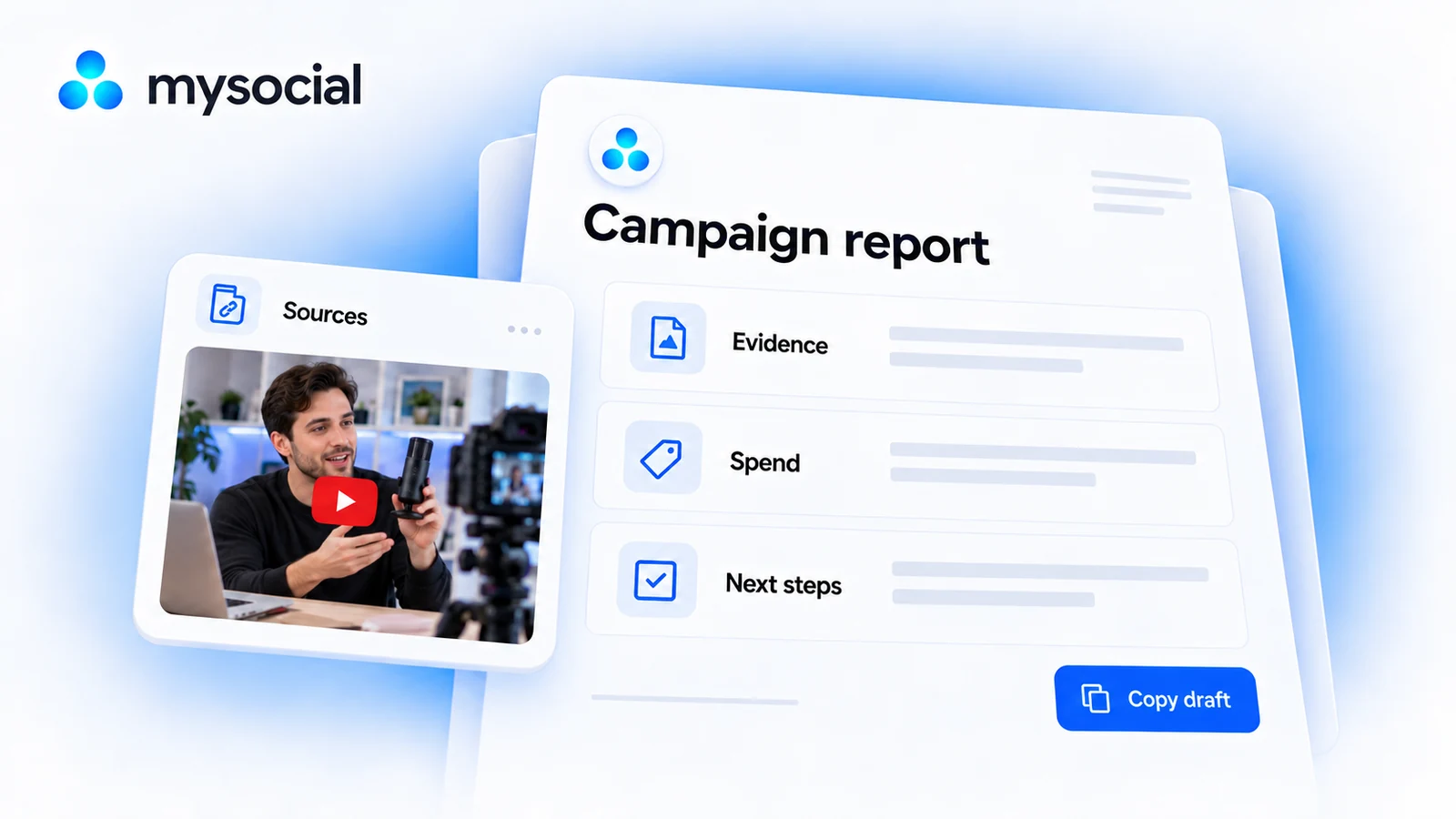
Create an influencer campaign report from delivery records, dated results and source evidence. Copy the template or build a free local Markdown draft.

Metrics brands use to measure influencer ROI. Engagement benchmarks, conversion tracking methods, ROI formulas, and fraud signals.
Social media reporting is how an agency, brand or creator shows what their channels delivered over a period: followers and growth, the posts that performed, and what happens next. A good report says where each number came from and when it was captured.
Influencer reporting is how a brand, agency or creator shows what a sponsored campaign delivered: which posts went live, what each one earned on the platform, what it cost and what happens next. A good report says where every number came from and when it was captured.
Mysocial is a social media intelligence system. For reporting, it gives you a creator’s posts and metrics from their connected accounts, in the app and in Claude or ChatGPT. You or your AI put the report together; there is no campaign dashboard or one-click export.
The post metrics each platform provides, such as views, likes, comments, shares and saves, plus follower and engagement trends for the channel. Availability differs by platform. Clicks, sales and revenue come from your own links, store or analytics.
No. The creator connects their channels with each platform’s own login and shares one with your workspace. You get read-only access, and they can stop sharing at any time.
On the Mysocial web app, the creator opens Settings, then Channels, and selects Share on a channel. The list shows the workspaces they belong to, so invite them to your workspace first. Each member uses one of your plan’s users.
They can draft it. Connect Mysocial to Claude or ChatGPT and ask for the posts with their numbers, and the assistant can arrange them in your report’s structure. Check every figure against its source before you send the report.
Yes. Connecting channels, their analytics, a Media Kit and the Mysocial MCP are included on Free, and sharing a channel costs nothing extra. Paid plans add Content Memory, and higher plans add more users and workspaces. See plans and pricing.
A Mysocial Media Kit is a public page with a creator’s current channel figures, such as followers, engagement, growth and top posts, and its owner can see visits to it. It isn’t a campaign report: it doesn’t pick out the sponsored posts or their results.
Connect a channel for free, then pull its posts and numbers into your next report, in Mysocial or in your AI.