Find creators who already speak your language.
Search the topics your customers care about. See who explains them on Instagram, TikTok and YouTube, inspect the actual posts and save a shortlist your team can act on.
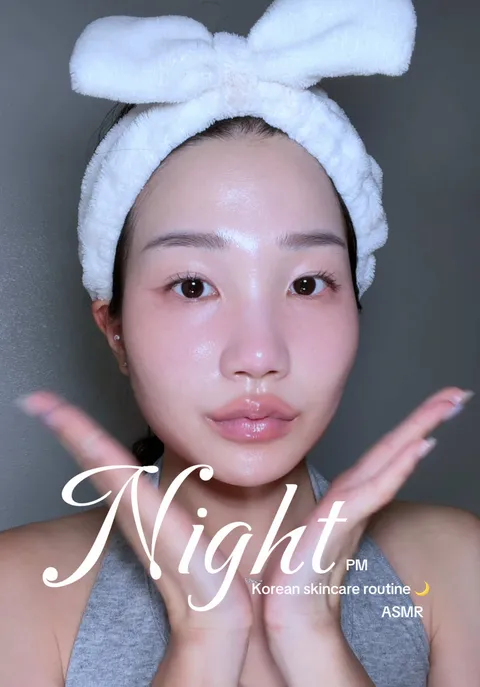
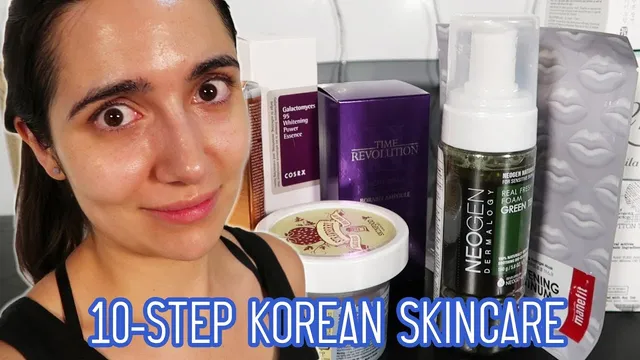
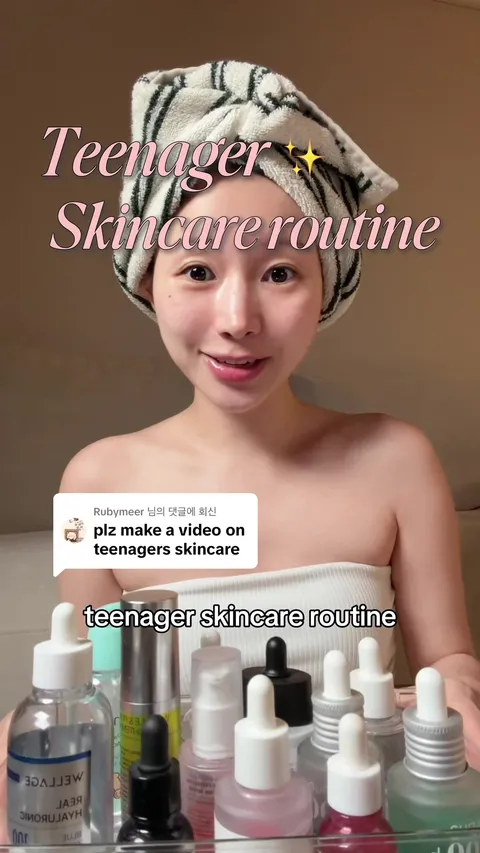
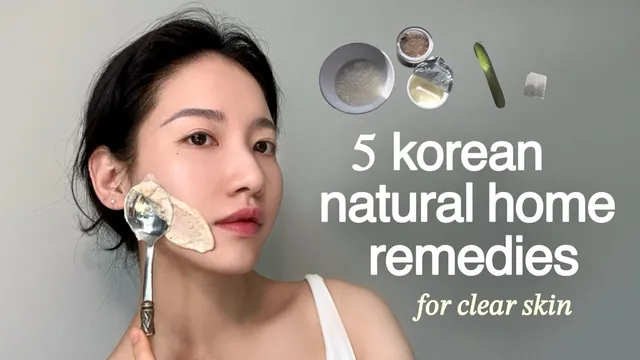


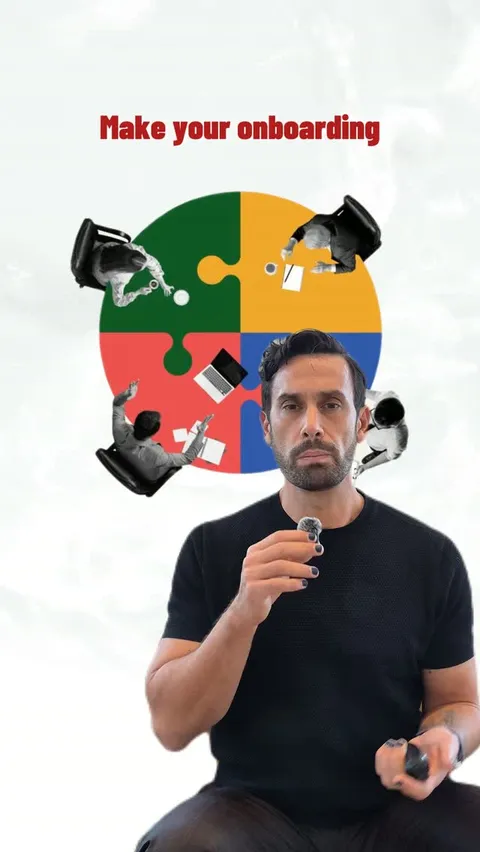

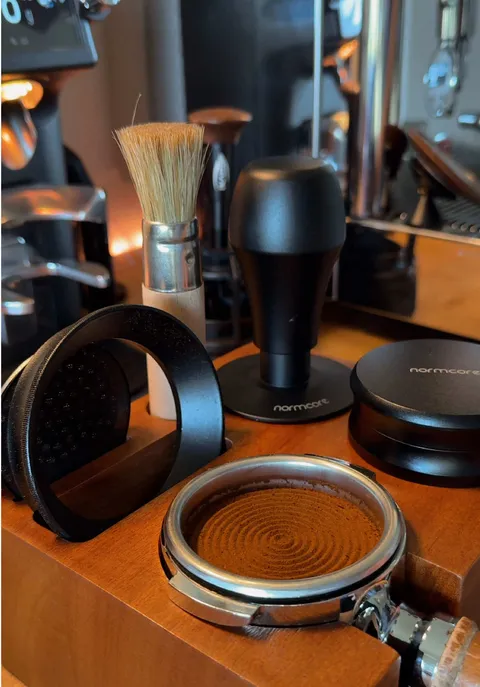
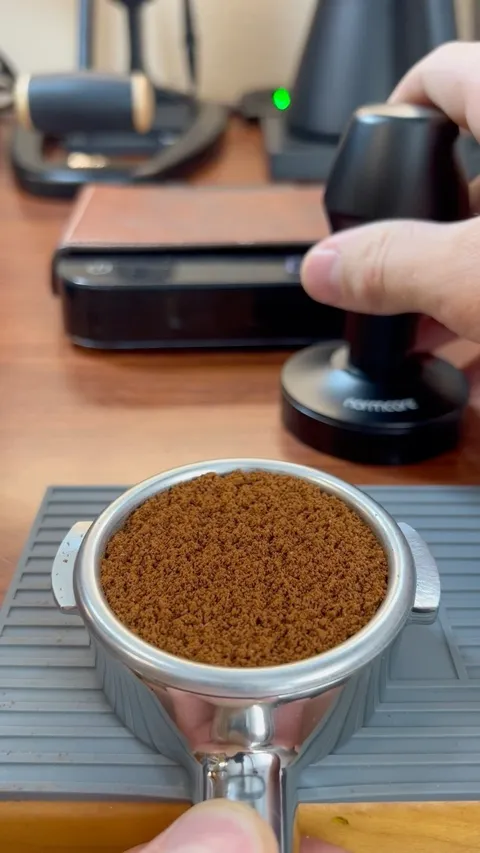
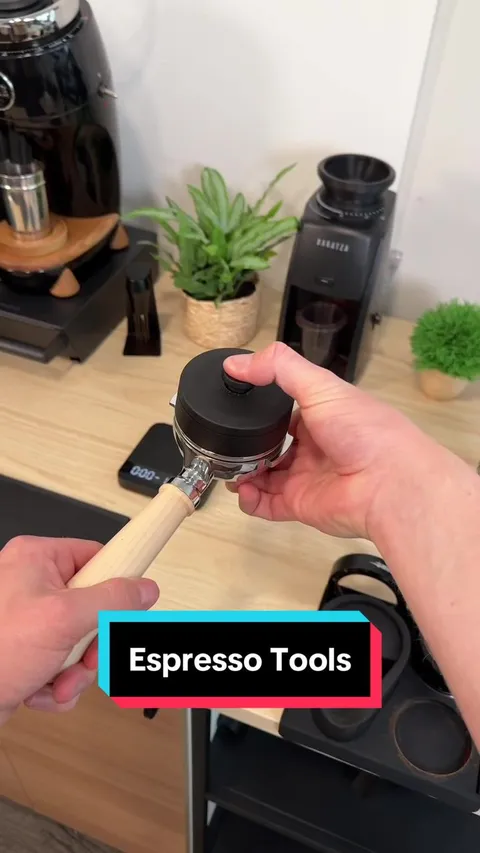

From a topic to the people who teach it.
Mysocial searches what creators publish, not what they call themselves. You find people by the work they already do.
Search
Search by topic, not by handle
Describe what your customers care about. Mysocial searches posts on Instagram, TikTok and YouTube within the window you choose and returns the creators behind the strongest ones.
Search a topic in Partnerships Search a topic in Partnerships

Rank
See who earns reach on your topic
Every creator comes with how many of their posts matched, the views those posts earned and their strongest one. Results are ranked within each platform and balanced across them, because a view means something different on each.
Open the Creator Universe Open the Creator UniverseInspect
Judge the work before the follower count
Open the posts behind each result and the available profile. Check how they explain, which format they use and who they talk to. Search does not verify demographics, availability or rates, so confirm those with the creator.
How to judge creator fitSave
Keep a shortlist your team can act on
Save the creators you choose to Partnerships, with the posts and notes behind each pick. New channels are collected in the background. When you are ready, research contacts and prepare an introduction.
Manage the relationshipMysocial MCP
Or brief your AI and let it search.
Connect Mysocial to Claude or ChatGPT and describe the brief. Your assistant runs the search, shows the posts behind each creator and saves the people you pick.
Built for whoever is doing the finding.
- Brands Find the educators already explaining your category to your customers.
- Agencies Build a shortlist for each client, with the posts behind every pick.
- Creators Find collaborators who make work your audience will recognise.
Good to know.
What do I need to get started?
External creator research requires a plan with research access and uses the available allowance. Your assistant needs a Mysocial connection.
Can I search for an exact social handle?
Topic search finds content and its creators. Add a known channel URL directly, then check the profile status.
Are demographics or availability verified?
Search results do not verify demographics, availability or rates. Review the sources and confirm the details with the creator.
Can I manage the shortlist afterward?
Yes. Save prospects in Partnerships and keep their research, available contacts and relationship history together.
Find your next collaborator through their work.

Start with a topic
Search a specific topic and save the creators worth a closer look.
Find relevant creators Open PartnershipsFree to create an account. Creator research uses your plan’s research allowance.
Looking for sponsors instead? Find brands