Plan, publish and review your posts
Keep approved ideas in a planning space, prepare the assets, choose one scheduler and review what happened after publication.
- Start with
- Approved post briefs, usable assets and access to your social accounts.
- Work toward
- A reviewed publishing queue and a later performance review.
Keep briefs, asset links and review status in a content checklist.
Use Notion
Prepare the visual assets and review text, rights and format.
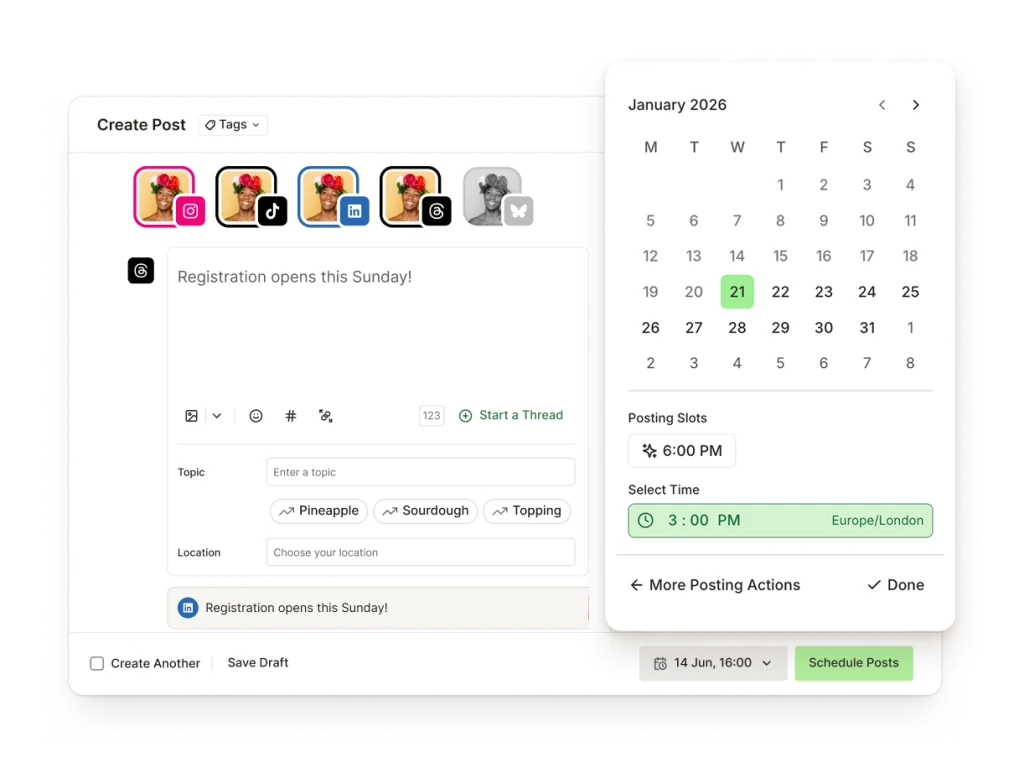
Upload the assets, check network support and approve your chosen publishing queue.
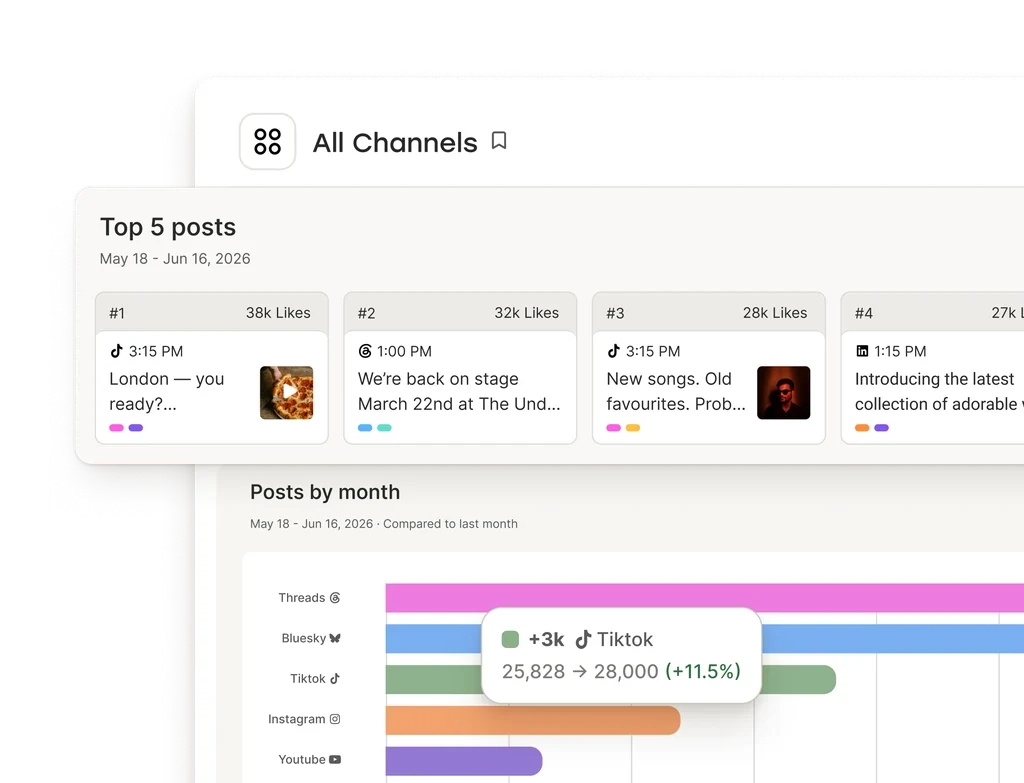
Review available metrics after posts are live, keeping the date range and network limits visible.
Use Metricool
 Canva
Canva  Adobe Express
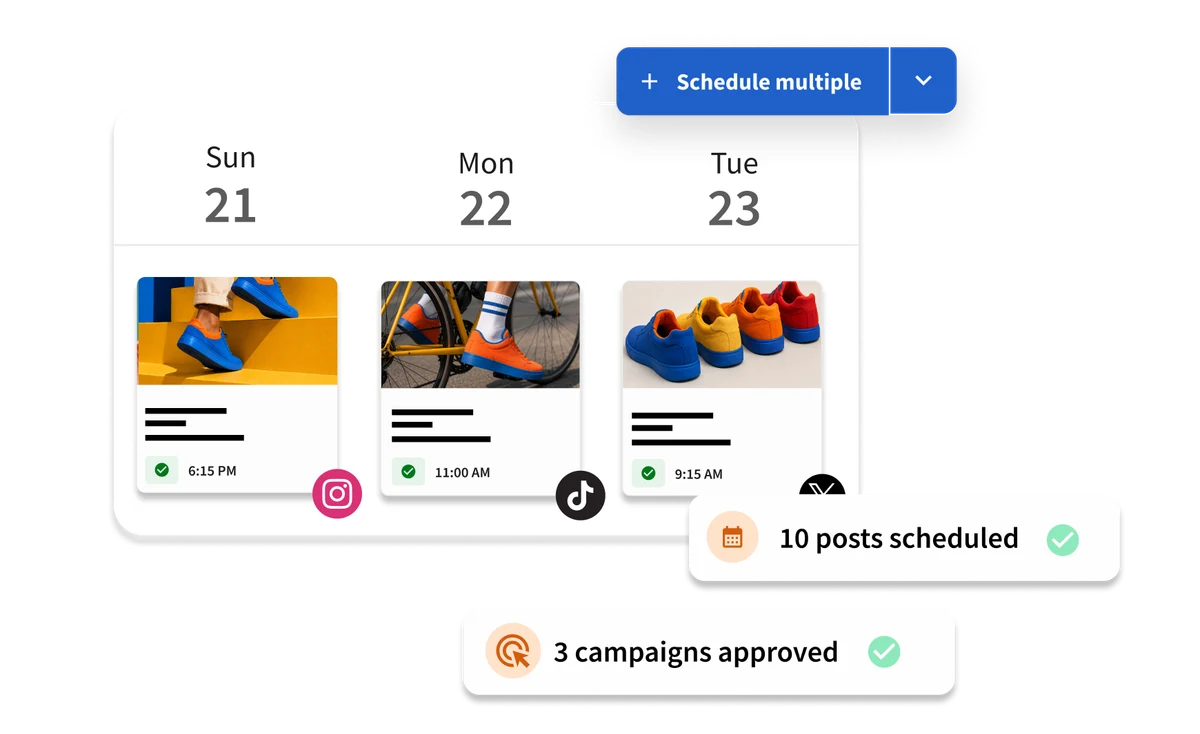
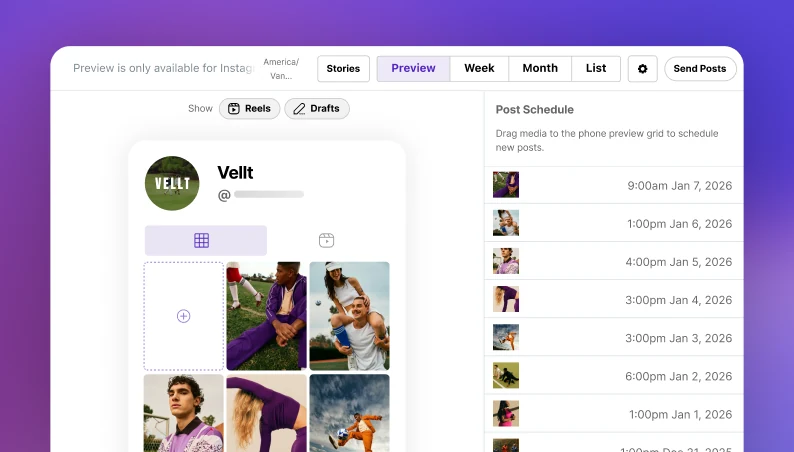
 Later Social
  Hootsuite
Before you start. These are separate accounts and manual handoffs. Each scheduler supports its own networks and formats; analytics depth, approvals and exports depend on the plan. You choose dates and authorize publication.
How these tools work together
Manual handoff Use the approved brief as design input; transfer copy and asset links yourself.
Manual handoff Export usable assets and upload them to the scheduler; review its accepted formats.
Complementary tools Connect the social account separately for measurement. This does not claim a Buffer-to-Metricool data connection.
Complementary tools An optional separate reporting tool can support a review; first check whether your scheduler already covers the job.
Optional preparation: use your own written archive as evidence before adding briefs to your planner. Own connected LinkedIn post text and basic metrics are free to read in Mysocial; an AI account with connector access is required.
Check publishing, reporting and team needs before paying for overlapping tools. Public comparison; vendor account access and paid plans are separate.