Present your work to brands
Prepare real examples, publish a media kit with current account context and add its URL to a link page you control.
- Start with
- Real work, current account metrics and offers you can fulfill.
- Work toward
- A reviewed public media kit and a link page pointing to it.
Prepare truthful portfolio examples and any visuals you need for your public presentation.
Select connected account data and real work, review the kit and explicitly publish it.
Use Mysocial
 Canva
Canva  Adobe Express
 Beacons
Before you start. Mysocial Media Kit is free. You select its content and press Publish; draft changes need publication again. Link-page design, commerce and fees have separate vendor limits. A kit does not guarantee sponsorships.
How these tools work together
Complementary tools Design preparation and a data-backed kit serve the same presentation job. This does not claim a design-file import into Mysocial.
Manual handoff Copy the published kit URL into a link-page entry and verify the public destination.
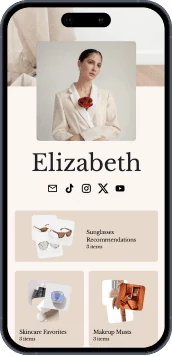
Manual handoff Add the kit URL as a link. Beacons also has its own presentation products, so choose the parts you need.
Check the required sections, date ranges and truthful campaign examples before publishing. Public guide; Mysocial Media Kit is free and does not require Intelligence.