Skip to content
Creator appsResearched from official sources
From an idea to an outcome

A few steps.
A new possibility.

Find the workflow for the work you want to do. See what goes in, which apps help, and what you get out.

15 workflows11 AI guides · 4 app stacks
Start with what you've already made

Your content.
Your next good idea.

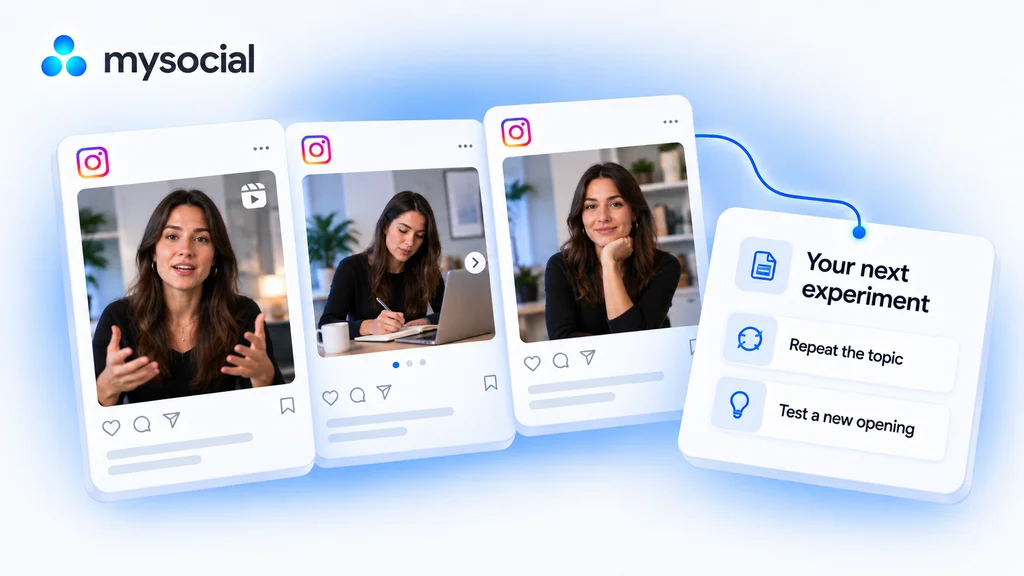
Use your connected social data with Claude or ChatGPT. Review what worked, find a useful angle, and turn it into your next draft.

Explore the workflow Uses connected posts and available basic metrics. An AI account with connector access is required.
Choose your next move

All workflows

Connected guides and useful combinations.

15 workflows

Put your social data to work

Mysocial + your AI assistant

YouTube · Audience research


Analyze YouTube comments with ChatGPT

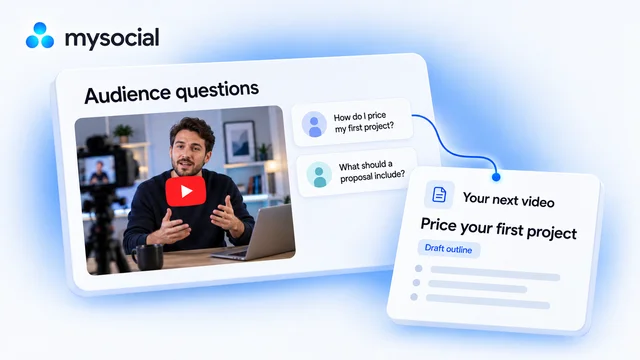
Find what your audience wants next. Turn their comments into a video brief built for your channel.

Start with
Your YouTube comments
Work toward
Your next video brief
YouTube · Repurposing

Turn one video into a week of content with Claude

Start with a video you have already made. Turn its best ideas into three distinct drafts, in your voice, ready to review across the week.

Start with
One of your YouTube video transcripts
Work toward
Three social drafts and a simple weekly plan
Instagram · Performance review

Analyze Instagram performance with Claude

Find what is worth repeating. Compare your Instagram posts and choose one clear experiment for your next post.

Start with
Your Instagram posts and metrics
Work toward
One evidence-backed content experiment
YouTube · Content packaging

Audit YouTube titles with ChatGPT

Make the promise of your video easier to understand. Get title options grounded in what you actually teach.

Start with
Your YouTube titles and video transcripts
Work toward
Three title options for one video
YouTube · Repurposing

Repurpose YouTube videos for LinkedIn with Claude

Turn one lesson from your video into a LinkedIn post. Keep your experience and voice, with a draft ready for your review.

Start with
One of your YouTube video transcripts
Work toward
A LinkedIn post draft in your voice
TikTok · Content packaging

Audit TikTok hooks with ChatGPT

Find where your opening takes too long to get to the point. Draft a clearer first line from your own TikTok videos.

Start with
Your TikTok videos and transcripts
Work toward
Three spoken hooks to record
LinkedIn · Content planning

Plan LinkedIn content with Claude

Turn your existing expertise into a week of useful posts. Get three briefs with different angles and a clear reason to write each one.

Start with
Your LinkedIn posts and available metrics
Work toward
Three briefs for your next week
Instagram · Repurposing

Turn Instagram Reels into carousels with Claude

Give a useful Reel a second format. Turn its lesson into carousel copy that readers can follow one slide at a time.

Start with
One of your Instagram Reel transcripts
Work toward
Carousel slide copy and a design brief
YouTube · Content maintenance

Refresh old YouTube videos with Claude

Keep your best lessons useful. Review an older video and build a focused update plan without starting from scratch.

Start with
Your older YouTube videos and transcripts
Work toward
A source-backed video refresh brief
LinkedIn · Repurposing

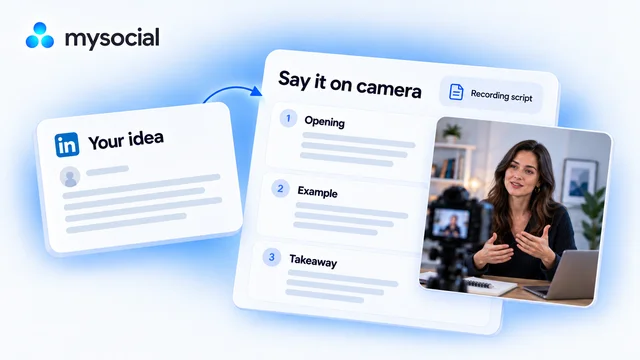
Turn LinkedIn posts into video scripts with ChatGPT

Take an idea you have already written and say it on camera. Get a short script that sounds like you, with a simple recording plan.

Start with
Your published LinkedIn post text
Work toward
A spoken script and recording plan
Instagram · Audience research

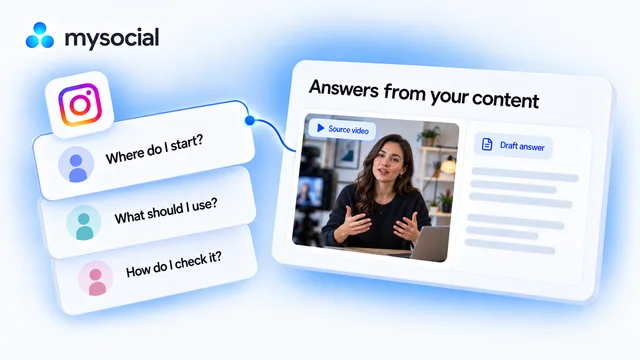
Create Instagram FAQs from comments with Claude

Answer the questions your audience keeps asking. Build a small FAQ from real comments and the explanations you have already published.

Start with
Your Instagram comments and published explanations
Work toward
A sourced FAQ with answer drafts

Build a useful app stack

Simple steps, with each handoff explained

A creator workflow

Plan, publish and review your posts

Keep approved ideas in a planning space, prepare the assets, choose one scheduler and review what happened after publication.

Start with
Approved post briefs, usable assets and access to your social accounts.
Work toward
A reviewed publishing queue and a later performance review.
  1. Keep briefs, asset links and review status in a content checklist.

  2. Prepare the visual assets and review text, rights and format.

  3. Upload the assets, check network support and approve your chosen publishing queue.

  4. Review available metrics after posts are live, keeping the date range and network limits visible.

Before you start. These are separate accounts and manual handoffs. Each scheduler supports its own networks and formats; analytics depth, approvals and exports depend on the plan. You choose dates and authorize publication.

How these tools work together

Manual handoff Use the approved brief as design input; transfer copy and asset links yourself.

Manual handoff Export usable assets and upload them to the scheduler; review its accepted formats.

Complementary tools Connect the social account separately for measurement. This does not claim a Buffer-to-Metricool data connection.

Complementary tools An optional separate reporting tool can support a review; first check whether your scheduler already covers the job.

A creator workflow

Turn a recording into short clips

Record the source, move a usable file into one editor and review the cuts and captions yourself.

Start with
Your own recording and permission to use its audio and visuals.
Work toward
Clip candidates and reviewed edits to export and publish yourself.
  1. Record your conversation or presentation and export a source your chosen editor accepts.

  2. Import the source, choose candidate moments and review edits, captions and framing.

Before you start. This is an export-and-upload recipe. Track downloads, upload formats, AI credits, editing access, export quality and watermarks differ by tool and plan. Check the source and captions before publishing.

How these tools work together

Manual handoff Export your source and import a supported file into the editor. No native cross-tool connection is required.

Manual handoff Upload a supported source for candidate clips. Review watermarks, editing access and export expiry before choosing a plan.

Manual handoff Import a usable recording into the web editor and check subtitles and export limits yourself.

Manual handoff Move your recording into an available editor and check device, region and export restrictions.

A creator workflow

Present your work to brands

Prepare real examples, publish a media kit with current account context and add its URL to a link page you control.

Start with
Real work, current account metrics and offers you can fulfill.
Work toward
A reviewed public media kit and a link page pointing to it.
  1. Prepare truthful portfolio examples and any visuals you need for your public presentation.

  2. Select connected account data and real work, review the kit and explicitly publish it.

  3. Manually add the media-kit URL and current offers; test each link before sharing.

Before you start. Mysocial Media Kit is free. You select its content and press Publish; draft changes need publication again. Link-page design, commerce and fees have separate vendor limits. A kit does not guarantee sponsorships.

How these tools work together

Complementary tools Design preparation and a data-backed kit serve the same presentation job. This does not claim a design-file import into Mysocial.

Manual handoff Copy the published kit URL into a link-page entry and verify the public destination.

Manual handoff Add the kit URL as a link. Beacons also has its own presentation products, so choose the parts you need.

Each guide explains the data and access it needs. App stacks label documented connections, manual handoffs and complementary tools.