Mysocial for YouTube
Know why your videos hit. Then make the next one on purpose.
Mysocial understands every video you’ve made and measures it against your own normal. Then your AI uses it to retitle your misses, repurpose your hits and pitch the brands that fit your channel.
Free to connect. Analysis from Creator Memory, $49/month.
Example channel Edmund Yong @edmundyong Public videos, credited. Not affiliated with Mysocial.
- recent videos measured
- 25
- median views, his baseline
- 68K
- his biggest outlier
- 33.8×
- top comments asking one question
- 3
The problem
YouTube Studio tells you what got views.
Not why.
Each video gets its own page of numbers. Nobody compares your whole catalogue, connects what you said with what your viewers asked, or tells your AI any of it.
-
One video at a time [01]
Your catalogue never gets compared
Studio ranks views. It doesn’t say which of your videos beat your own normal, or what they share.
-
Unsearched [02]
What you said is lost
Hours of your own words sit in videos you’ll never scrub through again.
-
Scattered [03]
Viewers ask, then scroll away
The same question shows up under different videos, and no one adds it up.
-
Re-explained [04]
Your AI starts from zero
You paste titles into ChatGPT and still get ideas that ignore your channel.
Example channel Edmund Yong @edmundyong · Public videos, credited. Not affiliated with Mysocial.
How it works
Mysocial brings in your uploads, transcribes what you said, understands every thumbnail and comment, and measures each video against your own normal.
Connect your channel with Google, read-only. Mysocial goes video by video.
-
Your uploads come in
Your newest 200 uploads with titles, descriptions, thumbnails, views, likes and comment counts. Subscriber history starts the day you connect.
-
What you said, word for word
Each video is transcribed from its captions, so its hook, claims and structure become searchable. Videos without captions are understood from title, description and thumbnail.
-
What viewers saw first
Mysocial understands every thumbnail: the words on it, the subject and the promise it makes next to the title.
-
What your viewers said back
Comments on your recent videos are analyzed for questions, objections and requests, within your plan’s history window.
-
Against your own normal
Every video is compared with your median, so a hit means a hit for you, not for the biggest channel in your niche.
Median 68K views
-
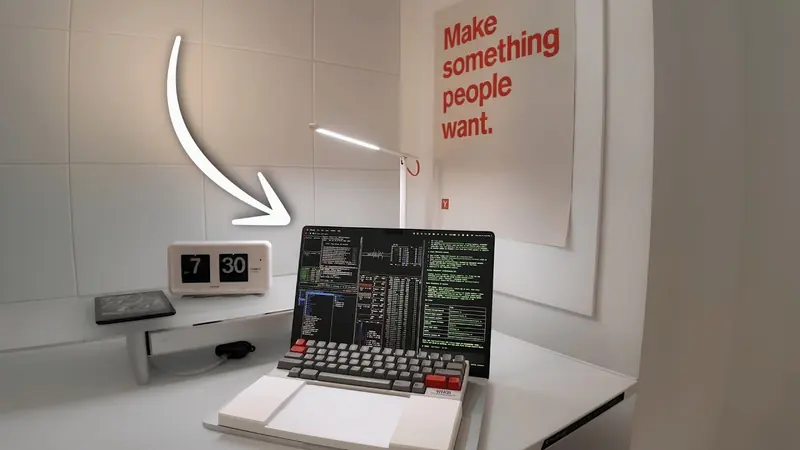 113K views, 1.6× the channel median
 -
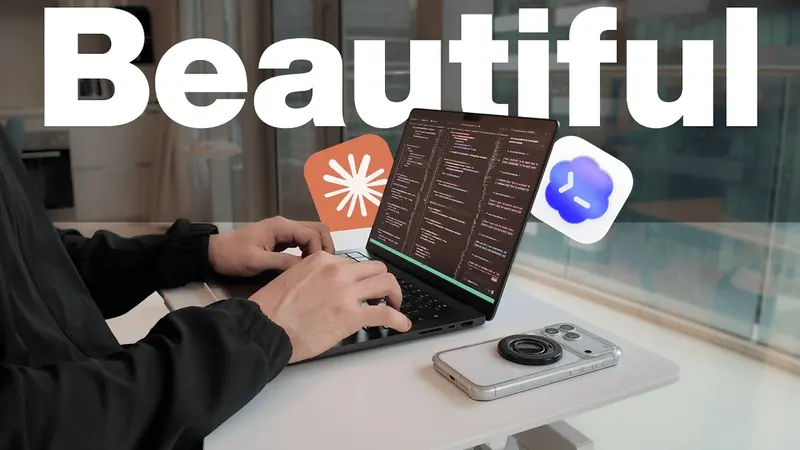 16K views, 0.23× the channel median
 -
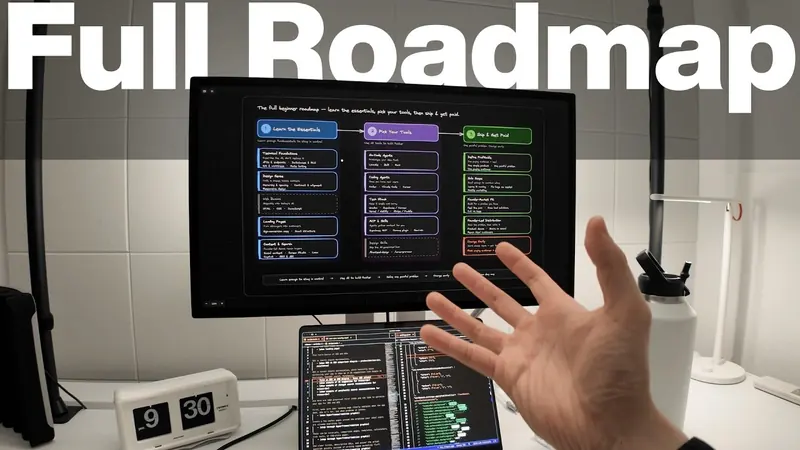 57K views, 0.83× the channel median
 -
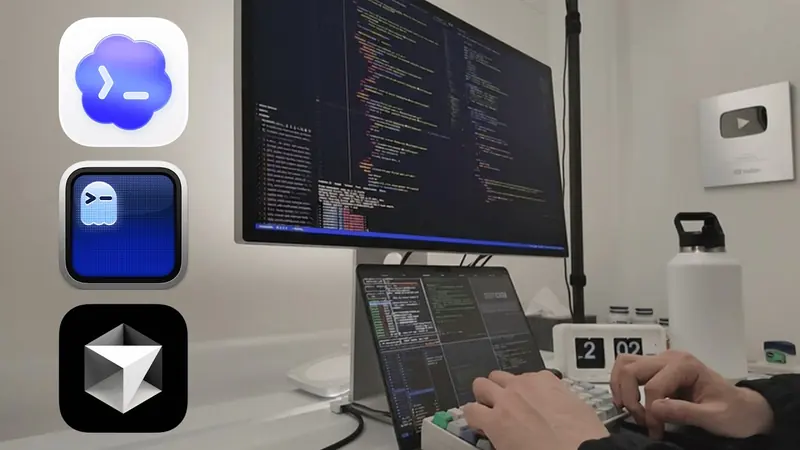 13K views, 0.19× the channel median
 -
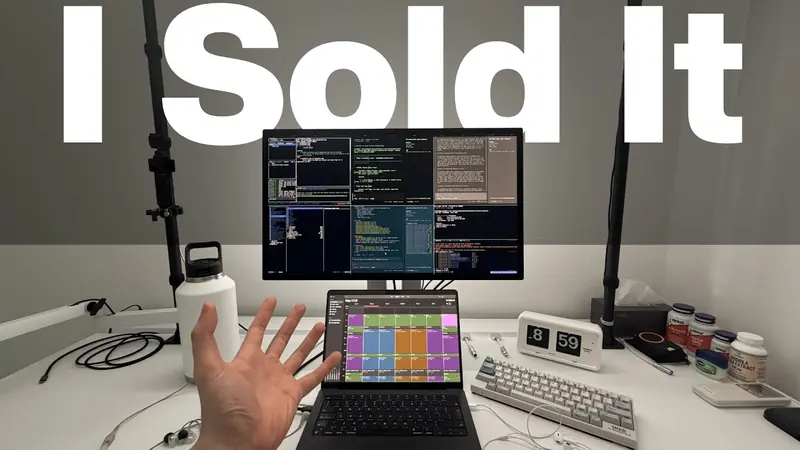 110K views, 1.6× the channel median
 -
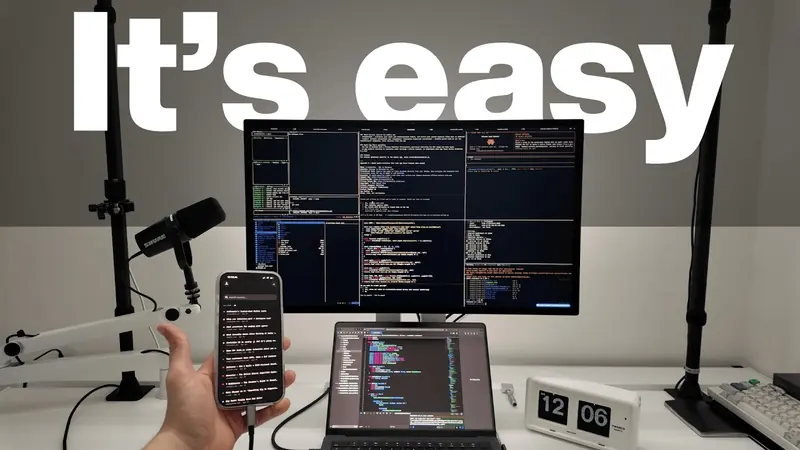 26K views, 0.38× the channel median
 -
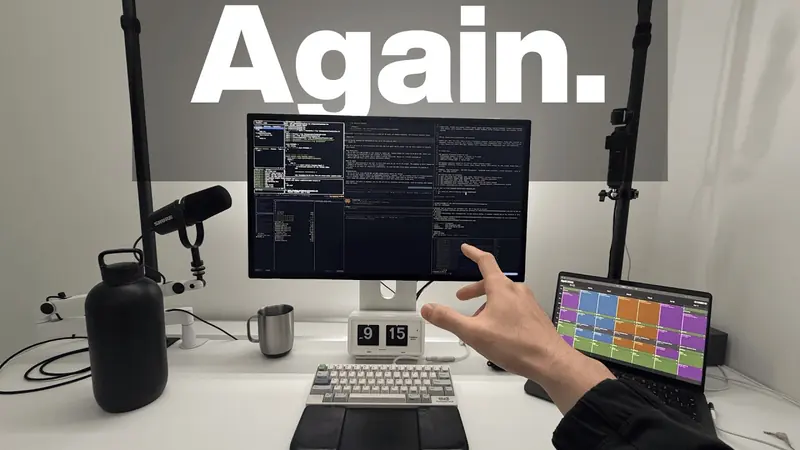 215K views, 3.1× the channel median
 -
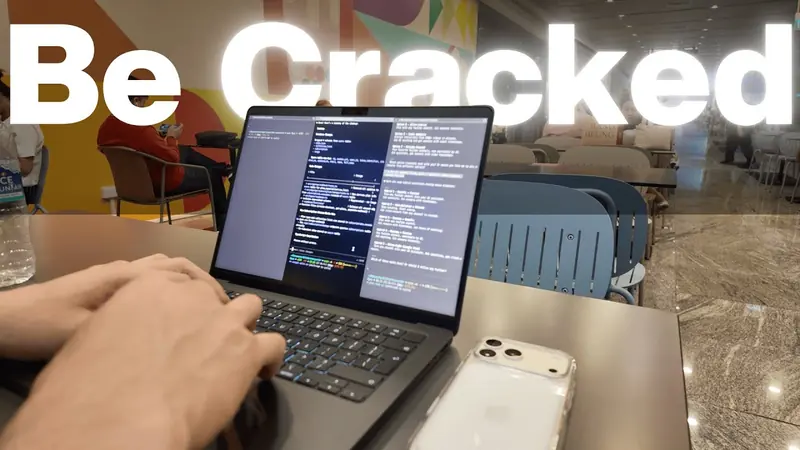 40K views, 0.58× the channel median
 -
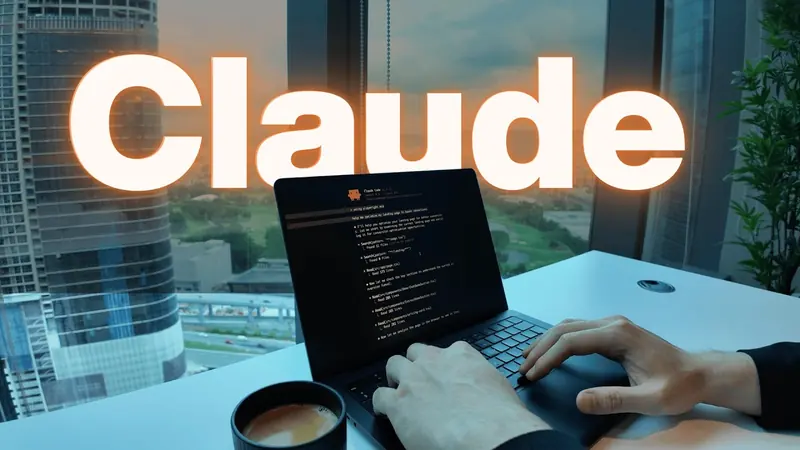 947K views, 13.9× the channel median
 -
 46K views, 0.67× the channel median
 -
 39K views, 0.57× the channel median
 -
 68K views, 1.0× the channel median
 -
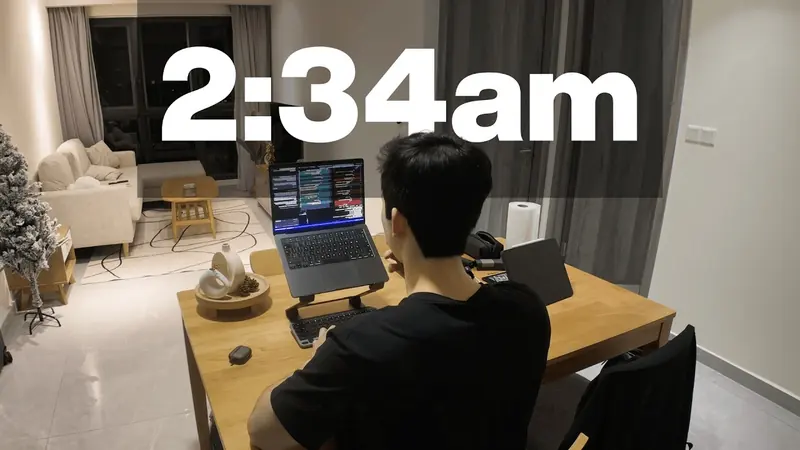 1.4M views, 20.5× the channel median
 -
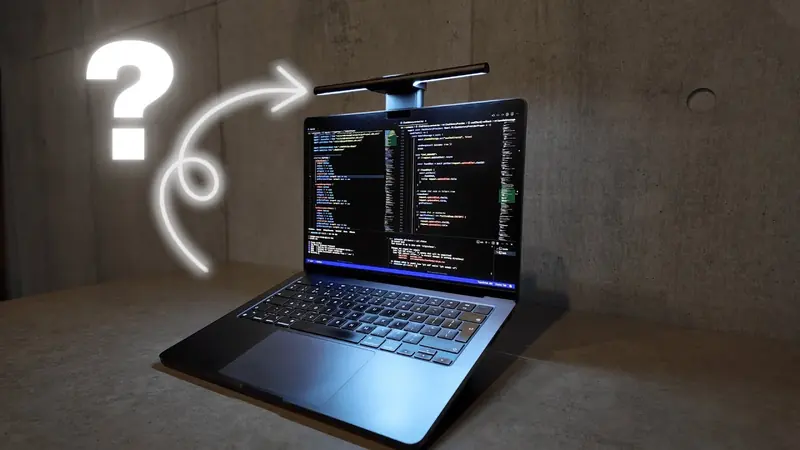 82K views, 1.2× the channel median
 -
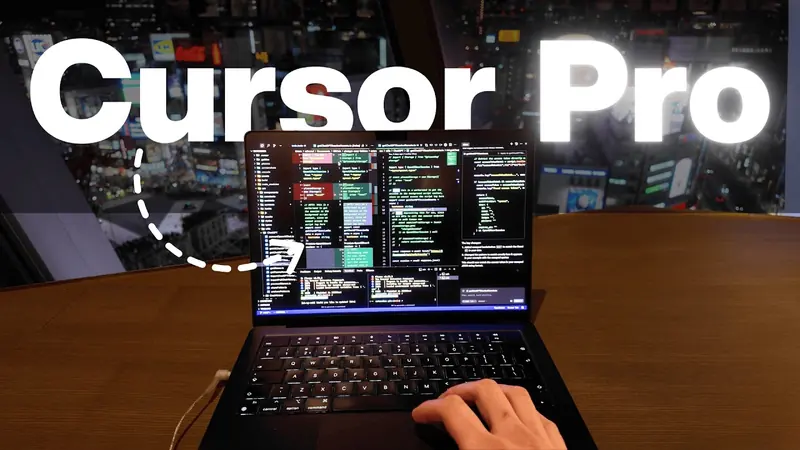 155K views, 2.2× the channel median
 -
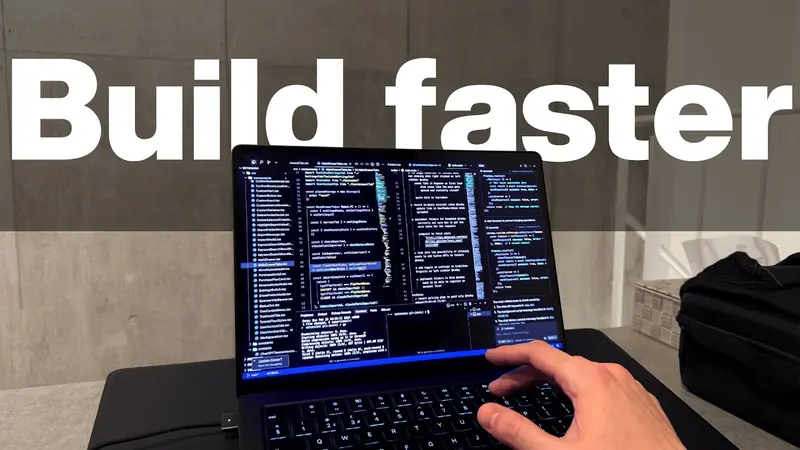 42K views, 0.61× the channel median
 -
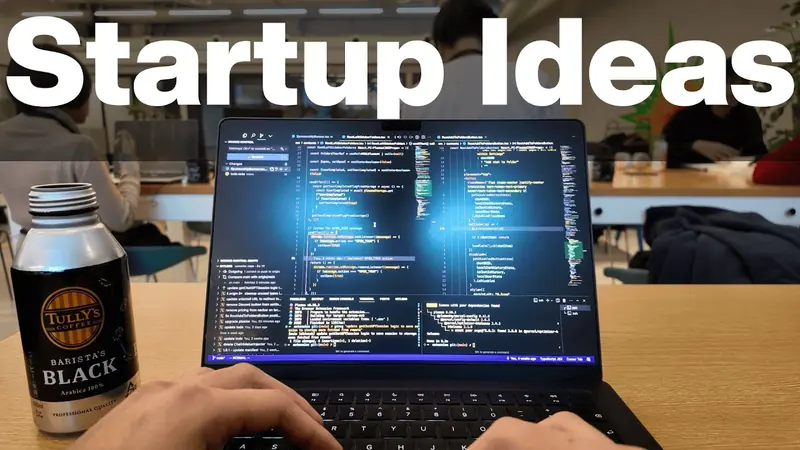 71K views, 1.0× the channel median
 -
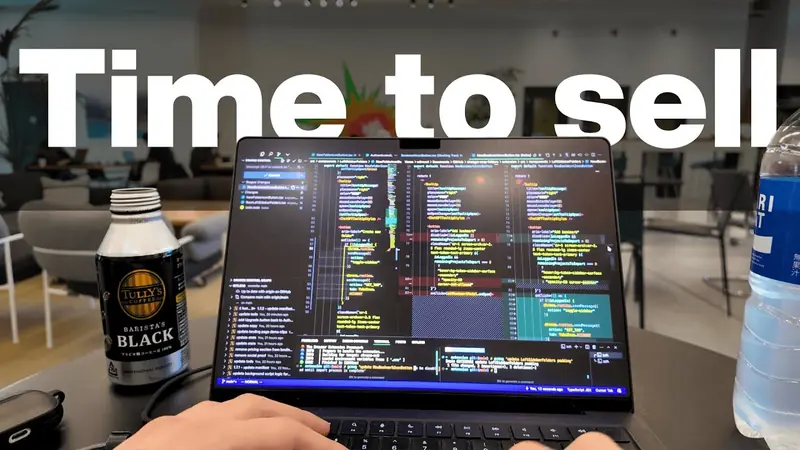 169K views, 2.4× the channel median
 -
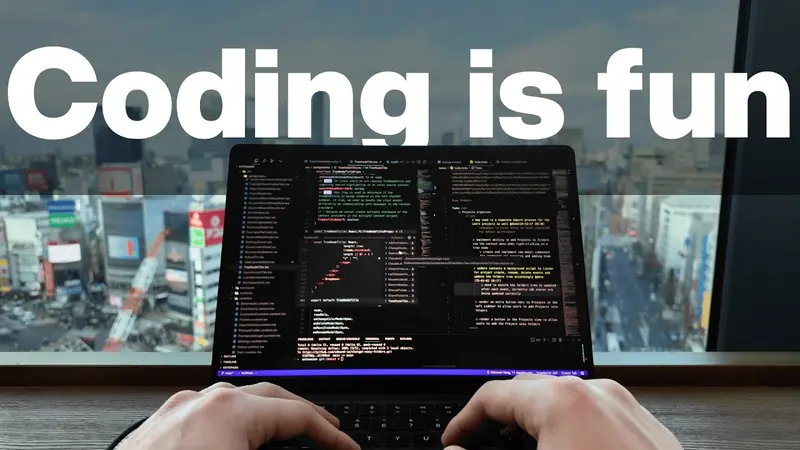 108K views, 1.5× the channel median
 -
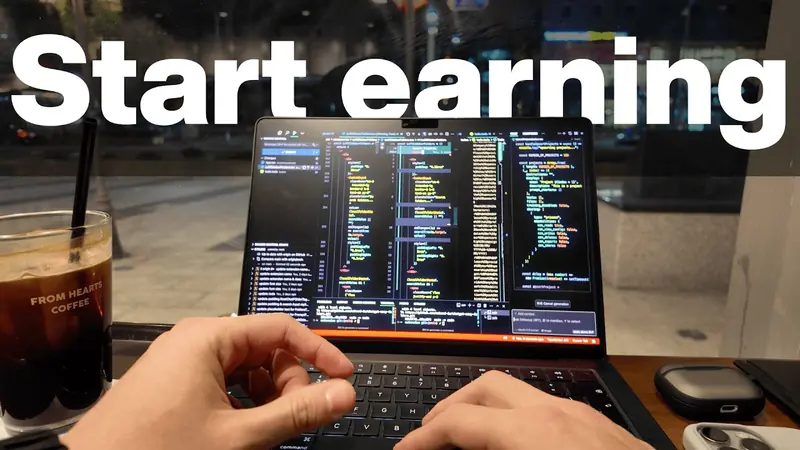 2.3M views, 33.8× the channel median
 -
 46K views, 0.67× the channel median
 -
 851K views, 12.5× the channel median
 -
 40K views, 0.58× the channel median
 -
 65K views, 0.95× the channel median
 -
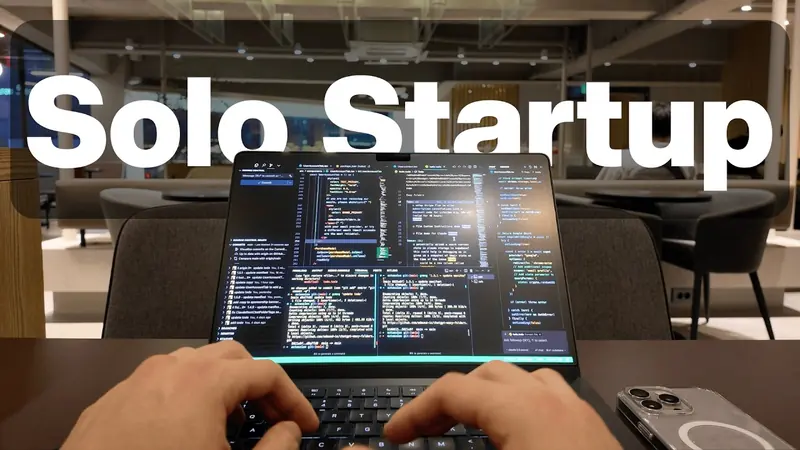 353K views, 5.2× the channel median
Example channel Edmund Yong @edmundyong Public videos, credited. Not affiliated with Mysocial. Views as of 31 Aug 2026
Outliers
Your hits, measured against you.
Views alone flatter old videos and punish new ones. Mysocial divides each video’s views by your median, so the videos that broke your normal stand out.
Each dot is one of Edmund Yong’s 25 recent videos. Median 68K views.
Example channel Edmund Yong @edmundyong · Public videos, credited. Not affiliated with Mysocial.
| Video | Views | × median |
|---|---|---|
| How I Code Profitable Apps SOLO (no wasted time / beginner friendly / with AI) | 2.3M | 33.8× |
| How I Coded ANOTHER Profitable App SOLO (step by step / from scratch / with AI) | 1.4M | 20.5× |
| 800+ hours of Learning Claude Code in 8 minutes (2026 tutorial / unknown tricks / newest model) | 947K | 13.9× |
| My MacBook Setup - Everything I Use for Coding (minimalist) | 851K | 12.5× |
| Why I love being a SOLO startup founder after quitting my 9-5 (realistic coding vlog) | 353K | 5.2× |
| How I Built ANOTHER Profitable App From Scratch SOLO (full journey) | 215K | 3.1× |
| OpenAI “Ended” My Startup: Here’s What I Learned (Tokyo coding vlog) | 169K | 2.4× |
| Cursor AI Tricks That Made Me a Better Solo Developer (& more productive) | 155K | 2.2× |
| My New Minimalist MacBook Setup for Coding (hardware, apps & settings) | 113K | 1.6× |
| My First Startup Exit: $100K Revenue, 5-Figure Sale (my story & what I learned) | 110K | 1.6× |
| How I Make Coding FUN with Simple Habits (and achieve my goals) | 108K | 1.5× |
| Minimalist Tech Setup: What I Use Daily For Coding, Content & Travel | 82K | 1.2× |
| How to Validate SOLO Startup Ideas Fast (beginner friendly guide) | 71K | 1.0× |
| Building a Profitable App from Scratch SOLO ($1K+ MRR in 1 Month) | 68K | 1.0× |
| Building a Solo Startup in my 20s (realistic coding vlog) | 65K | 0.95× |
| Everything I’d Learn to Ship My First PROFITABLE App in 2026 (beginner friendly) | 57K | 0.83× |
| Coding a Profitable Whop App From Scratch with AI (full guide / solo / beginner friendly) | 46K | 0.67× |
| Life as a 26 y/o Solo Startup Founder (realistic coding vlog) | 46K | 0.67× |
| My Simple System to Code Without Mental Blocks (as a solo startup founder) | 42K | 0.61× |
| Why Vibe Coders Can’t Build Useful Apps (+ how to save time & money / 2026) | 40K | 0.58× |
| Why I Quit My 9-5 to Build a Solo Startup (coding vlog) | 40K | 0.58× |
| My Solo Startup Journey So Far (realistic coding vlog) | 39K | 0.57× |
| How I Coded a Mobile App in 48 Hours SOLO (step by step guide / beginner friendly / with AI) | 26K | 0.38× |
| How To Make Your Apps Beautiful Without a Designer (Claude Code & Codex + Mobbin MCP) | 16K | 0.23× |
| My AI Coding Workflow — Everything I Use Now (for peak performance) | 13K | 0.19× |
Why it hit
Open any video.
See what it did.
The hook it opened with, what it promised, what viewers said back, and how it compares with everything else you’ve posted.
33.8× How I Code Profitable Apps SOLO (no wasted time / beginner friendly / with AI)
Hook · first spoken line
“Have you ever wanted to bring an app idea to life and turn it into a source of income?”
Transcript · from captions
- Have you ever wanted to bring an app idea to life and turn it into a source of income?
- This is what being able to code can unlock.
- But here’s a common trap: most people will waste months learning things that don’t actually move them closer to their goals.
- In this video I’ll provide a clear and concise roadmap for coding your first app, accepting payments from users, building a high-conversion landing page and securing your first customers.
Top comments
-
I have skillset to do it, but getting actual idea for worthy app is the hardest part imo.
514 likes -
My biggest issue is really not knowing what “problems” I have.
77 likes -
The hard thing is to actually find a problem to solve AND that is solveable.
11 likes
13.9× 800+ hours of Learning Claude Code in 8 minutes (2026 tutorial / unknown tricks / newest model)
Hook · first spoken line
“After spending over 800 hours in Claude Code, I’ve discovered ways to actually make this thing work for me, not against me.”
Transcript · from captions
- After spending over 800 hours in Claude Code, I’ve discovered ways to actually make this thing work for me, not against me.
Top comments
-
We want a complete marketing video
86 likes
Hit DNA
The pattern behind your hits
Hit DNA names the patterns your best videos share, per channel and format, with the videos that prove each one.
Connect your channel to see yours.
Connect YouTube free Open MysocialExample channel Edmund Yong @edmundyong Public videos, credited. Not affiliated with Mysocial.
Comments
Your comments are a brief for your next video.
The same question, asked again and again by different viewers, is the clearest signal a channel gets. Mysocial finds it and adds it up.
Example channel Edmund Yong @edmundyong Public videos, credited. Not affiliated with Mysocial.
Top comments on How I Code Profitable Apps SOLO (no wasted time / beginner friendly / with AI) 33.8×
-
I have skillset to do it, but getting actual idea for worthy app is the hardest part imo.
514 likes -
My biggest issue is really not knowing what “problems” I have.
77 likes -
The hard thing is to actually find a problem to solve AND that is solveable.
11 likes
Viewers keep asking
How do I find an app idea worth building?
How I Find App Ideas People Actually Pay For (solo founder)
Closest you’ve made: “How to Validate SOLO Startup Ideas Fast” (1.0×). Validating an idea isn’t finding one, so this is new ground.
Example brief, written from the comments above.
Titles and thumbnails
Retitle your misses
with the evidence
from your hits.
Mysocial knows which of your videos fell below your normal and what your best ones did differently. Your AI drafts new titles and thumbnail directions from that, and you change them in YouTube Studio.
Below your normal
vs 68K median- My AI Coding Workflow — Everything I Use Now (for peak performance)
- How To Make Your Apps Beautiful Without a Designer (Claude Code & Codex + Mobbin MCP)
- How I Coded a Mobile App in 48 Hours SOLO (step by step guide / beginner friendly / with AI)
0.19× No headline word Current title
My AI Coding Workflow — Everything I Use Now (for peak performance)
Your biggest outliers
- 33.8×
Start earning
- 20.5×
2:34am
- 13.9×
Claude
Title ideas
- How I Ship Apps SOLO With AI (my exact workflow)
- 800 Hours of AI Coding Later: The Workflow I Kept
- The AI Workflow I Use to Build Profitable Apps SOLO
Thumbnail direction
One big word over the laptop shot, like your three biggest outliers. This one shows app icons and no word.
Your biggest outliers promise a result for a solo builder (“How I Code Profitable Apps SOLO”, 33.8×). This title lists tools.
Example drafts, written from the channel data shown on this page.
Mysocial is read-only on YouTube: you review the ideas and change titles and thumbnails yourself.
Example channel Edmund Yong @edmundyong Public videos, credited. Not affiliated with Mysocial.
Repurpose
Your best idea shouldn’t live on one platform.
Mysocial remembers what hit on every channel, with the words, the transcript and how it performed. Your AI turns it into the next format: a long YouTube video from a Reel that broke out, or Shorts scripts and a carousel from a long video.
A Reel that broke out becomes your next YouTube video.
One idea, two platforms
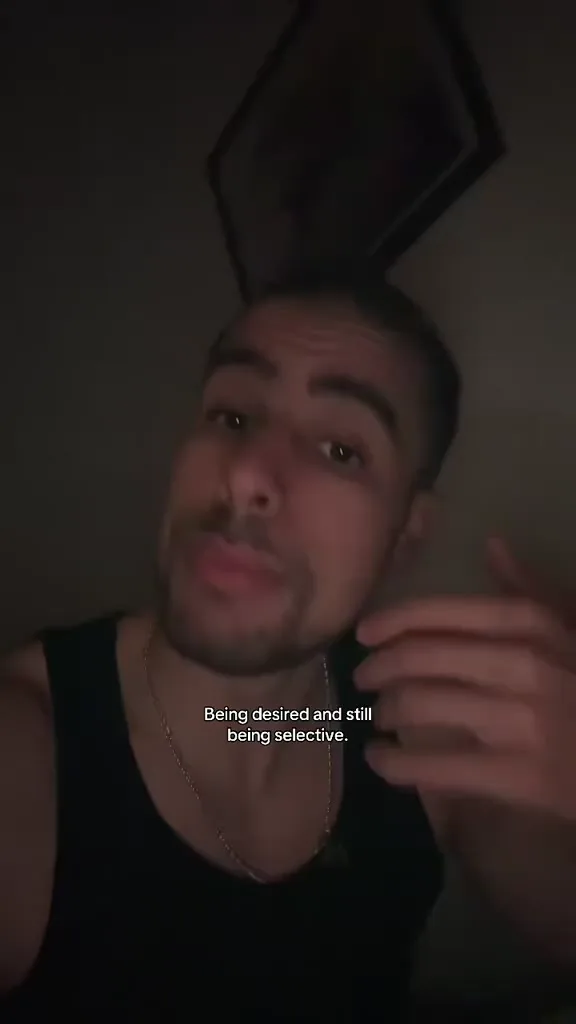 TikTok 808K views 295.7×
 × = views ÷ that channel’s median
 Mustafa Alfredji Our co-founder’s Reel and TikTok.
What was said
- Being attractive and still having the self-control to not sleep around, that is elite.
- Because a lot of people only have discipline when nobody wants them.
- And that is not discipline, that is just lack of opportunity.
- The real test is having options and still having standards.
- Being desired and still being selective.
What TikTok viewers said back
-
Elite here. I respect my own body.
1K likes -
It’s that simple. If I’m not in love, I don’t feel the need to sleep with anyone.
140 likes -
My body is a sanctuary
110 likes -
It’s because you respect ur body
13 likes
Attractive Is Common. Self-Control Is Elite.
- The test only desired people face
- Discipline, or just no opportunity?
- Options, and still standards
- What the comments said: it’s self-respect
- Being selective without proving anything
One long video becomes Shorts scripts and a carousel.
33.8×  Example channel Edmund Yong @edmundyong Public videos, credited. Not affiliated with Mysocial.
- Short 1 Hook
“People will pay you good money if you can resolve a pain they’re struggling with, save them time or help them make more money.”
Word for word - Short 2 Hook
“Aim to ship a version one of something simple rather than a version 0.1 of something complex.”
Word for word - Short 3 Hook
“Do your users really need dark mode, or is that time better spent making your app responsive for mobile devices?”
Word for word
Shorts, from the transcript
Carousel, from the video’s roadmap LinkedIn workflow
Example drafts, written by an AI from the real transcripts and comments shown.
Mysocial supplies the transcripts, comments and performance. Your AI writes the drafts. You make and post the videos.
Sponsors
Find the brands that fit your channel. Pitch them with your real numbers.
Search a niche and Mysocial finds the companies in it through the people who run their partnerships. Your AI drafts the pitch from your actual channel data, and every brand moves through one pipeline until it’s won.
 Mysocial Example
 Brand search
- Raycast Head of Partnerships Verified
- Notion Head of Partnerships Catch-all
- Hostinger Head of Partnerships Verified
- Brave Head of Partnerships Verified
- Proton Head of Partnerships Catch-all
- Squarespace Head of Partnerships Verified
Pitch draft
To Head of Partnerships Raycast Verified
I make videos for solo developers building apps with AI. My median video gets 68K views, and my biggest broke 2.3M.
Include your public Media Kit link
Edmund Yong @edmundyong
- subscribers
- 162K
- median
- 68K
- best
- 2.3M
You send it yourself. Mysocial never sends anything.
Partnerships
- Raycast Head of Partnerships Won
- Notion Head of Partnerships Contacted Follow up in 5 days
- Brave Head of Partnerships Contacted
- Hostinger Head of Partnerships Meeting
- Proton Head of Partnerships Won
- Squarespace Head of Partnerships Prospecting
- Work emails come back verified, catch-all or undeliverable.
- No follower minimum.
- On the web and in the app.
Brand search from Creator Memory. Your pipeline works on every plan.
Stats
Your numbers, wherever you need them.
Track your channel on the web and on your phone, keep a media kit that updates itself, and send brands a report they can trust.
Edmund Yong @edmundyong Example channel - Subscribers
- 162K
- Avg. views
- 294K
- Median views
- 68K
Average views flatter a channel with one big hit. Your median is your normal.
Connect your channel to see yours.
Over time
- Subscribers
- Avg. views
- Avg. interactions
- Eng. rate
Audience
Audience age, gender and country, where YouTube reports them.
How I Code Profitable Apps SOLO
Edmund Yong 2.3M views
Ideas
Shared from YouTube
How I Code Profitable Apps SOLO
How I Code Profitable Apps SOLO youtu.be/CNsvts6pVzo Mysocial Mail Copy link Mysocialnow Your idea is ready How I Code Profitable Apps SOLO On your phone
Save any video from the share sheet.
Share a YouTube video or Short to Mysocial. It’s saved to Ideas and transcribed, and you get a notification when it’s ready.
How Ideas worksExample channel: Edmund Yong @edmundyong Public videos, credited. Not affiliated with Mysocial.
-
Media kit
A media kit that keeps itself up to date.
Real subscribers, views and audience on one link, with suggested rates priced from your median views. Free.
-
Four steps
One sign-in. Your channel, understood.
-
Connect
Sign in with Google, read-only. Mysocial can’t upload, edit or delete anything.
-
Bring in
Your newest 200 uploads, with titles, thumbnails, views, likes and comment counts.
-
Understand
Each video transcribed from its captions, its thumbnail and comments analyzed.
-
Measure
Every video divided by your median, so the ones that broke your normal stand out.
Free to connect. Analysis from Creator Memory, $49/month.
Example channel: Edmund Yong @edmundyong Public videos, credited. Not affiliated with Mysocial.
Your AI
Ask Claude about your channel. It already knows it.
Connect Claude or ChatGPT once. It can search your videos and transcripts, open any comment thread and check an idea against everything you’ve already made.
Mysocial connected What should my next video be?
Claude
- search_content
- get_hit_dna
- check_if_idea_already_posted
Your two biggest outliers are solo build roadmaps: “How I Code Profitable Apps SOLO” at 33.8× your median and “How I Coded ANOTHER Profitable App SOLO” at 20.5×. Under the first, your top comments keep asking how to find an app idea worth building. Make that video next:
Next video
How I Find App Ideas People Actually Pay For (solo founder)
Closest you’ve made: “How to Validate SOLO Startup Ideas Fast” (1.0×). Validating an idea isn’t finding one, so this is new ground.
-
Ask
Ask Claude or ChatGPT about your channel in plain words.
-
Look it up
It searches your videos and transcripts, pulls your Hit DNA and checks what you’ve already made.
-
Answer
Your real titles and multiples, and a next video you haven’t made yet.
Works with Claude, ChatGPT, Claude Code and any MCP client.
How the MCP connection worksYouTube questions
What does Mysocial bring in from YouTube?
Your newest 200 uploads on each sync, with titles, descriptions, thumbnails, publish dates, durations, views, likes and comment counts, plus your subscriber history from the day you connect, and your audience’s age, gender and country where YouTube reports them.
Does it transcribe every video?
Mysocial transcribes your videos from their captions, including YouTube’s automatic captions where they exist. A video without captions is still understood from its title, description and thumbnail. Transcripts need a paid plan.
What does “× your median” mean?
It is a video’s views divided by the median views of your recent videos. 1× is a typical video for you; 10× means it did ten times your normal. It compares you with yourself, not with other channels.
What can I do with YouTube on the free plan?
Connect your channel and sync your videos and their numbers, track subscribers, build a media kit and smart links, and connect your AI. Transcripts, comment analysis, Hit DNA and outliers start with Creator Memory ($49/month, 150 active posts). See plans.
Can Mysocial help me find sponsors?
Yes. Search a niche and Mysocial finds the companies in it through the people who run their partnerships, with work emails checked as verified, catch-all or undeliverable. Your AI drafts the pitch from your real numbers, you send it yourself, and every brand moves through your Partnerships pipeline. Brand search starts with Creator Memory. Find sponsors.
Can it turn my videos into Shorts and carousels?
Your AI can. Mysocial gives it the transcript, the comments and how each video performed, and it drafts Shorts scripts, carousel copy, a LinkedIn post, or a YouTube outline from a Reel that broke out. Mysocial doesn’t edit or render video; you make and post it. Content repurposing.
Is connecting my channel safe?
You sign in with Google and grant read-only access to your channel and its analytics. Mysocial can’t upload, edit or delete anything, and you can disconnect at any time.
Will Mysocial post to YouTube for me?
No. Mysocial analyzes your channel and gives you and your AI the context to plan and draft. You make and publish your videos as you do today.
Whose channel is shown on this page?
Edmund Yong’s public channel (@edmundyong), from our own research, credited. The figures are his public view counts as Mysocial measured them on 31 Aug 2026. He is not a Mysocial customer and is not affiliated with us.
Your next video is already in your channel.
Connect YouTube and see your outliers, your hooks and your viewers’ questions in one place.
Free to connect. Analysis from Creator Memory, $49/month.
Start with one channel. Connect the rest when you’re ready.