Relationship Management
Every relationship. Ready for its next move.
Keep creator and brand research, conversations and next actions in one place. Your AI can prepare the follow-up with the context you and your team already saved.
Plans & setup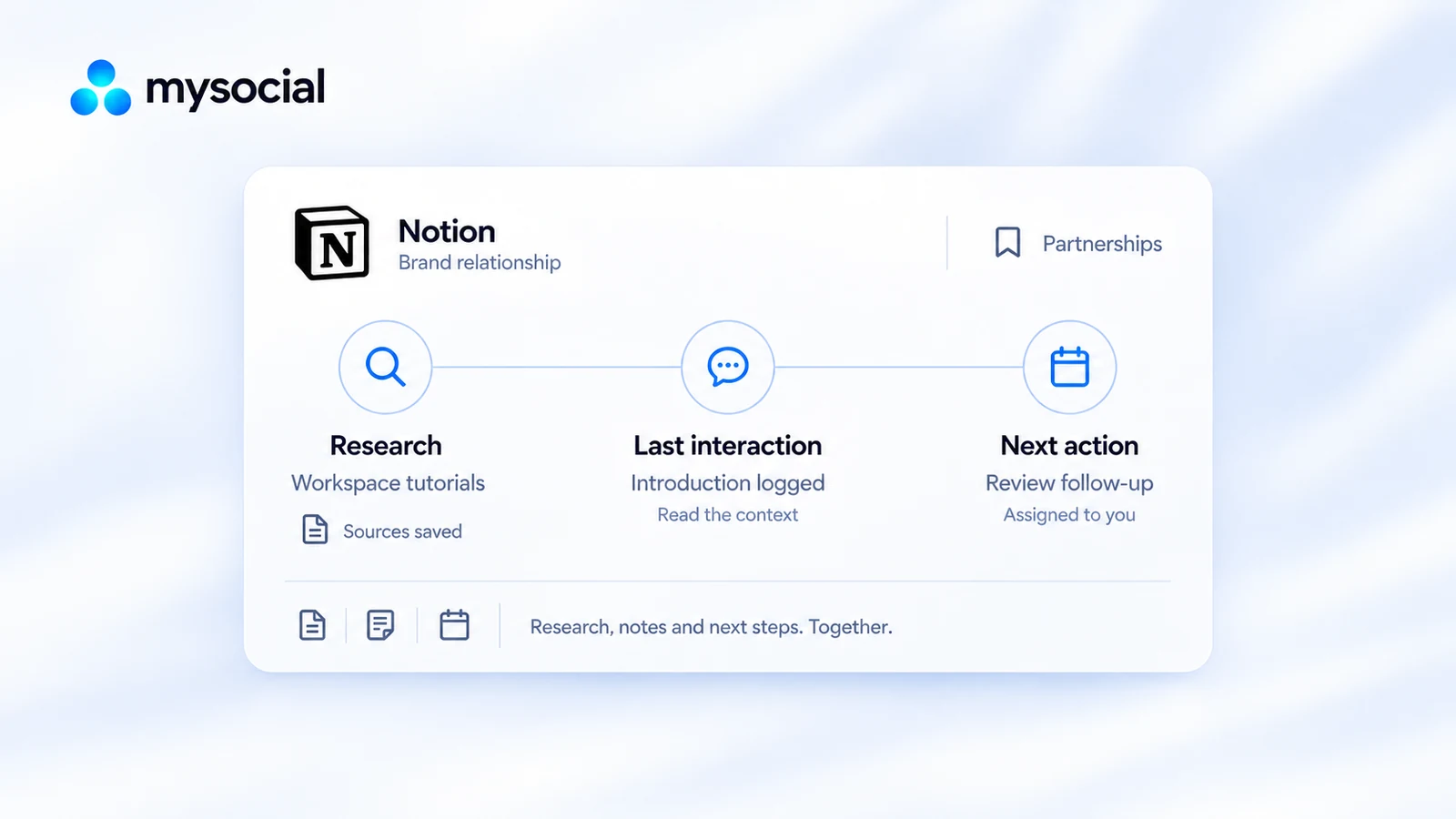
Saved relationship
An introduction becomes a clear follow-up.
A creator reads a logged brand introduction and saved research, then prepares the next follow-up task with that context.
Notion · introduction logged
Read this relationship’s saved research and contact history. Prepare a follow-up for my review and keep it with the record.
Review the follow-up with the last introduction in view.
Research: workspace tutorial sources saved
A saved prospect, its stage and the context behind the conversation.
Last interaction: introduction logged
Research, draft preparation or a follow-up grounded in the last interaction.
Next action: review the follow-up
Logged interactions and dated tasks, ready for you and your connected assistant.
Keep the research close
Remember the last conversation
Share the preparation
Partnership CRM Research, history and next actions.
Keep brands and creators in one relationship pipeline with contact routes, saved research, notes, stages and to-dos. Your assistant can read the history and help prepare the next action.
Explore Partnership CRM in ProductMysocial MCP
Your context.
Your choice of AI.
Bring your content, research and relationships into the conversation.
Explore the AI connection One memory.
The details
Good to know.
What do I need to get started?
Use records available in your selected workspace. External research and creator data access follow your plan and allowance; your AI needs connector access.
Is this only for influencer agencies?
Creators, brands and agencies can manage the brand and creator relationships available in their workspace.
Does this handle contracts or payouts?
It covers research, contacts, notes, stages and next actions. Use your existing tools for contracts and payments.
How does my AI know what to do next?
It reads the saved record, logged interactions and ready tasks. Keep those current so preparation follows the real relationship.
Pick up every conversation with the context intact.
Save the relationship, record what happened and make the next action clear.