Brand Partnership Proposal Template + Free Builder
Create a clear brand partnership proposal with deliverables, pricing, dates and evidence. Copy the template or build and download a draft for free.

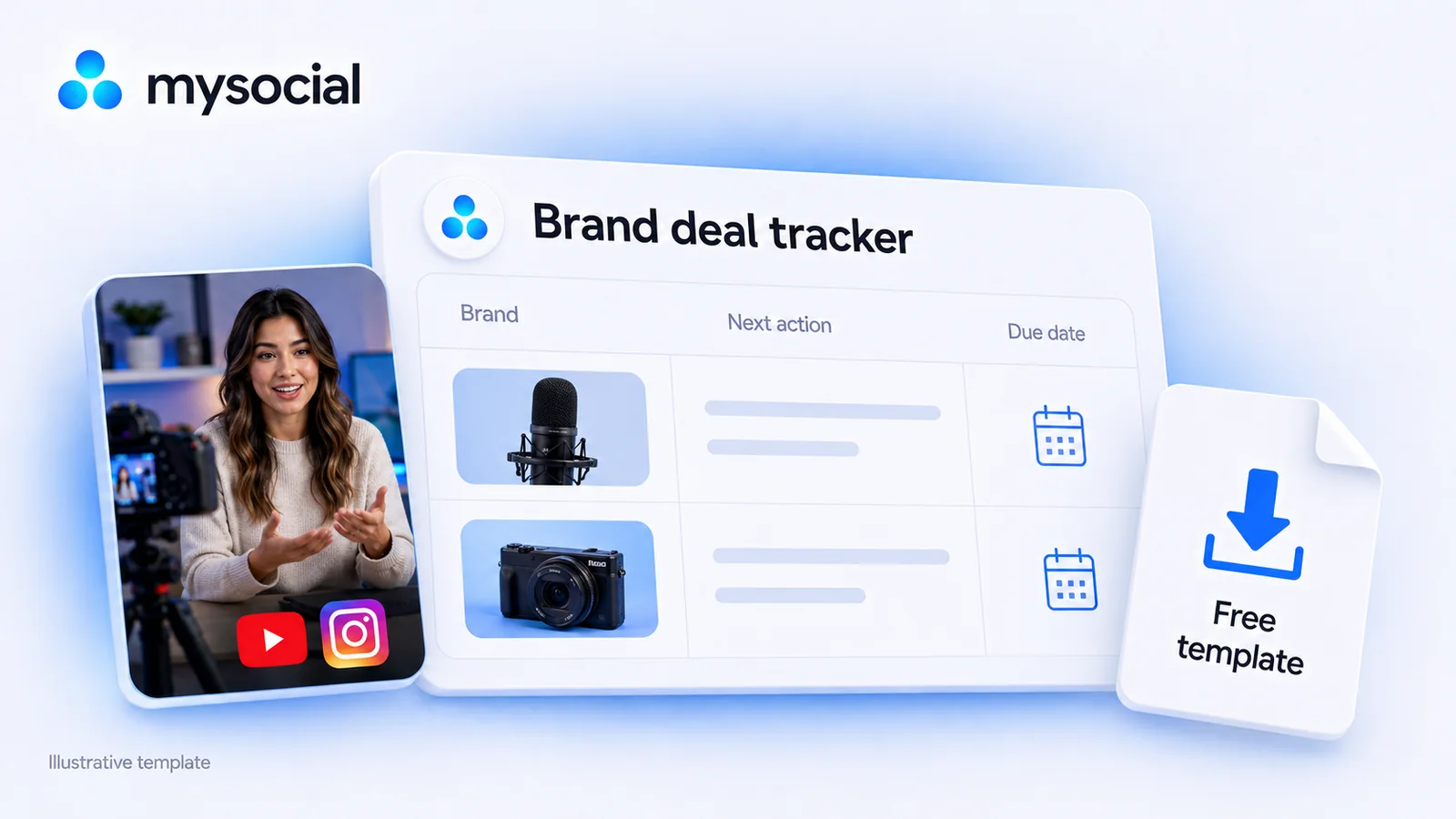
Quick answers
Yes. Download the Excel workbook without signing up. It includes a blank Tracker tab with 100 prepared rows and a separate Example tab with six fictional deals. The download works independently of a Mysocial subscription.
The download is an XLSX workbook. In Google Sheets, choose File, Import, select the workbook and create a new spreadsheet. Start in the blank Tracker tab and keep the Example tab as a reference.
Yes. Choose the platform for each deal, then describe the actual deliverable: a Reel, Stories, a YouTube integration or another agreed format. Each row records a next-action date, delivery date and payment due date separately.
No. Its formulas display missing inputs, due dates and outstanding balances when you review the sheet. You update the records, send messages and handle invoices and payments yourself.
Download a free brand deal tracker with a blank sheet and six filled examples. Use it to keep YouTube sponsorships, Instagram collaborations and other creator deals in one place, from the first contact through delivery and payment.
Every deal needs a clear answer to three questions: who needs a reply, what is due, and what is still unpaid? The workbook separates those checks so a finished video does not make an outstanding balance disappear.
Your free brand deal tracker
One Excel workbook. A blank Tracker tab with 100 prepared rows, plus a separate filled Example tab. No email or account required.
Download the free tracker (.xlsx)Version 1 · September 8, 2026 · Open in Excel or import into Google Sheets.
Open the Tracker tab and add one deal per row, starting at row 10. Use a distinct name when the same brand has multiple campaigns, such as “Audio brand — September video.” Start with three real prospects or active deals before filling your entire backlog.
In Google Sheets, choose File → Import, select the downloaded workbook, then choose Create new spreadsheet and import the data. This follows Google’s Excel import instructions. Keep both tabs so the examples remain available.
Edit the white input cells. The blue columns calculate the balance and three checks. The yellow Review date cell, B3, uses today’s date in the blank tracker; you can replace it with a fixed date when reviewing a past week.
Enter actual dates using your spreadsheet’s date entry controls. A note such as “next Friday” belongs in Next action until you turn it into a specific date in Action date.
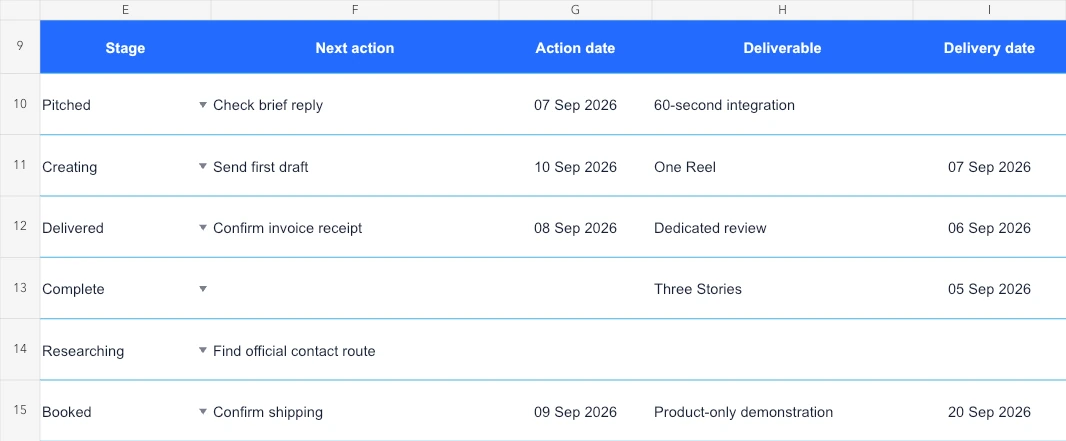
The Example tab uses a fixed review date of September 8, 2026. It includes common situations you can compare with your own records:
| Example deal | What the record shows | What needs attention |
|---|---|---|
| Sample Audio Co. | A YouTube pitch with an action date of September 7 | The follow-up is overdue; no fee has been agreed |
| Sample Studio Tools | An Instagram Reel in production, with a partial payment recorded | The delivery date has passed, even though the next action is later |
| Sample Camera Co. | A delivered YouTube review with nothing received | The payment is overdue and today’s next action is to confirm invoice receipt |
| Sample Desk Gear | Completed Stories with the full fee received | Payment shows Settled |
| Sample Repair Co. | A brand still being researched | Add a date for finding the official contact route |
| Sample Lighting Co. | A product-only demonstration with a zero cash fee | Payment shows No cash due; delivery still needs tracking |
The example’s top counters show five open deals, two follow-ups due, one late delivery and one late payment. “Follow-ups due” includes today and earlier; “late” means a date before the review date. Change B3 to see the date checks update. These are workflow examples, not suggested sponsorship rates or customer results.
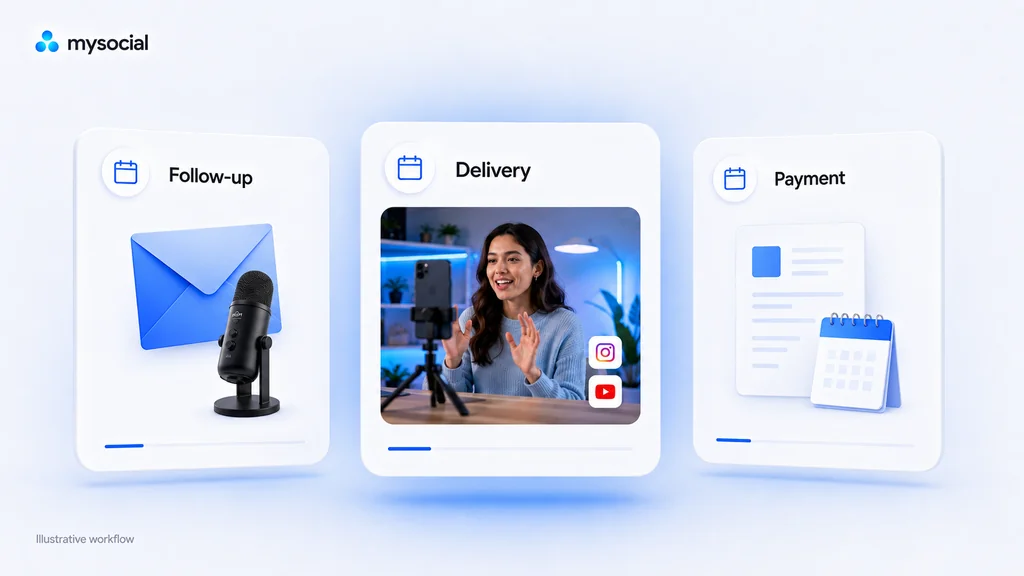
Action date is when you will take the next step: verify a contact, answer a brief, send a draft or check an invoice. Update the action and its date together after doing the work.
Delivery date is the deadline for the deliverable written in that row. For an Instagram collaboration, specify whether that means a Reel draft or the published Reel. For YouTube, distinguish a review cut from the scheduled integration. Keep additional milestones in Notes; one row has one delivery-date field.
Payment due is the date attached to the outstanding cash balance. Enter the agreed date, rather than assuming that a brand pays on publication day. If there are several instalments, use the next unpaid due date and record the remaining schedule in Notes.
| Fields | What belongs there |
|---|---|
| Brand / deal and Platform | A specific campaign and its content platform |
| Contact / route and Source URL | The relevant business contact or official application route, plus the page where you verified it |
| Stage | Researching, Pitched, Negotiating, Booked, Creating, Delivered, Complete or Closed |
| Next action and Action date | One concrete step you can do, with a date |
| Deliverable and Delivery date | The agreed content or milestone and its deadline |
| Currency, Agreed fee, Received and Payment due | The cash agreement, cumulative amount received and next unpaid due date |
| Notes | The brief, source-check date, remaining milestones, payment schedule and links to supporting documents |
Move a deal to Booked once the arrangement is agreed, Creating while producing it, and Delivered after supplying the stated deliverable. Use Complete when the remaining work is finished, or Closed for a prospect you are no longer pursuing. Completed and closed rows leave the open-deal counter.
The payment check still evaluates an entered fee after a stage change. Marking a deal Complete does not clear its unpaid balance.
Enter amounts as numbers and put the currency in its own column. In the fictional Instagram example, 750 agreed minus 250 received leaves 500 outstanding, all in USD. Update Received to the cumulative total when another payment arrives.
A blank fee means the amount is unknown or unagreed. A blank Received cell asks you to record the amount; enter 0 when nothing has arrived. For a genuinely product-only arrangement, enter 0 in both cash fields and describe the supplied product in Notes. The sheet does not value that product.
Balances use each row’s currency. There is no combined revenue total across currencies. The template tracks the amounts you enter; it does not calculate tax, exchange rates or invoice charges.
The blank tab has 100 prepared rows, from 10 to 109. Stay within those rows to retain the supplied formulas, dropdowns and counters. If you extend the sheet, copy a complete prepared row and extend the table, validation and summary ranges too. The six-row Example tab is a reference, not your working tracker.
For writing the actual message, use our guide to pitching brands. If you need evidence to include with a pitch, start with the YouTube media kit template.
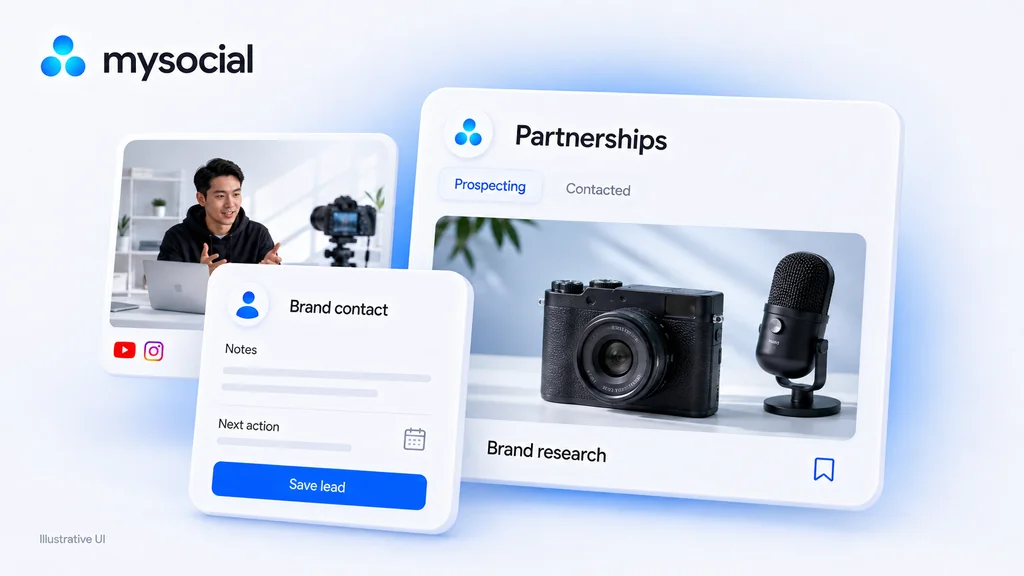
When your shortlist grows, Mysocial Partnerships gives you a place to save brand leads, contact details, notes, a next action and its date. Its pipeline uses Prospecting, Contacted, Meeting and Won. Those relationship stages serve a different purpose from the workbook’s more detailed delivery and payment records.
Start with one active lead: save the brand, add the verified contact route and source to your notes, set the next action, then update its pipeline stage when the relationship moves forward. You can continue using the spreadsheet for delivery milestones and balances. This is a manual handoff; there is no spreadsheet import or payment collection in this workflow.
Save your next brand lead and keep its context together. Partnerships requires a paid Mysocial plan; AI-assisted brand research also needs a connected channel and AI connection. The spreadsheet download above is free to use on its own.
Manage my brand leads Open PartnershipsLooking for your first entries? Our tech YouTube sponsor research list includes source evidence and public contact routes. For Instagram, start with how to get brand deals and record the brands that fit your own content.
Creator Monetization & Brand Deals
Related Posts
Create a clear brand partnership proposal with deliverables, pricing, dates and evidence. Copy the template or build and download a draft for free.
Plan esports sponsorship with an inventory worksheet, permission checks and a worked activation example. Research suitable brands before pitching.

Calculate earned media value with a clear formula and worked example. Choose defensible CPM inputs and report campaign outcomes alongside EMV.