
Best Social Media MCP Servers: An Honest Comparison
14 social media MCP servers, four different jobs. Postiz wins publishing, Supermetrics wins reporting — and Mysocial wins the one nobody else does.

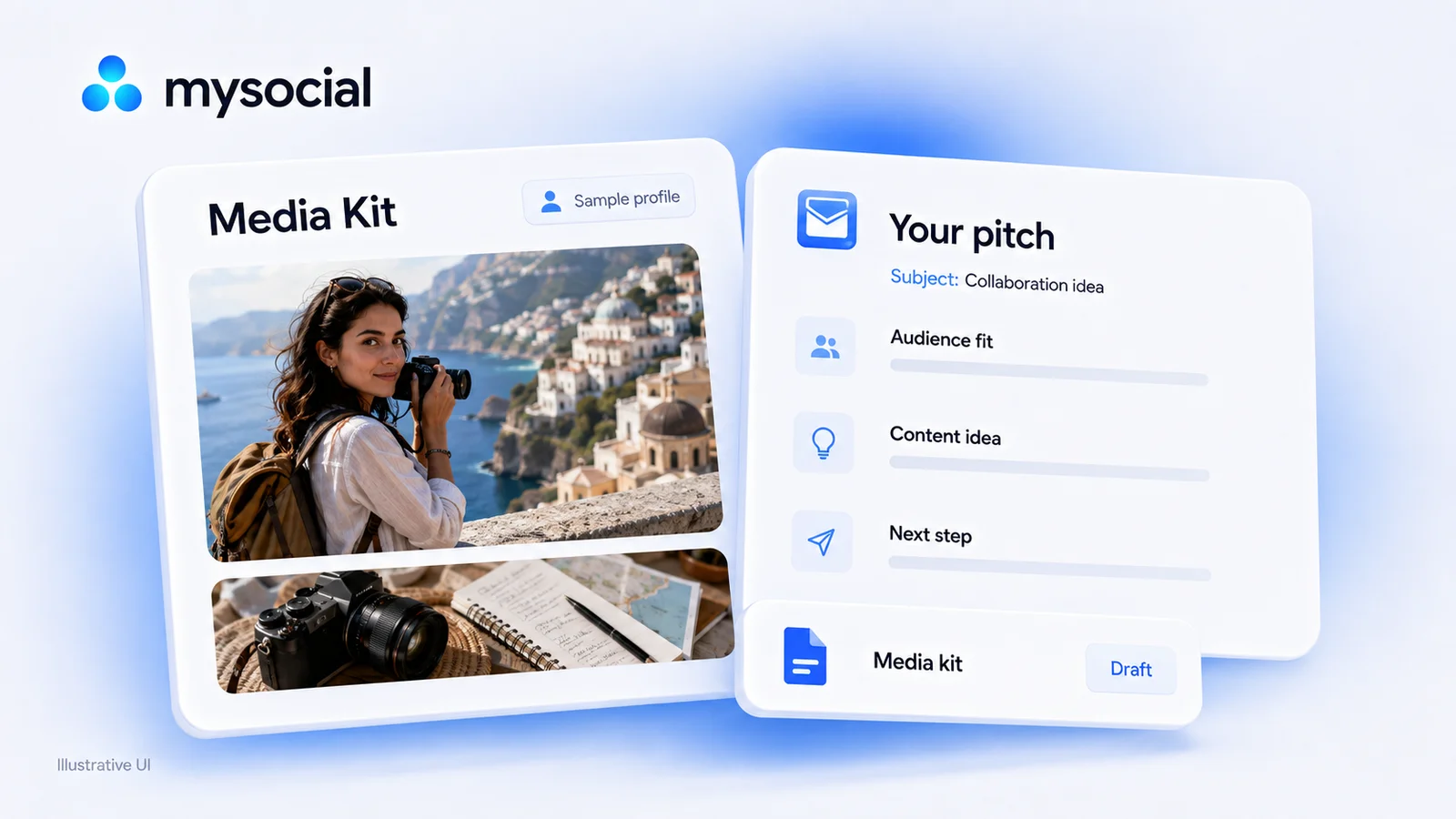
Quick answers
Introduce your relevant work, give one specific reason for the brand fit, propose something you can deliver and ask for one clear next step. Keep the subject separate from the message. Support any audience or performance claim with its source.
Use available own content, approved brand context and the stored relationship to draft a message in ChatGPT or Claude. Check recorded contact first, supply missing facts and review the draft. The prompt does not research new contacts, save a CRM draft or send an email.
An influencer pitch template gives your brand email a useful structure: relevant work, a specific proposal and one next step. Use the prompt to make it yours, then check the facts and relationship before sending.
You can also use the copyable email template below with your own checked notes. A useful pitch can begin with a relevant work sample; it does not need invented audience figures or a past sponsorship result.
Fill the placeholders with facts you can support. Keep the subject in the email’s subject field and copy only the message body into the message.
Subject field: [Specific tutorial or campaign idea] for [Brand]
Message body:
Hi [Name or Brand team],
I’m [Name], a [niche] creator making [type of content] for [intended viewer].
In [relevant work sample], I showed [specific demonstration or lesson]. Your [verified product, campaign or brief] connects with this because [one supported fit reason].
I’d like to propose [specific deliverable and concept]. I can show [real demonstration], with [important limitation or information still to confirm].
Would you like a short outline for this idea?
Best,
[Name]
Keep outside the body: the recipient and route to verify, source links you used for research, contact-history checks and draft status. A link to your actual work belongs in the message when it helps the recipient assess the proposal; internal research notes do not.
If the brand’s current feature or brief is unknown, ask for it before making a detailed product promise. The finished example below shows that version.
Fictional teaching example, not a customer message or an actual Mysocial result. The creator makes practical workflow tutorials. Their supplied source describes naming video exports by topic, platform, date and version, keeping the edit project separately and distinguishing drafts from approved files.
The brand category is creator-workflow software. Its specific feature and campaign brief are missing. For this exercise, the creator confirms this is a new conversation; a blank relationship record alone would not establish that.
Subject field: Creator workflow tutorial idea
Message body:
Hi team,
I make practical tutorials for creators managing several video drafts. In one of my posts, I show how I name exports and separate drafts from approved files.
I’d like to explore a sponsored YouTube tutorial about checking the right version before publishing, using my actual workflow and showing only the parts your product supports.
Could you share your current creator brief and the feature you’d like demonstrated so I can prepare a focused outline?
Best,
Alex
Separate review note: the creator’s source supports the workflow explanation. The brand category was supplied, but its product feature, recipient route and campaign terms still need checking. The message asks for the missing brief instead of inventing a feature match.
This pitch is complete without claiming a response rate, follower threshold, fee or expected sales. In a real message, add a permitted work-sample link when available and verify that the proposed demonstration is something you can actually produce.
Before writing an opener, check the recorded or supplied contact history. Has the brand already received a proposal? Did someone reply? Is a reminder attached to a specific conversation?
Mysocial’s existing relationship context can include notes, recorded contact, replies and tasks. It is not automatic access to your private inbox. Missing history means you should confirm it, rather than assume the brand has never heard from you.
Pick a post, video or portfolio example that shows the kind of work your proposal needs. Explain what it demonstrates.
If you include a performance figure, retain its source, capture date and metric definition. Views, unique viewers, followers and attributed sales answer different questions. Missing analytics can remain missing while the proposal explains a real demonstration.
Use the brand’s current brief or a checked product fact. Name what you could make and why that piece serves the intended viewer.
Avoid carrying another creator’s result or a brand’s unverified claim into your own offer. If an essential fact is unavailable, ask for it. A proposed collaboration is not evidence that the brand has an active programme or an available budget.
Choose the step that fits the relationship: share an outline, request the brief or review a concept. Keep the email focused enough that the recipient can understand what you are proposing.
A media kit or portfolio can provide more context when its information is relevant and current. It supports the message; it is not a substitute for a specific idea.
A follow-up should continue the existing exchange. Recheck the latest contact and reply before drafting it, especially if another person on your team may have acted.
Refer to the actual earlier proposal and add a useful clarification or new checked work sample when you have one. If the brand replied with a request, answer that request. If there is no current reason to contact them, leave the draft unsent.
There is no universal send day or follow-up interval that this template can establish. Base the next action on the agreed timing, recorded relationship and information you can verify.
Paste your permitted work-sample excerpt, positioning, actual offer, brand brief or checked product fact, confirmed contact history and proposed next step into your AI conversation. Ask for a short message body, a separate subject and a missing-information note.
A URL alone does not mean the assistant has analyzed the post or opened the brand’s site. Existing saved sources have their own availability, and captions are different from spoken transcripts. Supply the relevant checked material when access or processing is incomplete.
Before sending, check the recipient, factual claims, work-sample link and whether the proposal matches what you can deliver. Saving a draft, logging contact and sending the email are separate actions.
Agree the deliverable, review process and terms before production. For U.S. endorsements, the FTC says material brand connections, including payment or free products, should be disclosed clearly. FTC disclosure guidance.
For sponsored or other commercial content on YouTube, use its paid-promotion controls and check the applicable disclosure requirements. YouTube branded-content guidance.
Use Mysocial’s sponsor path for the next brand-context step, or connect Mysocial to your AI to work with available account and relationship sources. Keep the final message specific enough to review and simple enough to send.
Creator Monetization & Brand Deals
Related Posts
14 social media MCP servers, four different jobs. Postiz wins publishing, Supermetrics wins reporting — and Mysocial wins the one nobody else does.
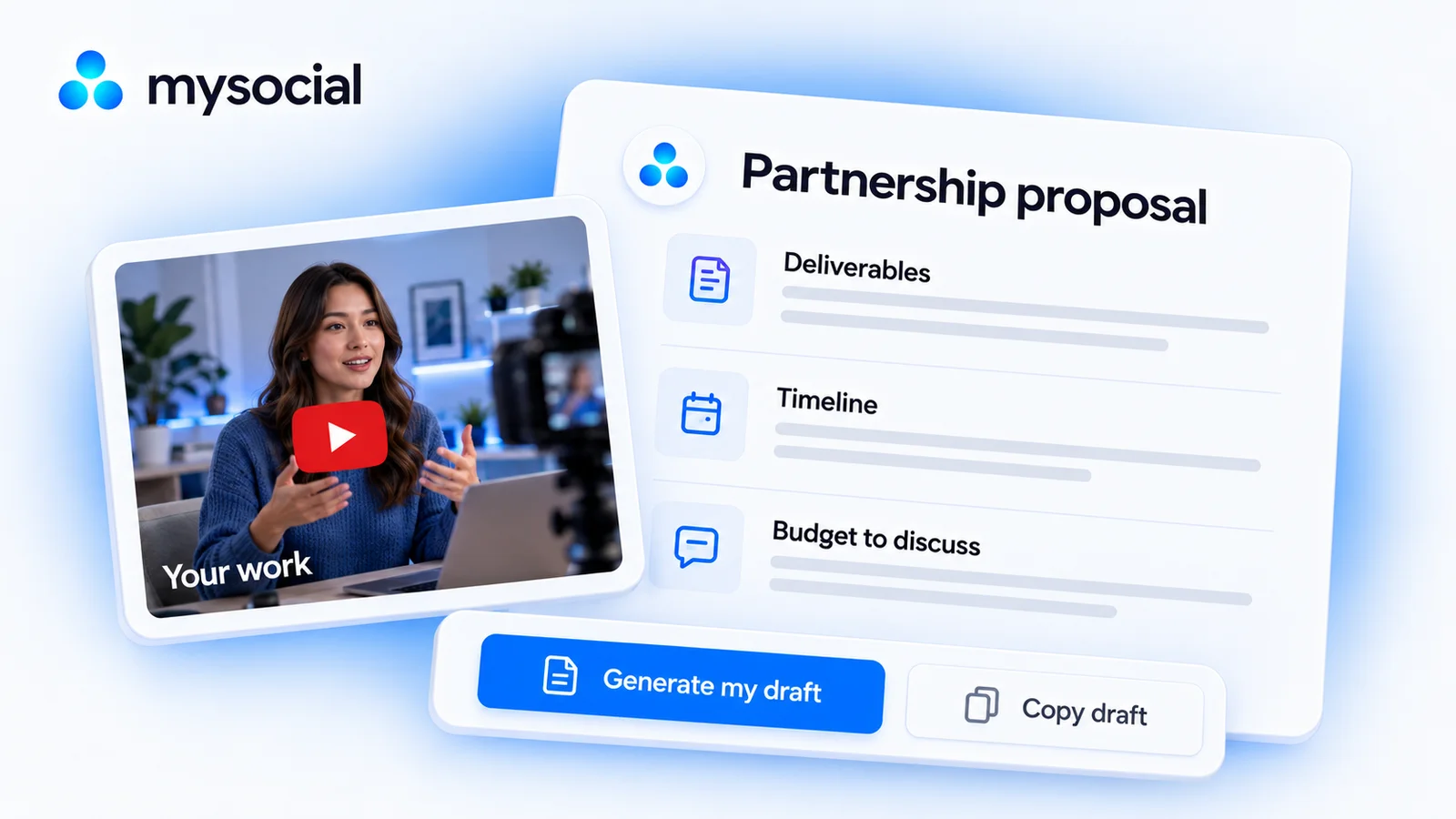
Create a clear brand partnership proposal with deliverables, pricing, dates and evidence. Copy the template or build and download a draft for free.
Content creation turns ideas into finished posts and videos. Learn the five-stage pipeline, current format benchmarks, and how to scale without burnout.