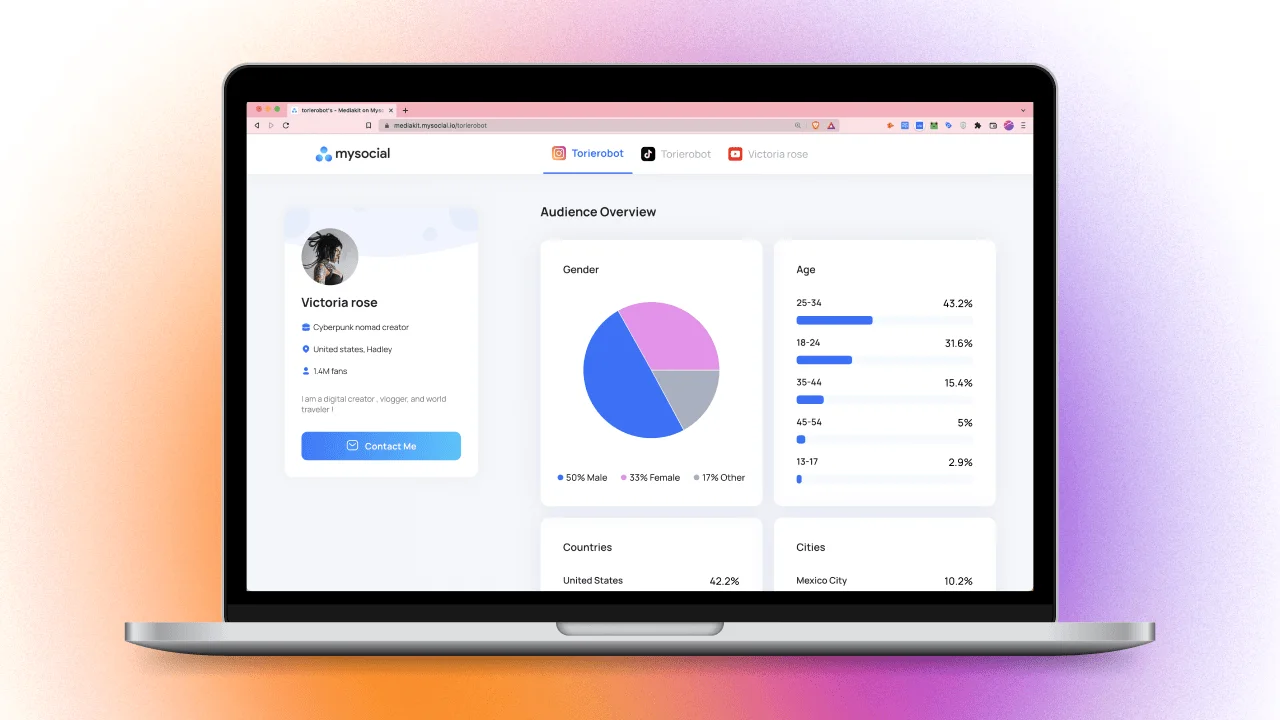
How to Create an Influencer Media Kit That Wins Brand Deals
Build a media kit that wins brand deals. 7 essential sections, metrics to include, rate card tips, and how to stand out from competitors.

Quick answers
Include the original objective, agreed deliverables, publication records, dated results, evidence sources, actual spending, limitations and the next decision. For each result, record its metric, unit, observation window and capture date. Keep missing data visible and distinguish post views, audience reach, website sessions and sales.
Gather your delivery list, creator analytics and relevant website exports. Enter the campaign details in the local builder, generate a Markdown draft, then copy or download it. Check every figure against its source before sharing. The builder organizes your entries; it does not collect or verify campaign metrics.
Yes. You can copy the complete template below or generate a Markdown draft without signup. Clipboard copy, manual selection and a .md download are available. Entries are not uploaded or saved by the builder, so export before leaving. Download initiation does not confirm that your browser saved the file.
No. A campaign report can document observed traffic or attributed conversions when you have the corresponding evidence and method. Those figures do not by themselves show what would have happened without the campaign. State the attribution settings, reporting window, missing data and limits before drawing a commercial conclusion.
An influencer campaign report is a review of one campaign: what was agreed, what was delivered, what you observed and what decision follows. Give the brand or client a short conclusion backed by dated evidence, with missing information still visible.
Use this template after publication, when you have delivery records and results to review. If you are still deciding what to measure, start with the influencer campaign measurement guide. This page helps you turn those records into a handover document.
Enter your own records below, or load the explicitly hypothetical example to see the format. Keep a result’s observation window separate from its capture date: a lifetime view count taken today is different from views earned only during the campaign.
Free local Markdown draft
Use your own delivery records and dated results. This organizer does not fetch metrics or evaluate the campaign. Entries stay in this page; export your work before leaving.
Review the evidence and remove private details the recipient does not need. Formatting characters in your entries are escaped so they remain text. Markdown viewers may turn supplied URLs into links; review destinations before sharing.
Copy this structure into your document, then replace the placeholders. Retain every agreed placement, including late, missing or weaker-performing work. A useful report makes the evidence behind its conclusion easy to inspect.
INFLUENCER CAMPAIGN REPORT

Campaign / client: [Name and reference]
Prepared by: [Report owner]
Campaign dates and timezone: [Start–end]
Reporting window: [Dates covered by this review]
Evidence cutoff: [Date/time and timezone]

1. DECISION SUMMARY
[What was delivered, what the evidence supports and the decision needed]

2. ORIGINAL OBJECTIVE
[Agreed objective, metric and target, or “no numerical target agreed”]
[Brief reference and any approved changes]

3. DELIVERY REGISTER — REPEAT FOR EACH PLACEMENT
[Creator / platform / post reference or live URL]
[Agreed format and quantity / actual publication date / status]
[Changes, missing work and follow-up owner]

4. RESULT RECORD — REPEAT FOR EACH REPORTED METRIC
[Placement reference / metric / value / unit]
[Lifetime or date-bounded observation window]
[Organic, paid, combined or unknown distribution]
[Evidence ID / capture timestamp / availability or missing-data note]

5. SOURCE REGISTER
[Evidence ID / original export or screenshot / owner / capture date]
[Relevant report filters, attribution settings and metric definitions]

6. SPENDING REVIEW
[Actual cost / currency / included items / invoice or expense source]
[Outstanding or estimated costs / unspent reserve shown separately]

7. FINDINGS AND LIMITS
[Observed result against the original target, if comparable]
[Content observations with examples and sample limits]
[Missing evidence, audience overlap and attribution limits]

8. NEXT DECISION
[Recommended action / evidence needed / owner / review date]
Keep the report readable by putting the decision first and the evidence register after it. Share only the account details the recipient needs; retain the original exports in your team’s approved location.
Give each export or screenshot a reference such as E1, then use that reference beside the figure it supports. Record the platform, post, metric label, observation window and capture timestamp. If two creators deliver screenshots taken on different days, disclose the difference instead of presenting them as one synchronized result.
For website traffic, name the report and filters you used. Google’s GA4 Manual report documentation explains how campaign parameters populate manually tagged acquisition data. Record the campaign filter and the reported unit; a session count is not automatically a count of clicks or distinct people.
Keep acquisition scopes consistent. Google distinguishes user acquisition from traffic acquisition: the former uses first-user context, while the latter uses session context. Mixing rows from the two reports can change the meaning of a comparison. If the campaign lacked tested links, document that gap; use the influencer UTM link builder when preparing the next campaign.
Do not replace missing reports with zeros. Write “creator screenshot requested,” “metric unavailable” or “tracking incomplete,” then assign a follow-up. A zero is a reported value with a source, not the default for an unanswered question.
The following is an invented worked example, not a Mysocial customer result, price recommendation or campaign benchmark. A fictional brand agreed two Instagram Reels. Both were published; no sales or unique-audience target was agreed.
| Fictional evidence | What the example records | Observation basis |
|---|---|---|
| E1: creator A’s invented snapshot | 12,000 views on A’s Reel | Lifetime views captured September 21, 2026 at 12:00 UTC |
| E2: creator B’s invented snapshot | 8,000 views on B’s Reel | Lifetime views captured at the same cutoff |
| E3: invented expense records | USD 1,000 creator fees, USD 50 shipping, USD 200 coordination | Costs recorded as spent for this example |
| Missing traffic and sales evidence | Unknown | No corresponding website or sales export supplied |
The view arithmetic is 12,000 + 8,000 = 20,000 combined post views. It does not establish 20,000 distinct viewers: the same person may appear in more than one post’s count. Nor does a lifetime snapshot establish that all views occurred during the campaign’s dates.
The spending arithmetic is 1,000 + 50 + 200 = USD 1,250. A separate hypothetical USD 125 reserve remains unspent and is excluded from actual spend. The campaign budget worksheet helps keep planned funding and reserve distinct from the costs you later reconcile.
An honest decision summary could read:
Both agreed Reels were published. The two hypothetical snapshots record 20,000 combined lifetime post views at the cutoff, and the example records USD 1,250 spent. We cannot conclude unique campaign reach or a sales return from this evidence. The campaign manager should obtain the missing traffic export before the commercial review.
That summary closes the delivery question and leaves the commercial question open. It does not convert a missing sales report into “no sales,” invent a return on investment or award credit to a creator without a stated method.
An observation says what a source recorded. “The export contains 80 sessions under this campaign filter” is narrower than “this creator brought 80 new customers.” Preserve that distinction in the summary and charts.
Attribution says how a system assigned credit. If you report attributed purchases, identify the analytics source, attribution method, window and known tracking gaps. Google’s Conversion Lift guidance distinguishes standard attributed conversions from incremental conversions measured using treatment and control groups. An ordinary creator report is not that experiment, so it should not claim causal sales lift from tagged traffic alone.
A recommendation names the next decision. Tie it to the available evidence and remaining questions. Examples include requesting a missing screenshot, checking whether a stronger post had paid distribution, or testing a different opening in a later brief. A future test is a proposal, not a guaranteed improvement.
Before sending, check that the delivery register matches the agreed influencer brief, every headline figure has a source, and cost comparisons use the same currency and scope. Put any unresolved question beside an owner and a date.
Once the evidence is ready, you can ask your AI to organize a review. Connect Mysocial to your assistant for supported context from your connected channels; available fields depend on the platform, source and account access. Supply other creators’ approved exports yourself when that evidence is not available to your workspace. This local builder does not import campaign data into Mysocial.
Paste your reviewed draft and source notes into the assistant only when you are ready to share them there. A useful request is:
Prepare a campaign review from the evidence I provide and any relevant post
context available through my connected Mysocial channels. Use only the
specified campaign and dates. List each figure's source, metric window and
availability. Separate delivery, observed results, interpretation and unknowns.
Do not invent missing metrics, infer unique reach, assign ecommerce revenue
or claim sales lift. Flag conflicting timestamps and recommend the next
review decision with an owner. Ask before using additional sources.
Check the assistant’s draft against the original records before sharing it with the client. Supported post context can inform a review; it does not provide a complete campaign attribution or payout system. Review current plan and access requirements before relying on a particular workflow. Explore the influencer marketing guides when planning the next brief and evidence collection.
Bring evidence to your AI
Connect Mysocial to your assistant for supported context from your connected channels. Bring your verified campaign records and review the sources and limits before sharing a report.
Available context depends on connected channels and account access. Campaign imports, ecommerce attribution and payouts are not provided by this draft builder.
Influencer Marketing Strategy
Related Posts
Build a media kit that wins brand deals. 7 essential sections, metrics to include, rate card tips, and how to stand out from competitors.
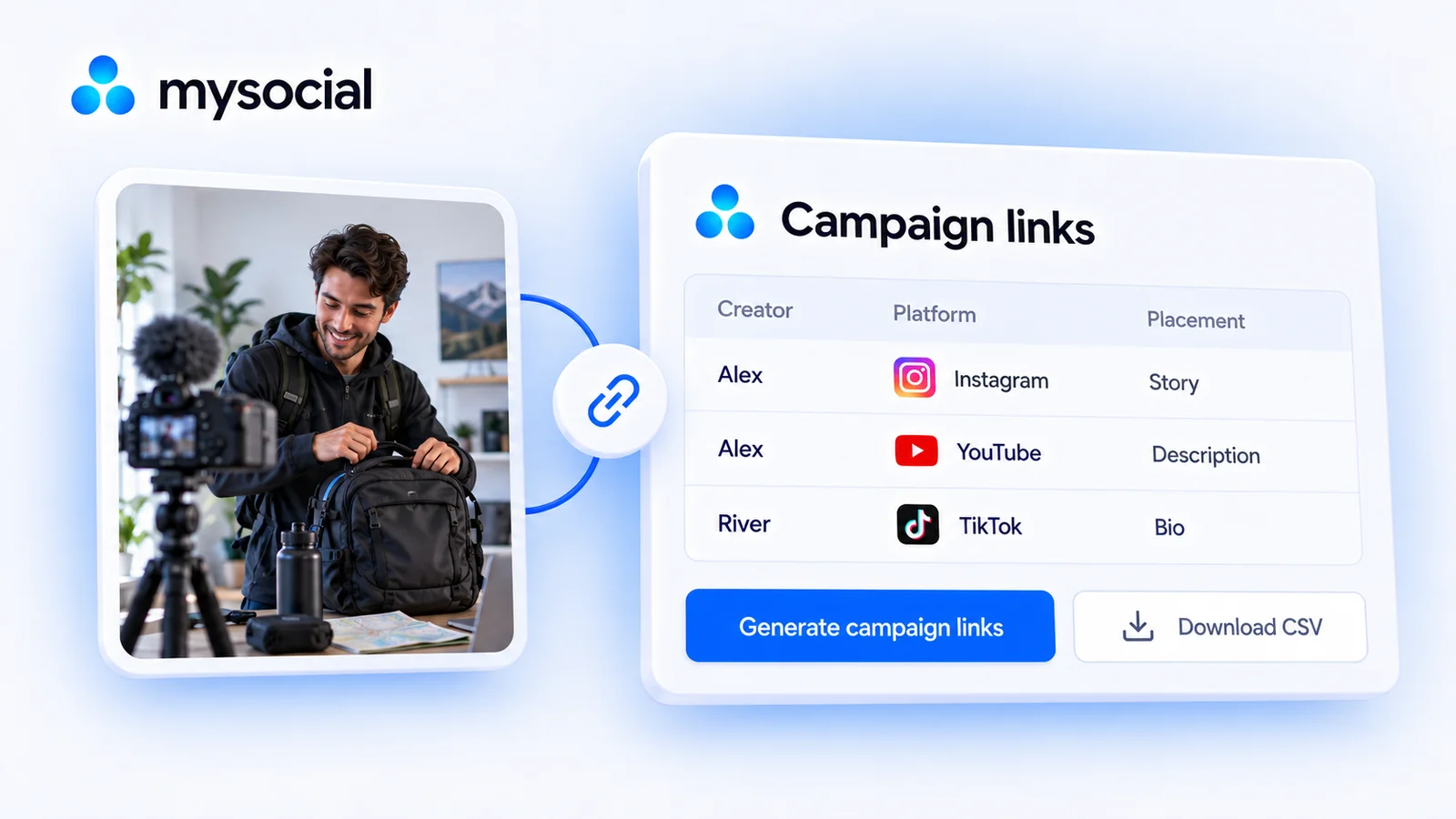
Build a creator campaign link sheet with our free batch UTM builder. Tag each platform and placement, download CSV and test GA4 reporting before launch.
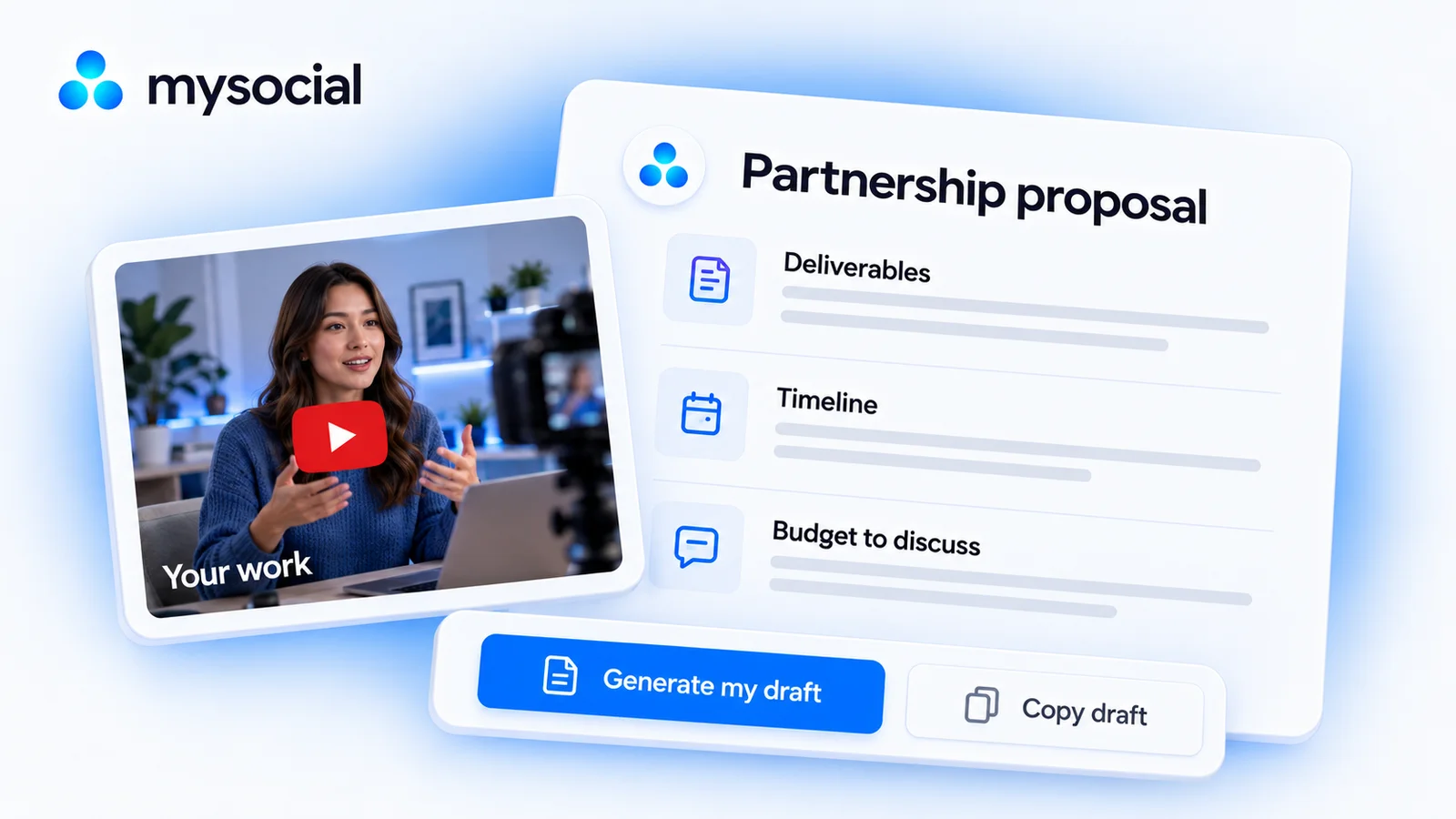
Create a clear brand partnership proposal with deliverables, pricing, dates and evidence. Copy the template or build and download a draft for free.