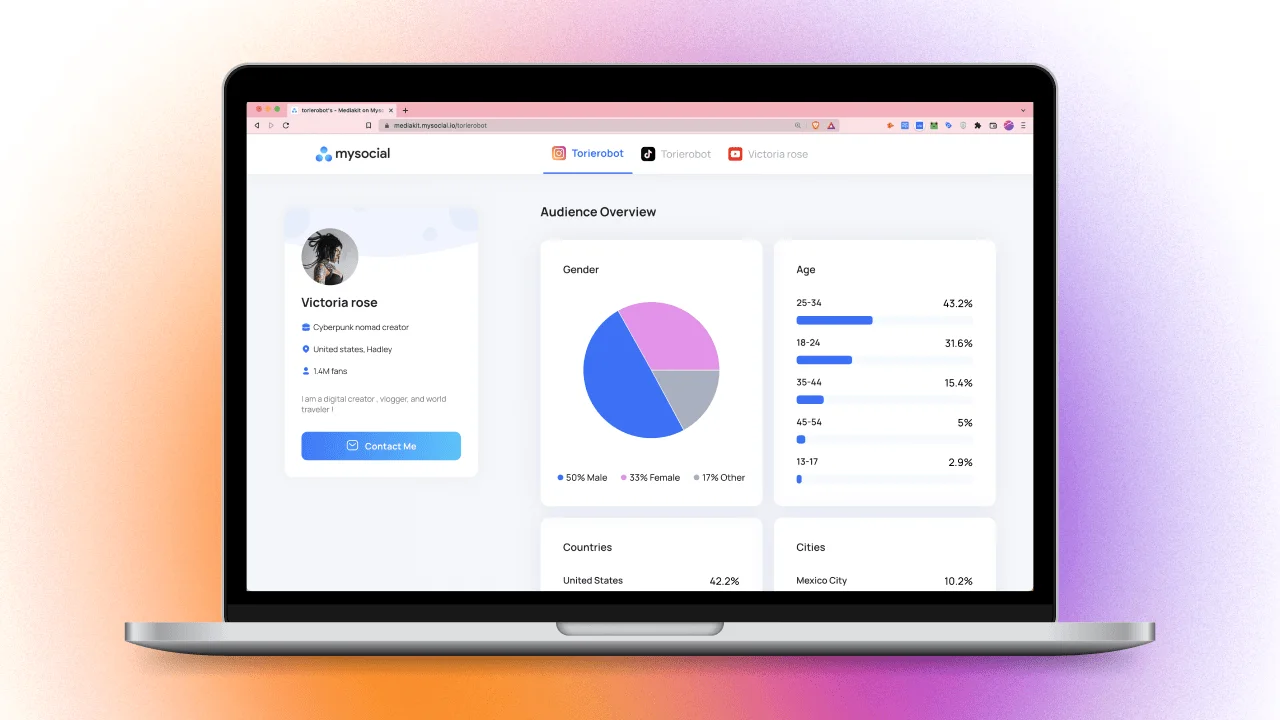
How to Create an Influencer Media Kit That Wins Brand Deals
Build a media kit that wins brand deals. 7 essential sections, metrics to include, rate card tips, and how to stand out from competitors.

Quick answers
Give every creator and clickable placement a distinct campaign URL. Keep the platform in utm_source, your agreed channel convention in utm_medium and one campaign name in utm_campaign. Use utm_content for the public creator ID, placement and creative variant. Test the final link and analytics before publishing.
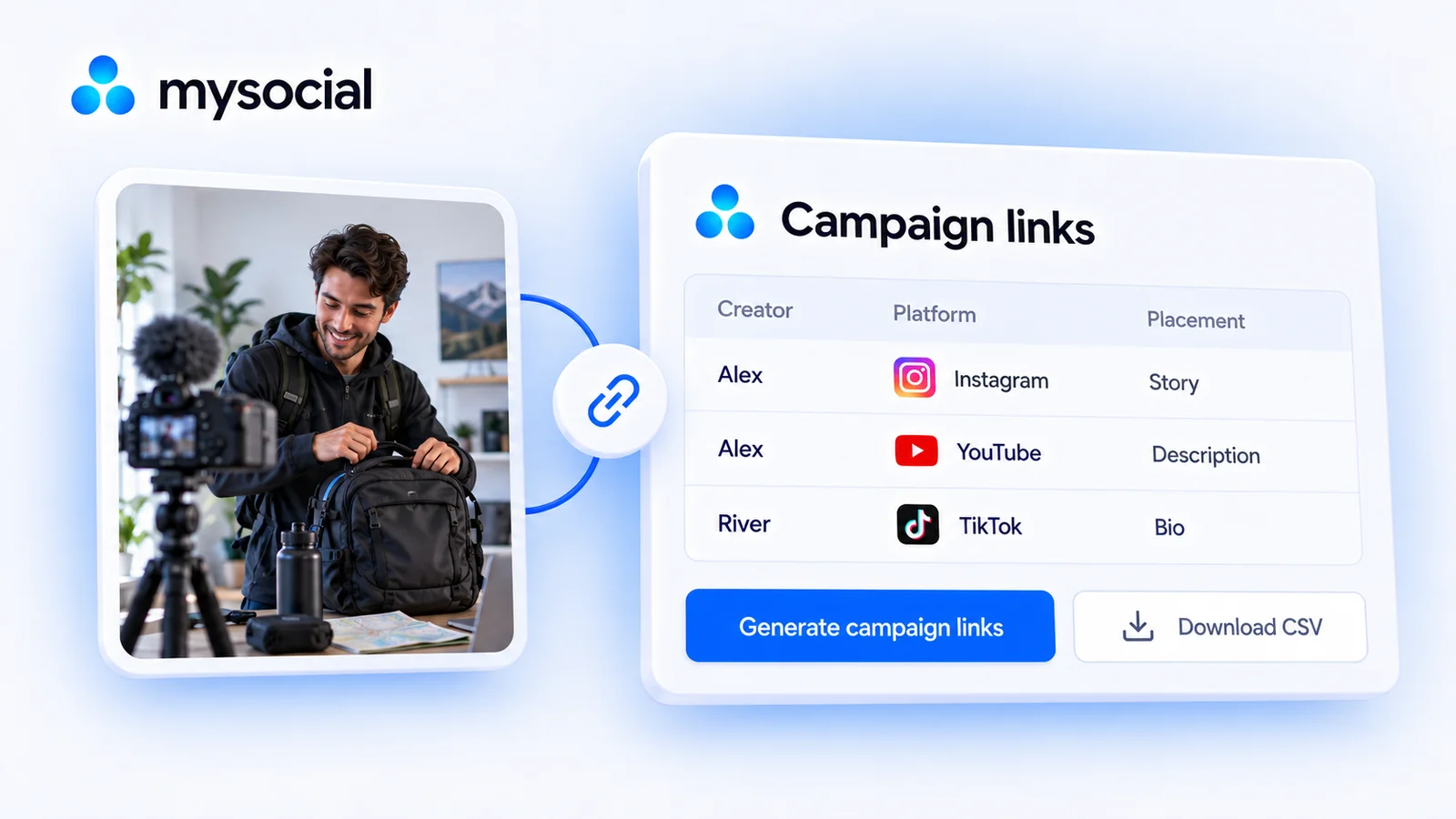
Yes. Generate up to 100 creator/platform/placement links at a time and copy or download a CSV without signing up. Generation runs in your browser. The builder does not create short links, connect to GA4, measure visits or save your campaign sheet to a server.
Only if it matches your team's documented convention. A custom medium does not create a GA4 default channel called Influencer. Google groups traffic using source and medium rules. Check the actual report, or configure a custom channel group when you need a separate influencer category.
UTMs label traffic that reaches your analytics with the tags intact. They do not measure every person who saw content, searched later or purchased on another device. Revenue reporting needs correctly collected purchase or key-event data and an agreed attribution method; full campaign ROI also needs the campaign's actual costs.
Influencer UTM tracking gives each creator placement a distinct URL so you can identify tagged visits in your website analytics. Use one campaign name, put the platform in utm_source, choose an explicit utm_medium, and reserve utm_content for the public creator ID, placement and variant. Generate the links below, then test the exact versions that will be published.
Google’s campaign URL guidance explains how campaign parameters identify referring traffic. A useful creator workflow also needs a link inventory: which URL belongs to which creator, where it will appear, and who checked it before launch.
Enter one public destination, campaign name and medium. Add a row for each creator × platform × clickable placement. A YouTube description and pinned comment need separate rows if you want to compare those placements. The same creator posting on Instagram needs another row.
The builder supports up to 100 rows. Its filled example is fictional, and the destination is example.com. Replace all example values with your campaign’s agreed values. It replaces its four owned UTM fields while preserving other query parameters and the destination’s fragment. Review retained campaign IDs, discount codes and advertising click IDs before sharing.
One destination and campaign, a separate link for every creator and placement. Free to use without an account.
Link generation happens in your browser. Use a public destination and public creator IDs; leave out emails, private contacts and account credentials.
Source = platform. Content = creator/placement/variant. The builder replaces utm_source, utm_medium, utm_campaign and utm_content. It does not verify visits, create short links or connect to GA4.
CSV cells are quoted. Cells that could be interpreted as spreadsheet formulas are prefixed with an apostrophe; the generated link itself is unchanged.
This produces ordinary tagged website URLs. It does not shorten links, collect audience clicks or install analytics. Generation happens locally; your campaign sheet remains in the browser until you copy or download it. Basic tool-use events contain the action and row count, without your destination, campaign or creator values. Enter public identifiers, not email addresses or private contact details.
Before assigning links, decide where each piece of information goes. The following is this guide’s suggested convention for a multi-creator campaign, not a requirement that every analytics product uses the same schema.
| Parameter | Use it for | Example |
|---|---|---|
utm_source | Platform sending the visit | instagram |
utm_medium | Your agreed marketing-medium convention | paid_social |
utm_campaign | One stable campaign name | autumn_launch_2026 |
utm_content | Public creator ID / clickable placement / variant | alex_fitness/story/a |
The builder uses lowercase platform values and keeps the campaign and medium you enter. Choose one spelling for each and use it everywhere. Renaming the campaign halfway through creates an unnecessary reconciliation job. A public creator handle is practical, but an internal campaign identifier such as creator_014 also works if your own sheet records the mapping.
Do not put a full name, email, phone number or private CRM record into a URL. Campaign links can be copied and forwarded. Your public identifier should make the sheet usable without exposing private relationship details.
A paid Instagram creator placement may use paid_social under your team’s convention. An unpaid mention needs a decision of its own. An affiliate arrangement may follow an existing affiliate convention. Choose according to the arrangement and your reporting design; do not label unpaid work as paid merely to make a chart convenient.
GA4’s default channel definitions evaluate rules involving source and medium. A recognized social source with a paid medium can map to Paid Social, while a recognized video source may map to Paid Video. Setting utm_medium=influencer does not create a default channel named Influencer. Review the resulting classification or configure a custom channel group when you need that business category. A report’s source/medium detail and its channel-group summary answer different questions.
Imagine a fictional trail-bottle launch with three clickable placements. The destination is:
https://example.com/products/trail-bottle?color=blue#details
The campaign is autumn_launch_2026, and this example’s team has chosen paid_social as its medium. The creator names and arrangement below are examples, not customers or recommended rates.
| Public creator ID | Platform | Clickable placement | Variant | Generated content value |
|---|---|---|---|---|
alex_fitness | instagram | story | a | alex_fitness/story/a |
alex_fitness | youtube | description | a | alex_fitness/description/a |
river_outdoors | tiktok | bio | b | river_outdoors/bio/b |
The first row produces:
https://example.com/products/trail-bottle?color=blue&utm_source=instagram&utm_medium=paid_social&utm_campaign=autumn_launch_2026&utm_content=alex_fitness%2Fstory%2Fa#detailsThe existing color=blue still selects the product option. The #details still identifies a section on the page. Encoded slashes in utm_content belong to its value; they do not change the website path. The second link uses youtube as its source, and its channel-group classification must be checked separately rather than assumed to match Instagram.
Track the place where the link is clickable. If a TikTok video tells viewers to use the bio link, bio is a clearer placement than claiming each visit came from that specific video. To separate consecutive videos that share one bio slot, you need a deliberate link-changing schedule, distinct landing destinations or another documented method. One shared unchanged link cannot tell you which earlier video caused every later click.
Download the CSV and keep its generated fields unchanged. Add your campaign-management columns beside them, such as:
| Extra column | What your team records |
|---|---|
| Deliverable | The agreed Story, video integration or post |
| Publication date | Scheduled date, then actual publication date |
| Final public post URL | Where the content can be reviewed |
| Link checked by / date | The person and time of the final test |
| Landing-page result | Correct product, language, price and section |
| Tagged sessions / key events | Results from a defined analytics window |
| Measurement notes | Consent, missing data, link changes or known limitations |
In Excel or Google Sheets, import the CSV with a comma separator and check that long URLs remain in one cell. The export quotes fields and prefixes cells beginning with spreadsheet-formula characters with an apostrophe. That protects the sheet when you import creator or campaign values; do not remove the protection merely to make those fields look different. The generated URL column keeps the complete link.
If you already have a working spreadsheet, use the builder’s CSV as your link register and add its rows to the campaign sheet. A team making only one link can also use Google’s Campaign URL Builder. This batch tool is useful when the same campaign spans several creators and placements.
Assign an owner for link changes. If a destination or campaign changes, regenerate the affected rows, retire the earlier versions in your register and send an explicit replacement to the creator. Reusing a row without recording the change makes a later report harder to explain.
Treat a working destination and a working measurement setup as separate checks.
A draft link in a spreadsheet is not the launch check. Ask the creator to confirm the published placement too. A link can be correct while pointing to an out-of-stock product or an unsuitable page, which is a practical campaign failure even when its tags survive.
For the wider briefing and delivery process, use our micro-influencer campaign guide. Qualify the creator first with the influencer due-diligence guide, then include the tracking requirement in a clear outreach message.
Google documents how campaign values become traffic-source dimensions. For a session-level campaign read, review Session campaign and Session source/medium in Traffic acquisition. Be explicit about the date window and metric scope. Session attribution and event/key-event attribution can differ; a mid-session tagged link does not automatically start a new session or replace its original session source.
Start your report with the questions your link sheet can support:
Keep raw clicks, collected sessions and purchases separate. A person can click more than once, a visit can go uncollected, and a purchaser can return through another route. Someone who sees a creator’s content and searches for your brand later did not use that creator’s UTM link. A shared URL can also be forwarded, so the tag identifies the assigned link rather than proving who influenced every person using it.
UTM-attributed revenue is a useful view under an explicit attribution rule. It is not a complete measure of incremental revenue. A wider campaign review needs actual creator fees, production costs, paid distribution, returns and the objective you agreed to measure. Use our guide to influencer marketing metrics to choose the additional evidence rather than forcing every campaign into a clicks-only score.
Keep the website campaign URLs above for website measurement. When your destination is supported social content, Mysocial Smart Links can help open YouTube, Instagram or TikTok content in the intended app, with a browser fallback. App availability and the sharing route affect the experience, so test the finished link on the devices your audience uses. Do not assume a website tracking URL and a social app deep link provide the same measurement.
Your social memory, connected
For YouTube, Instagram or TikTok destinations, create a Mysocial Smart Link and test the app and browser experience before sharing. Keep your campaign link register for website tracking.
Free to start. One channel is enough to begin.
Influencer Marketing Strategy
Related Posts
Build a media kit that wins brand deals. 7 essential sections, metrics to include, rate card tips, and how to stand out from competitors.

Find small influencers for your brand. Compare audience fit, recent reach, engagement quality and campaign costs before choosing nano or micro-creators.
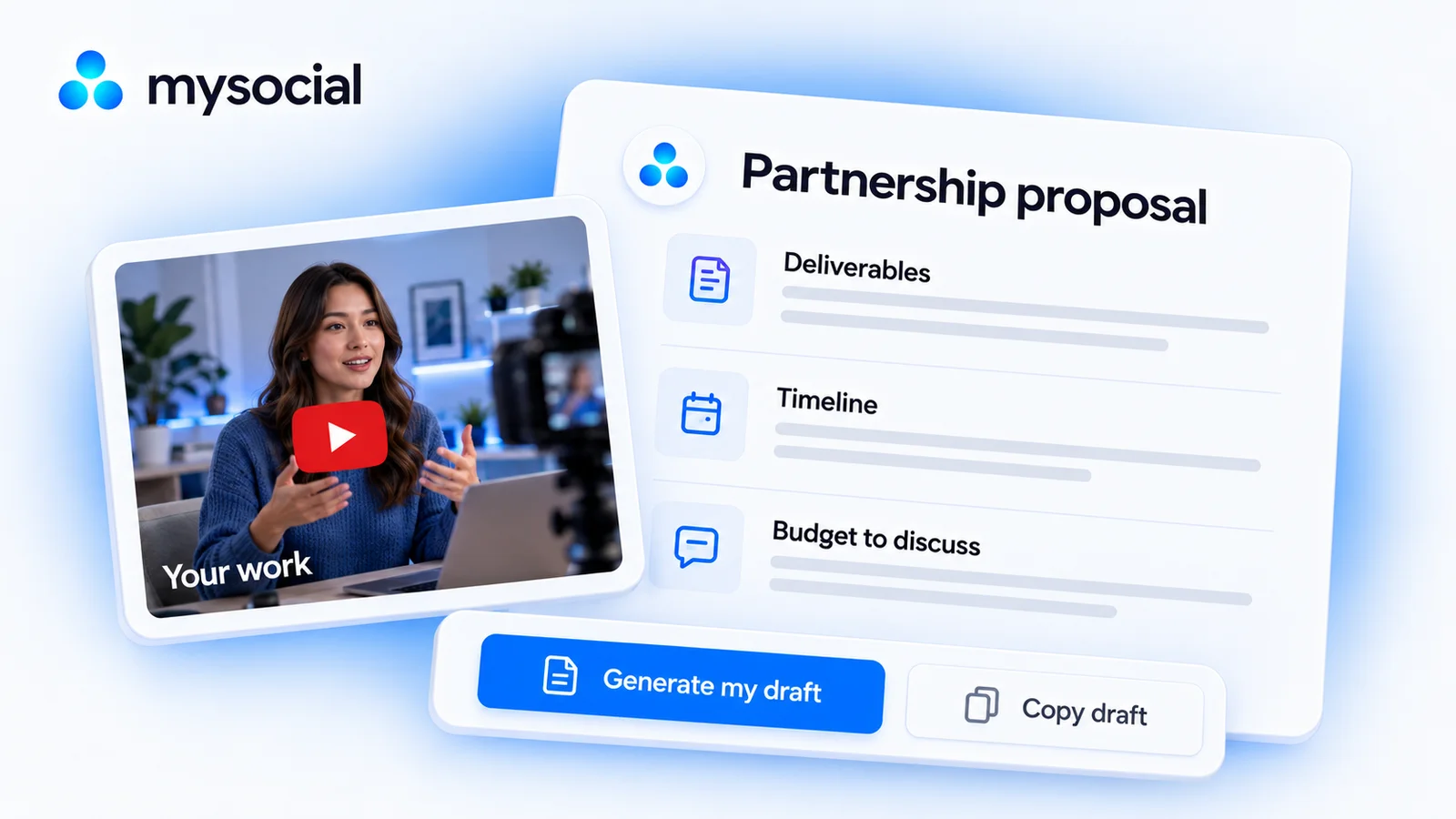
Create a clear brand partnership proposal with deliverables, pricing, dates and evidence. Copy the template or build and download a draft for free.