Small Influencers: How Brands Find and Choose Creators
Find small influencers for your brand. Compare audience fit, recent reach, engagement quality and campaign costs before choosing nano or micro-creators.

Quick answers
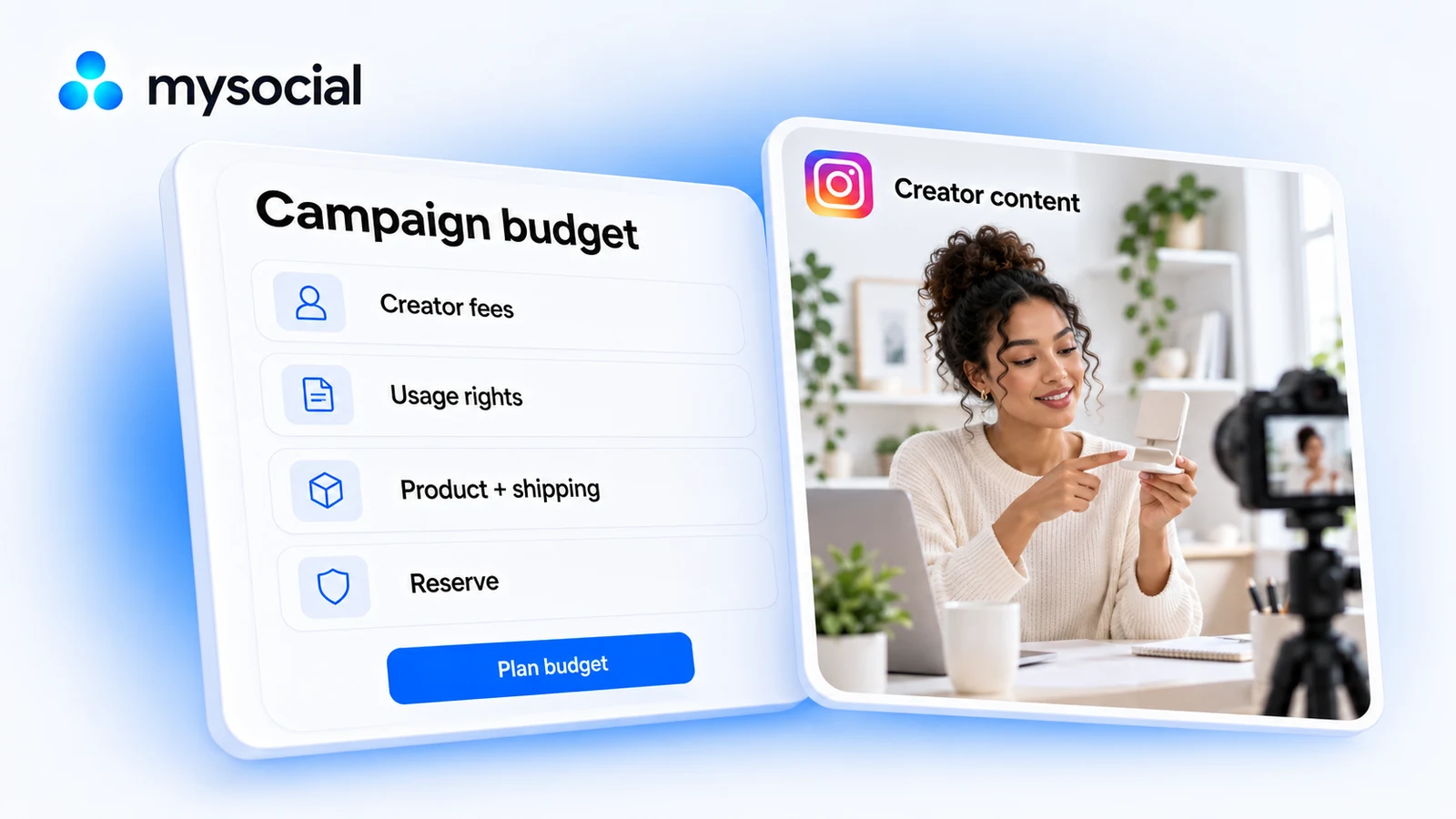
Include the costs your campaign will actually incur: creator fees, separately quoted usage rights, products, shipping, extra production, coordination and optional paid media. Add other applicable costs that are not already included in a quote. Sum these as the base cost, then show any chosen reserve separately. Use one currency and record what every quote includes.
Add the whole cost of every agreed or estimated line item. Reserve equals base cost multiplied by your chosen reserve percentage divided by 100. Total funding needed equals base cost plus reserve. A reserve is funding held aside for uncertainty; it is not money already spent. The worksheet uses your inputs and does not estimate creator market rates.
Yes. Enter your own cost lines in the local worksheet, calculate the total, then copy or download a CSV. No signup is required. You can also copy the table below into a spreadsheet. The tool does not upload or save your entries, so export your work before leaving.
Check the quote. A fee may bundle creation, posting or particular reuse permissions, or price them separately. Record the agreed scope and duration. Money paid to an advertising platform is a separate campaign cost unless your quote already includes it. Avoid counting a bundled cost twice.
An influencer campaign budget adds every cost needed to deliver the campaign, then shows any reserve separately. Start with the creators’ quotes, add costs such as usage permissions, products, delivery, coordination and optional advertising, and compare the total funding needed with your limit.
Use the worksheet below to build that total. It starts at zero, so you supply the costs. The example button loads invented figures to demonstrate the arithmetic; those figures are not recommended rates or a prediction of results.
Enter a whole cost for each line. If three creators send different quotes, add three creator-fee lines rather than using a follower-count estimate. Leave the optional funding limit blank when you have not set one. Enter zero only when a cost does not apply; resolve unknown quotes before treating the plan as complete.
Enter whole line-item costs from your own quotes. Add a line for each creator or expense, then copy or download the totals.
Free, local worksheet. This tool sends no inputs to a server and saves nothing between visits. Export your work before leaving. Zero means a cost does not apply; it does not mean an unknown quote.
This is a planning total from your inputs. Check quote scope, currency and any applicable taxes or fees. Add those costs as lines if they are not already included. The worksheet does not forecast sales or calculate ROI.
CSV contains values, not spreadsheet formulas. Text starting with a formula character is prefixed with an apostrophe. If your spreadsheet opens one column, import this file using comma-separated fields.
You can also copy this structure into Excel, Google Sheets or your planning document. Add one row for each quote or expense. Keep the quote date, approval status and included scope in the description or a separate notes column.
| Cost category | What to record | Planned cost in one currency |
|---|---|---|
| Creator fees | Creator, deliverables, quantities, posting requirements and quoted total | [Your quote] |
| Usage rights | Any separately priced reuse or paid-use permissions, with duration and scope | [Your quote or 0 if included] |
| Products | Products supplied, quantity and the costing basis your team uses | [Your cost] |
| Shipping | Delivery, packaging or other agreed logistics costs | [Your cost] |
| Production | Extra editing, props, travel or production costs outside creator fees | [Your quote or 0] |
| Coordination | Internal time cost or agency coordination fee, using your agreed planning basis | [Your estimate or quote] |
| Paid media | Optional advertising-platform spend | [Your planned spend or 0] |
| Other costs | Applicable taxes, platform charges or other costs not already included | [Your cost or 0] |
| Base cost | Sum of the cost rows above | [Subtotal] |
| Reserve | Base cost × chosen reserve percentage ÷ 100 | [Amount held aside] |
| Total funding needed | Base cost + reserve | [Funding required] |
Add campaign name, currency, campaign dates and a budget owner above the table. A product’s retail value and its cost to your business are different inputs; name the basis you chose rather than mixing them. If your team needs both a cash-spend view and a fully costed view, keep them in separate sheets with clear labels.
Suppose a brand is planning a product launch with three creators. The following costs are invented solely to show how the template works. They are combined campaign amounts, not suggested prices per creator or benchmarks.
| Hypothetical cost | USD |
|---|---|
| Combined creator fees from three fictional quotes | 1,500 |
| Separately quoted reuse permissions | 300 |
| Products supplied | 90 |
| Shipping | 60 |
| Campaign coordination | 250 |
| Optional paid media | 500 |
| Base cost | 2,700 |
| Chosen reserve: 10% of base | 270 |
| Total funding needed | 2,970 |
The calculation is 1,500 + 300 + 90 + 60 + 250 + 500 = 2,700. The chosen reserve is 2,700 × 0.10 = 270. Total funding needed is 2,700 + 270 = 2,970.
With a hypothetical funding limit of USD 3,000, this plan has USD 30 left after reserving the buffer. The 10% is a choice in this example, not an industry rule. If the reserve is never used, it remains unspent funding. The budget alone tells you nothing about future reach, sales or return on investment.
Agree the scope before comparing totals. A fee for one creator-posted video is a different offer from a fee that also includes brand reuse, extra edits or advertising permissions. Shopify’s collaboration guidance separates output, content usage and payment as points to agree with a creator.
For every quote, record the deliverables, the creation and posting dates, revision scope, and any separately agreed permissions. Ask whether products, delivery or extra production are included. Put a bundled amount on one line and describe its contents, or split an itemized quote into matching lines; doing both counts the same cost twice.
Keep paid distribution visible. Meta describes partnership ads as a way to amplify creator content through advertising. In your plan, distinguish the creator’s agreed fee or permissions from money allocated to running the ads. Do not assume that permission to reuse a post automatically includes an advertising budget.
Once the scope is agreed, use the influencer brief template to explain what the creator should make. That document carries the creative instructions; this sheet carries the whole campaign’s costs.
A reserve gives the budget owner an explicit amount to hold for unresolved costs. Write down what it covers: for example, a delivery estimate that is not confirmed, an optional revision or a production expense awaiting a quote. Choose the amount based on those uncertainties and your team’s approval process.
Keep known costs in the base. If an extra edit has already been quoted and approved, add it as a cost line rather than hiding it in the reserve. When you revise the plan, move an expense into the base and reassess the remaining reserve so you do not fund the same item twice.
The worksheet calculates a percentage of base cost and rounds the reserve to two decimal places. A percentage is simply a convenient planning method. You can calculate the plan with zero reserve and record a separately approved fixed buffer in your own sheet if that better suits your team.
If you will track creator links, the influencer UTM link builder creates a separate link sheet from your agreed naming convention. Keep that attribution setup alongside the budget so campaign spending and observed results can be reviewed together.
The budget worksheet is free to use here. When you move from planning costs to managing the shortlist, Mysocial can help keep selected creators and relationship notes together through a connected AI assistant. Creator discovery searches content by topic; confirm audience fit with the creator’s evidence and request a real quote.
Connect Mysocial to Claude or ChatGPT before asking the assistant to research or save prospects. Discovery requires available research access and allowance; check the current plans. You can ask it to save a selected creator and add a note with the quote date and agreed scope. Review the proposed actions and information before saving. This worksheet does not import its CSV into Mysocial or send offers to creators.
From budget to shortlist
Connect Mysocial to your AI to research relevant creators and keep selected prospects and quote notes together. Bring your actual scope and quotes to the conversation.
Research access and allowances depend on your plan. Review sources and quotes before agreeing a campaign.
Influencer Marketing Strategy
Related Posts
Find small influencers for your brand. Compare audience fit, recent reach, engagement quality and campaign costs before choosing nano or micro-creators.
Create a clear brand partnership proposal with deliverables, pricing, dates and evidence. Copy the template or build and download a draft for free.
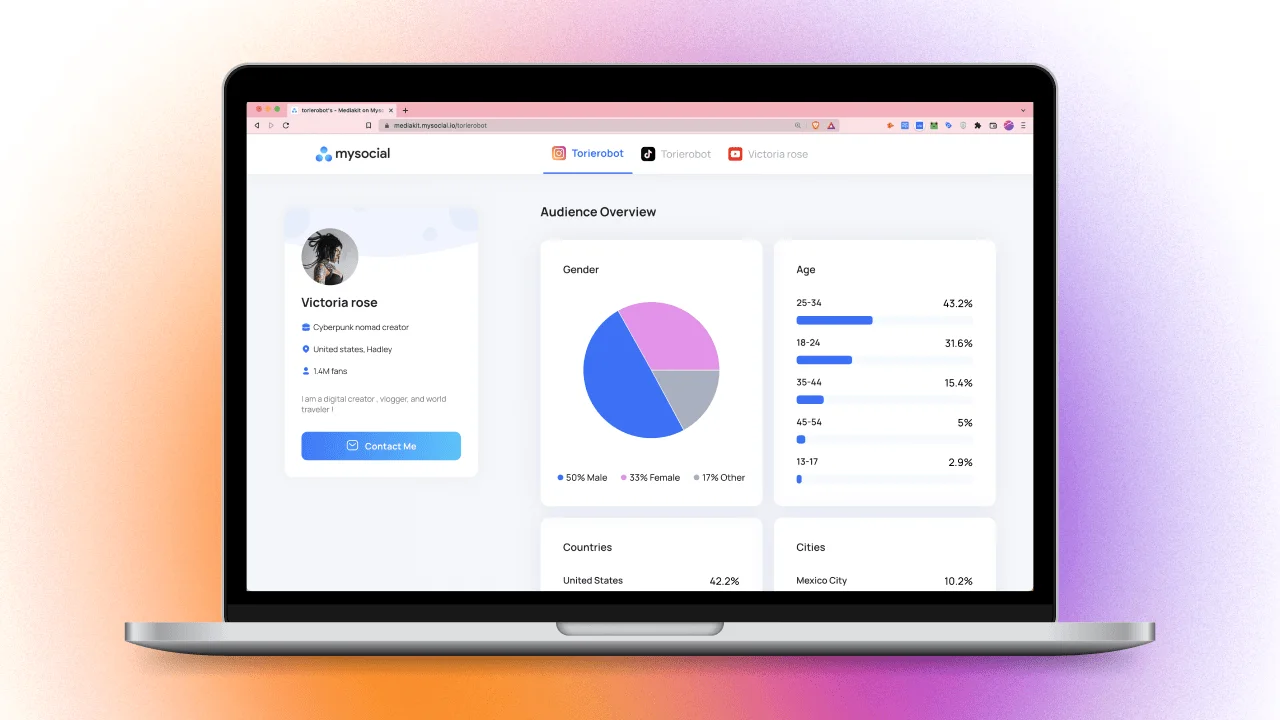
Build a media kit that wins brand deals. 7 essential sections, metrics to include, rate card tips, and how to stand out from competitors.