Best Time to Post on YouTube: Day-by-Day Guide
The best time to post on YouTube for every day of the week, for long-form videos and Shorts, from a study of 1.8M videos. Plus how to find your own best time.

Quick answers
Search YouTube for your topic and filter by Channel to find active creators in your niche. Then check collaboration listings like CollabPals, creator communities like r/NewTubers, the Featured Channels and past collabs of creators you like, and comment thoughtfully on their videos before you pitch. Shortlist on fit and recent views, not subscriber count alone.
Listings like CollabPals and creator subreddits help you find people looking for partners. Mysocial can research YouTube creators publishing on your topic through your connected AI assistant. YouTube Studio's own collaborator feature attaches an accepted partner to a video; it does not find partners for you.
No, there is no required ratio. In practice, creators of a similar size (roughly half to double yours) are the easiest yes, because both sides get a fair trade. YouTube's own guidance says to look at compatibility, skills and resources, not just subscribers.
Up to 10. In YouTube Studio, open the video's Details, choose Show more, then Collaboration → Invite a collaborator. It works on long-form videos, Shorts and archived live streams, but not active live streams. Each collaborator's name and subscribe button appear once they accept.
Lead with what you bring. Mention a specific video of theirs, propose one concrete video idea that serves both audiences, say exactly what you will do (filming, editing, location) and keep it short. Use the contact route they publish.
To find YouTubers to collaborate with, search YouTube for creators in your niche, check collab listings and creator communities, and look at who similar channels already collaborate with. Then pitch one specific video idea and say exactly what you’ll bring. This guide covers six ways to find partners, what a good partner looks like, a pitch template, and how YouTube’s built-in collaborator feature works.
Jump to the six ways to find collaborators, the pitch template or YouTube’s collab feature.
A collab puts your video in front of another creator’s community, people who already trust that creator. When it works, both channels reach viewers they couldn’t reach alone. YouTube says it aims to recommend a collab video to the audiences of everyone on it, but it doesn’t guarantee a boost, so judge each collab by its real results (YouTube’s collaboration guidance).
The hard part isn’t whether collabs can work. It’s finding the right partner and pitching them well.
The best collabs happen when audiences overlap but don’t duplicate. Four things to check:
| Check | What to look for | Why |
|---|---|---|
| Size | Roughly half to double your subscribers | Our rule of thumb: a fair trade for both sides, so it’s an easier yes |
| Niche | Adjacent, not identical | Same audience, a different angle. A fitness creator and a nutrition creator, a tech reviewer and a productivity channel |
| Activity | Uploading regularly | An active channel is more likely to reply and follow through |
| Recent views | Views on recent videos, not just subscribers | A smaller channel with strong recent views can be a better partner than a big one whose views have dropped |
Size is a guide, not a rule. YouTube’s guidance encourages creators to weigh compatibility, skills and resources beyond subscriber count, so a smaller creator with a skill you lack can be the right partner.
Step 01
Search a niche keyword (for example 'budget travel vlog'), then choose Filters → Type → Channel. That surfaces creators, not just videos. Watch two or three recent uploads to check tone, quality and audience fit, then use the recommendations beside their videos to find similar channels.
Step 02
Sites built for creator collabs, such as CollabPals, list creators actively asking for partners. Read each request's format and contact route, and check the listing is recent.
Step 03
Subreddits like r/NewTubers and r/YouTubers have collaboration threads. Search 'collab' and sort by new. On X, search #YouTubeCollab. Reply to a specific request rather than posting a generic one.
Step 04
Spend a couple of weeks leaving specific, thoughtful comments on your target creators' videos. When you reach out later, your name is familiar and your pitch isn't cold.
Step 05
Subscriber count says little about whether a collab will work. With Mysocial connected to your AI assistant, you can research creators publishing on your topic and see their source videos and available metrics, then shortlist on evidence. See the prompt below.
Step 06
Check the Featured Channels section and past collab videos of creators in your niche. Those partners have said yes to collabs before. Watch what worked, then pitch them a different angle.
Mysocial’s creator discovery searches published content on your topic and returns the creators behind it, with source videos and available profile and performance fields. Review the work and confirm interest yourself.
Replace the example topic with your own. Results show published work; they don’t verify who watches a channel or whether a creator is available. For access details, see Mysocial influencer discovery.
Lead with what you bring, not what you need. Most collab pitches fail because they read like fan mail instead of a proposal.
Keep the whole pitch short. Creators get a lot of messages. Use the contact route they publish, and respect a no.
Hi [Name],

I watched your [specific video] and liked how you explained [specific point].

I'm planning a [format] about [viewer question]. Your experience with [subject] would add [clear contribution]. I can handle [filming / editing / location], and we could record [remotely / in person] around [timeline].

Would you be up for it? If another format suits you better, I'm open to that.

[Your name]
[Your channel link]
For more outreach structure, see our pitching guide. The same framework works creator to creator.
Once you’ve agreed to collaborate, YouTube Studio can link your partner to the video (official instructions).
| Detail | How it works |
|---|---|
| How many | Up to 10 invited creators per video |
| Where | Long-form videos, Shorts and archived live streams. Not active live streams |
| What viewers see | Each collaborator’s name and subscribe button, once they accept |
| Recommendations | YouTube aims to show the video to every participant’s audience, with no guarantee |
| Revenue | Goes to the channel that posts the video. It isn’t split automatically |
To add one: upload in YouTube Studio, open Details → Show more → Collaboration → Invite a collaborator. Since ad revenue isn’t split, agree any payment between you before you publish.
| Format | What it is | Effort |
|---|---|---|
| Guest appearance | Feature in each other’s videos, remotely or in person | Low |
| Shorts collab | Each films a half, then edit together | Lowest |
| Challenge video | Compete or complete tasks together | Medium |
| Channel swap | Each makes a video for the other’s channel | Medium |
| Skill exchange | Teach each other your expertise on camera | Medium |
| Joint series | A multi-episode run together | High |
Start with a low-effort format to test how you work together before you commit to a series. Remote partners suit guest appearances, Shorts and skill exchanges.
What kills the collab
Mismatched audiences — a gaming channel and a cooking channel rarely share viewers
Vague pitches — 'We should collab sometime!' gives the other creator nothing to say yes to
Only pitching much bigger channels — they rarely reply; similar-sized partners are where collabs happen
No creative plan — turning up without a concept or outline burns the relationship
One and done — a recurring partnership builds more than a single video
What makes collabs work
Adjacent niches — both audiences get something new without it feeling off-topic
A clear plan — agree the concept, who films and edits, the publish date and how you'll each promote it before recording
Money and footage agreed up front — any payment, and where each of you can reuse the footage
Cross-promotion — both creators share the video on Shorts, posts and other platforms
A follow-up — share the results with your partner afterwards. Good collabs turn into repeat partnerships
A media kit isn’t only for sponsors. It’s the quickest way to show another creator what you bring: your channel stats and best work in one link.
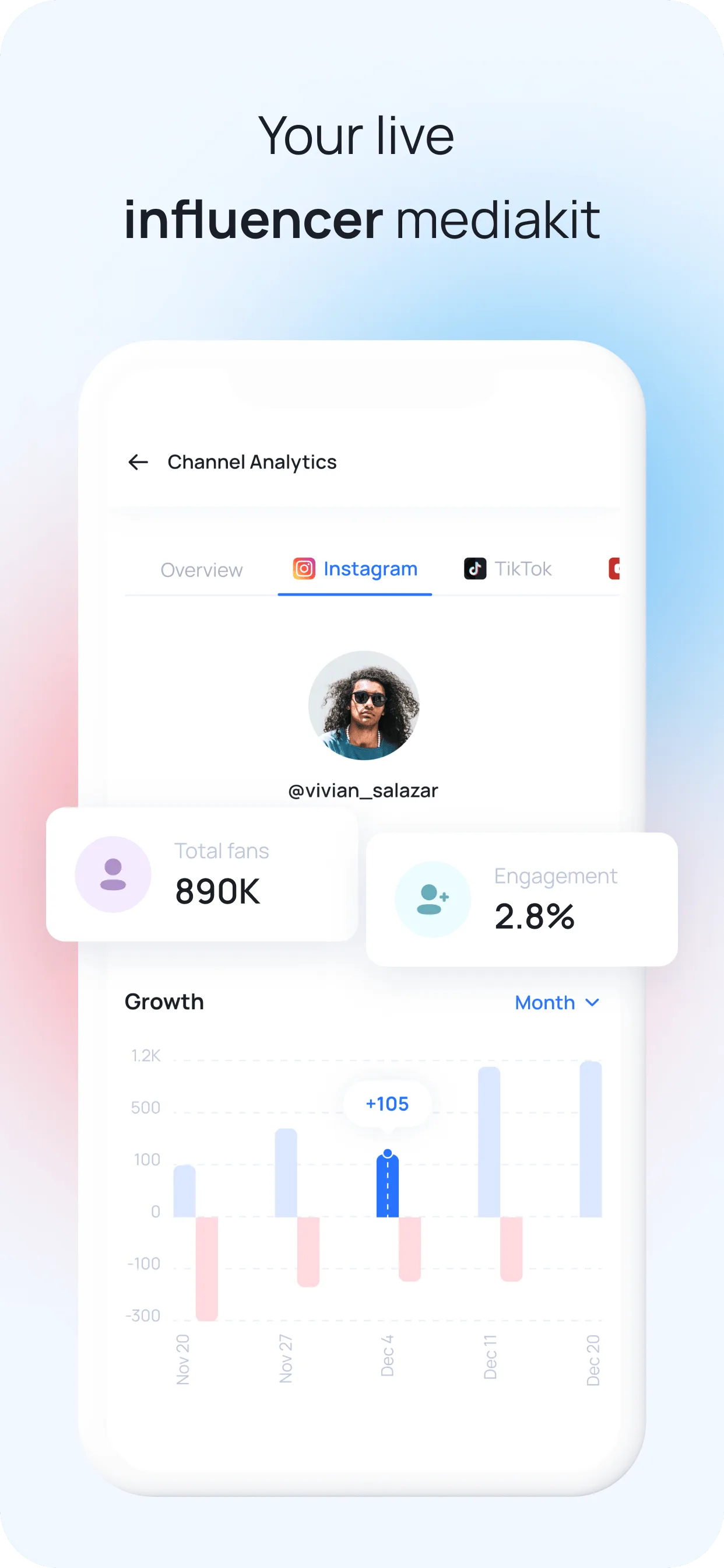
For how to structure it, read how to build the ultimate influencer media kit. The same media kit helps you find YouTube sponsors once collabs start landing. For more growth strategies, explore the Social Media Growth & Algorithms hub.
Creator collaboration research
Research a YouTube topic with Mysocial and your connected assistant. Review the source videos and fit notes, then choose who to approach.
Creator research requires Universe access and available research allowance. You review and send invitations yourself.
Social Media Growth & Algorithms
Related Posts
The best time to post on YouTube for every day of the week, for long-form videos and Shorts, from a study of 1.8M videos. Plus how to find your own best time.
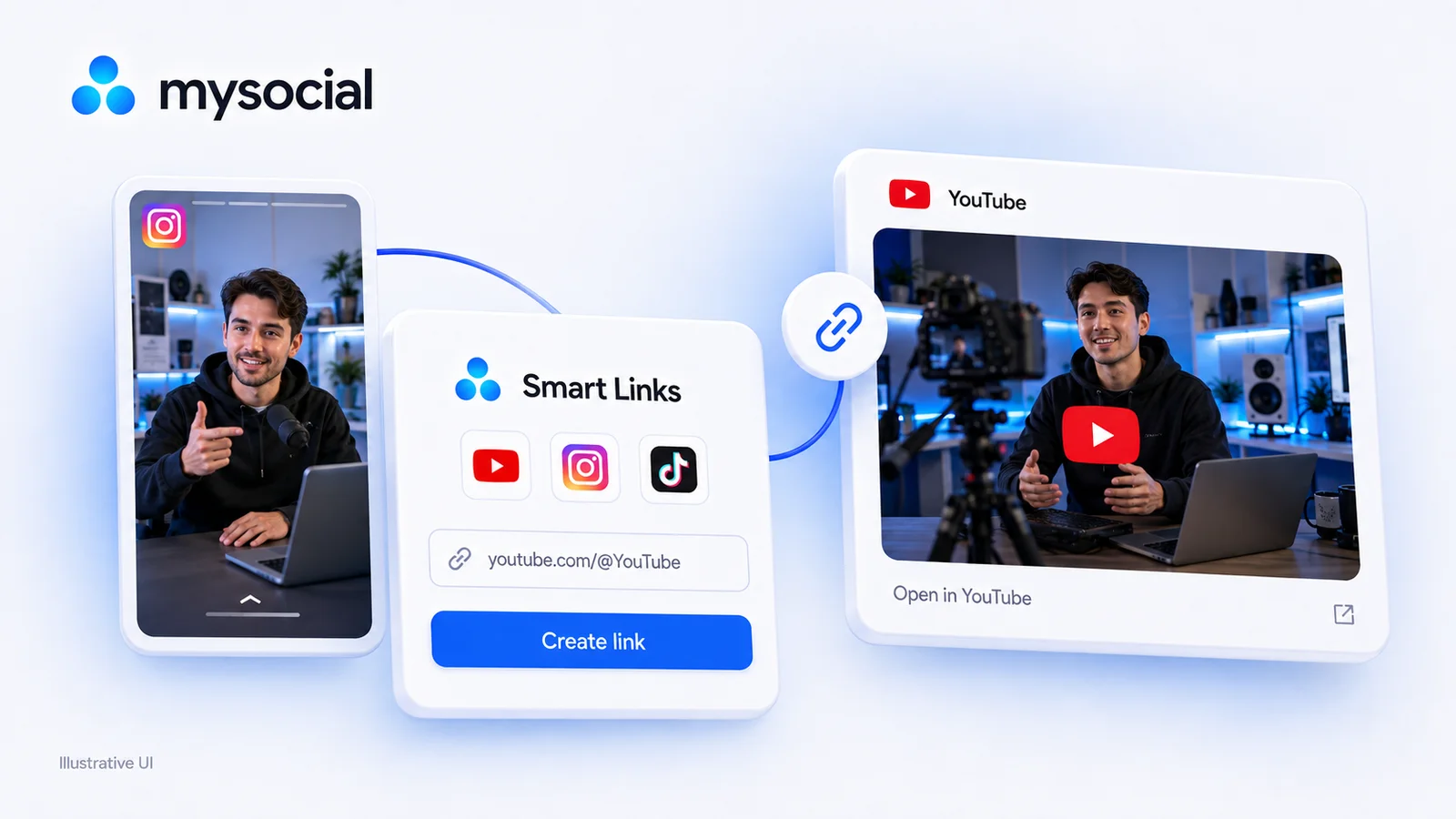
Try a free LinkTwin alternative with a working YouTube link generator. Compare click limits, app-opening behavior and what to check before switching.
Find small influencers for your brand. Compare audience fit, recent reach, engagement quality and campaign costs before choosing nano or micro-creators.