Free URLgenius Alternative With No Click Cap | Mysocial
URLgenius charges per click. Mysocial Smart Links are free with no click cap on every plan. Verified 2026 pricing for URLgenius, LinkTwin, OpenUp and U2L.

Quick answers
Mysocial Smart Links is a free option for sharing supported YouTube destinations. Create one link per day without an account, or sign in for unlimited free Smart Links with no click cap. Retargeting pixels require a paid plan.
LinkTwin lists 500 monthly clicks, 10 total links and 14 days of analytics on its free plan. Its pricing page gives conflicting descriptions of what happens at the free click cap, so confirm the current behavior with LinkTwin before using it for a large launch.
No. A URL on the linktw.in domain belongs to that service. Create a new Mysocial link from the original YouTube destination, test it, then update the placements you control. Existing click history does not move with the new link.
No tool can guarantee an app open on every device. The result depends on whether YouTube is installed, operating-system settings and the browser containing the link. Test the actual Instagram Story, bio or message placement, and check the web fallback too.
Mysocial Smart Links is a free LinkTwin alternative when your main job is sharing YouTube content from Instagram, messages or other channels. You can make a link below, without creating an account. Sign in when you need more than the anonymous daily allowance.
The useful comparison is what you need the link to do: open a supported social destination, stay within your budget, and work in the places where your audience taps it. A shorter URL alone does not prove any of those things.
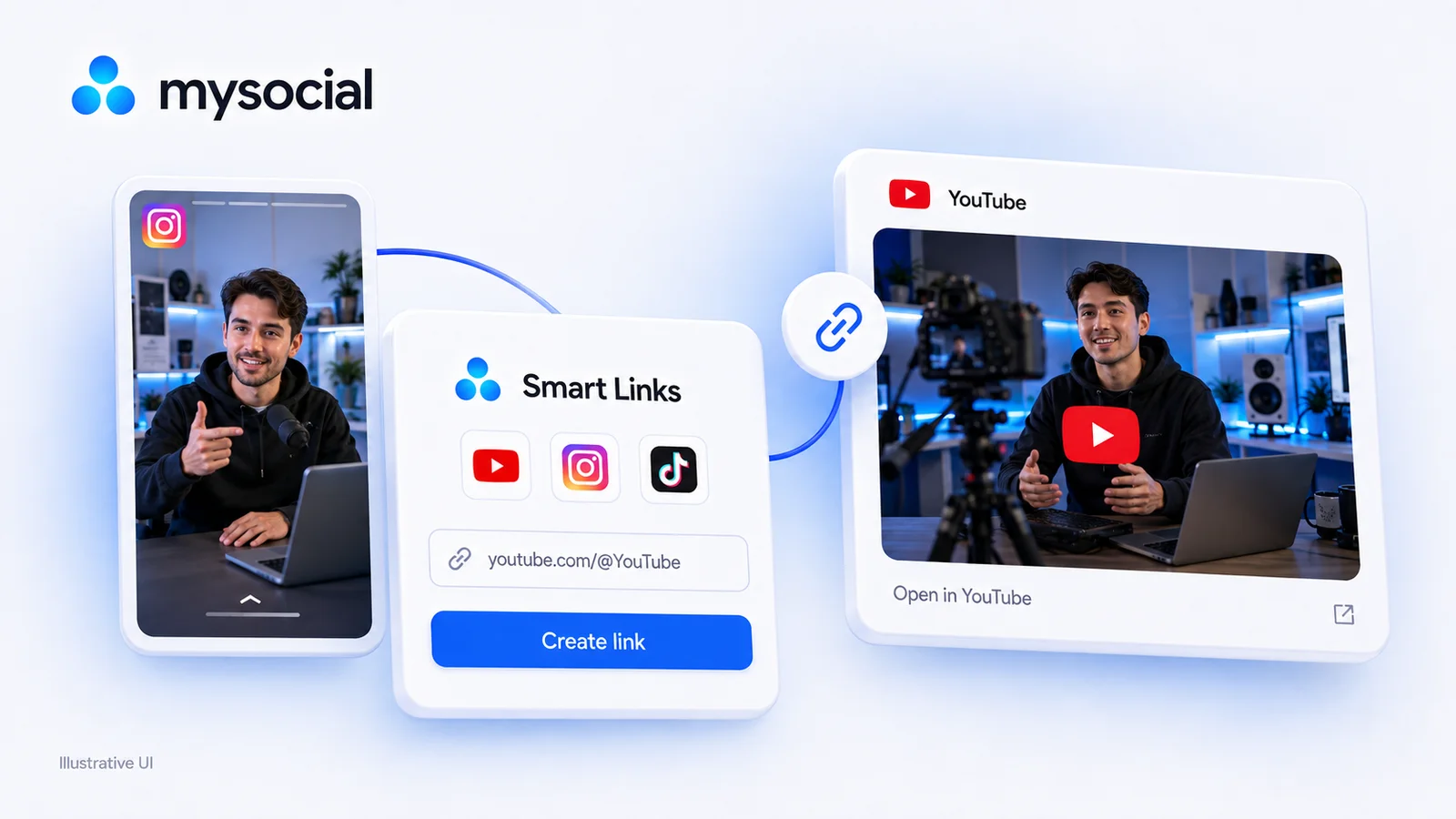
Written by Mysocial. Competitor details checked against official pages on September 6, 2026. The hero is an illustrative UI; the generator below is the working tool.
Paste the original YouTube URL, rather than an existing shortened link. Use a destination you would be comfortable sharing publicly.
Create your YouTube smart link
That was today's free link
Log in and make as many as you like, free, with click tracking.
Log in, it's freeYou're logged in. Unlimited smart links are waiting in the app.
Open Smart LinksThe anonymous generator allows one new link per day, with additional abuse limits that can affect shared networks. A free Mysocial account unlocks unlimited Smart Links with no click cap. Paid plans are needed for retargeting pixels; they are not needed for ordinary link creation. See Smart Links and the current plans for the product details.
| Decision | Mysocial Smart Links | LinkTwin |
|---|---|---|
| Try it without signing in | One new link per day in the generator above | Check the current signup flow |
| Free account allowance | Unlimited Smart Links; no click cap | 10 total links and 500 clicks per month |
| Free analytics window | Check the reporting available in your Mysocial account | 14 days on the published free plan |
| Retargeting pixels | Paid feature | Listed among paid-plan features |
| Best starting use | Creator links to supported social content | Social app links, with additional affiliate and targeting tools to evaluate |
| Existing URLs and history | New Mysocial URL; no LinkTwin history import | Existing LinkTwin URLs remain managed by LinkTwin |
LinkTwin’s free allowances come from its pricing page. One detail deserves attention: its general grace-period section says existing links continue redirecting, while the free-plan FAQ says they stop at the monthly cap. Those statements conflict. Ask LinkTwin which rule applies to your account before building a launch around it.
If you need Amazon affiliate routing, branded domains or advanced targeting, evaluate those requirements separately. LinkTwin describes a broader set of uses on its product site. Mysocial’s free YouTube workflow is not a promise of feature parity with every one of them.
A YouTube URL shared inside another app may open in that app’s embedded browser. That can leave the viewer in a different browsing or login context from the YouTube app they normally use.
A smart link provides a route toward the native app when the device and source browser permit it. The useful outcome is that the viewer reaches the intended video or channel with less friction. The browser, operating system and installed apps still control the final behavior.
This is why we do not promise a fixed increase in views, subscribers or revenue from changing a URL. Judge the link by whether it reaches the correct content in your actual placements. For the routing basics, see how YouTube deep links work.
Start with the public YouTube channel: https://www.youtube.com/@YouTube. It is an easy destination to recognize, so you can distinguish a successful route from the wrong page opening.
On September 6, 2026, our production check created this example smart link from the YouTube channel URL above. The API returned a successful creation response and the public link served the intended YouTube destination. Our publication check covers link creation and the public redirect response. It does not establish a result for every iPhone, Android device or embedded browser. The placement test above is the check that matters for your campaign.
| Test | Record before publishing |
|---|---|
| Destination | Exact video, Short or channel that opens |
| Source | Instagram Story, Instagram bio, message or another real placement |
| Device | Operating system and whether YouTube is installed |
| Interaction | Automatic opening, an extra tap, or a web page |
| Fallback | Whether the intended content is still reachable without the app |
For links aimed at Instagram content itself, use the Instagram deep-link guide. Sending someone from Instagram and sending them to Instagram are different tests.
Make a small inventory of the links you control: your bio, active Stories or Highlights, video descriptions, email templates and scheduled posts. For each, save the original destination, old short URL and replacement URL.
Replace one placement you can edit easily. Test it from a second device before changing the rest. Keep the old service available while old emails, printed QR codes or other uneditable placements still depend on it. Creating a Mysocial link cannot change where someone else’s short domain sends its existing URLs.
Finally, start a new reporting period for the new URL. Do not combine the old and new click totals as though the two tools necessarily count visitors, previews and repeat taps the same way. Compare the destination reached and the product outcome you care about, as well as clicks.
Choose Mysocial when you want a straightforward free creator-link workflow and your required destinations pass the real placement test. Start with the generator above, then manage your links in a free account.
Keep evaluating LinkTwin if its additional affiliate or targeting functions are central to your setup. Make a list of those functions before moving; changing providers for a lower headline price is only useful when the replacement handles the job you actually need.
If you are also considering URLgenius, our URLgenius alternative comparison covers that buying decision. For more creator distribution guides, browse the social growth resource hub.
Social Media Growth & Algorithms
Related Posts
URLgenius charges per click. Mysocial Smart Links are free with no click cap on every plan. Verified 2026 pricing for URLgenius, LinkTwin, OpenUp and U2L.
Use AI for audience research with posts, comments and analytics. Copy ChatGPT prompts, check the evidence and choose one content idea to test.
Find small influencers for your brand. Compare audience fit, recent reach, engagement quality and campaign costs before choosing nano or micro-creators.