Pitch Drafting
Make your first message worth opening.
Turn saved research into a short, specific introduction. Your AI reads the prospect and conversation history, then prepares a draft for you to review and send.
Plans & setup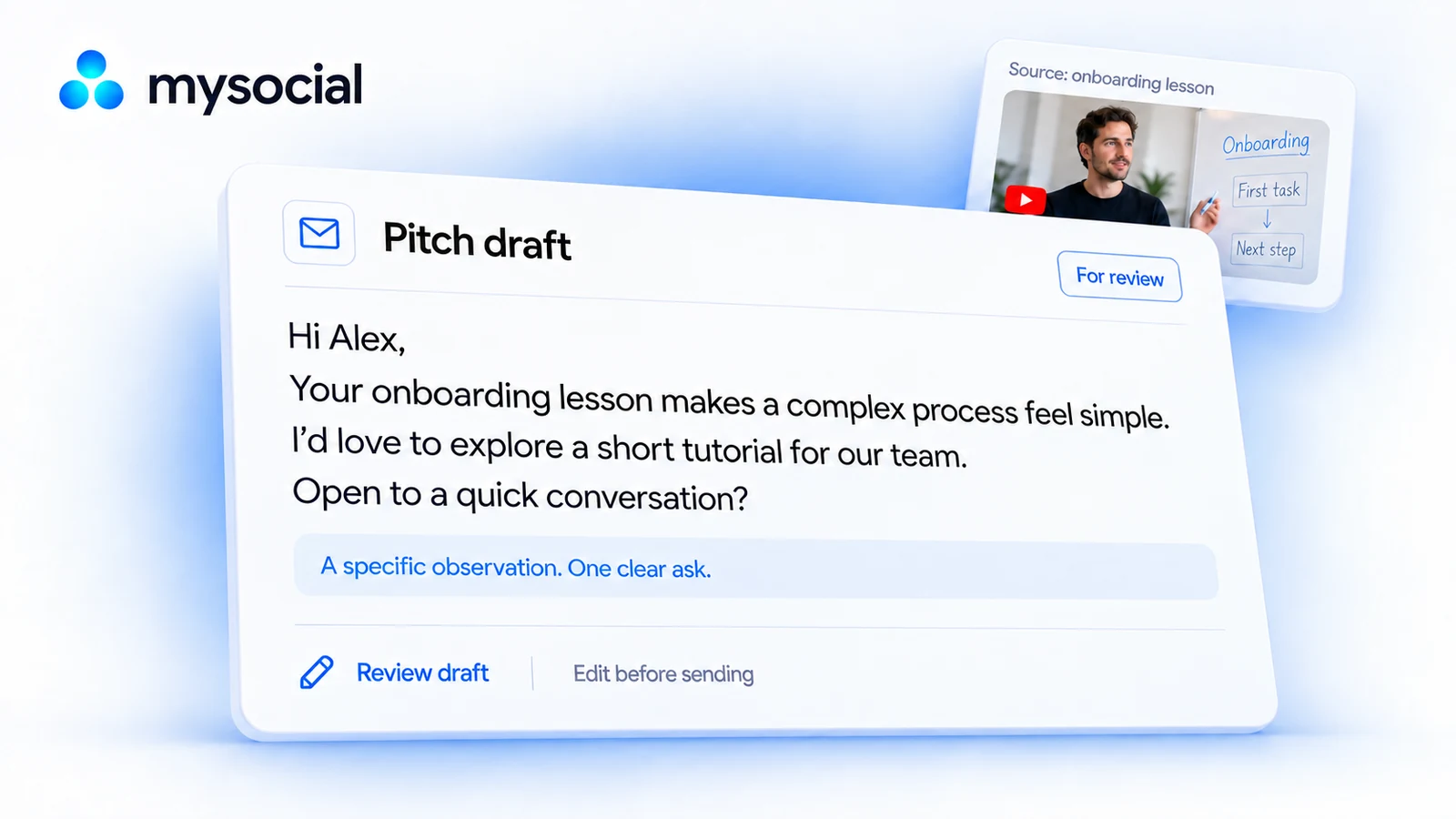
Saved creator research
A first message with a reason behind it.
A software brand drafts a creator introduction from a saved onboarding tutorial, with one observation and one collaboration idea.
Onboarding lesson
Read this creator’s onboarding lesson and contact history. Draft a short introduction proposing a tutorial for our team.
Hi Alex, your onboarding lesson makes a complex process feel simple. I’d love to explore a short tutorial for our team. Open to a quick conversation?
Observation: a complex process made simple
An observation you can check against the prospect’s saved work.
Offer: a short tutorial for our team
A short introduction, concrete offer and one request, ready for your review.
Next action: review and send the introduction
The draft saved with the prospect, followed by a logged interaction after you send.
Give the message a reason
Know where the conversation stands
Keep the offer in your voice
Brand Studio Your voice, audience and offers.
Define your brand identities, creative formats, products and reference documents. Give your AI the context for the brand you are working on before asking it to draft.
Explore Brand Studio in ProductPitch drafting A relevant pitch, ready for your review.
Use saved research, available contact information and your brand context to prepare a specific pitch. Keep the draft in the relationship record, review it and send it yourself.
Explore Pitch drafting in ProductMedia Kit Your work, ready to share.
Bring your profile, available performance and selected work into a public media kit. Share the link when a brand or collaborator wants to understand what you do.
Explore Media Kit in its overviewMysocial MCP
Your context.
Your choice of AI.
Bring your content, research and relationships into the conversation.
Explore the AI connection One memory.
The details
Good to know.
What do I need to get started?
Use the lead data available in your workspace and an AI account with connector access. Additional company or contact research follows your plan and allowance.
Can I pitch both brands and creators?
Yes. Choose a saved prospect, explain the collaboration and use the available evidence and brand context.
Will messages be sent automatically?
You review and send every message yourself. Mysocial keeps the research, drafts and interaction history.
What if the prospect has little research?
Collect relevant sources first. Ask your assistant to name any gaps and draft only from what you can support.
Start the conversation with something specific.
Choose a saved prospect and ask for a draft grounded in their work.