Give your AI the content, market evidence and relationship context to help you make your next move. From the first idea to the next partnership, keep the work in one place.
Understand what works. Choose what to create next.
Content Memory
Connect your archive so Mysocial can understand the content, audience questions and patterns behind your work. Your AI can use that memory when you plan your next piece.
TRY ASKING YOUR AI
“Which ideas in my archive are worth developing next, and what evidence supports them?”
Read available channel and post performance across your connected accounts. Compare similar posts and keep the time period and available metrics clear before drawing a conclusion.
TRY ASKING YOUR AI
“Compare my recent posts by format. Show the source metrics and one experiment worth trying.”
Research content around a topic, explore posts that outperform their baseline and read the audience language behind them. Save useful evidence into Ideas for your own work.
TRY ASKING YOUR AI
“Research this topic and bring back useful examples, their sources and angles I can explore in my own voice.”
Save thoughts, links and imported source material in a living idea library. Your assistant can find those notes, develop a brief and save an edited draft alongside its context.
TRY ASKING YOUR AI
“Find my saved ideas about pricing and turn one into a post brief, keeping its source notes.”
Define your brand identities, creative formats, products and reference documents. Give your AI the context for the brand you are working on before asking it to draft.
TRY ASKING YOUR AI
“Read this brand identity and offer before suggesting the angle and tone for my next post.”
Find the right people. Keep the relationship moving.
Brand discovery
Search for organizations in a relevant niche, inspect the available company evidence and research people at the brand. Save a prospect when there is a useful reason to pursue the fit.
TRY ASKING YOUR AI
“Find brands in this niche, explain the fit using available evidence and save my selected prospects.”
Search relevant content to discover who creates it. Review their published work and available profile information, then save the creators you want to research or approach.
TRY ASKING YOUR AI
“Find creators publishing about this topic. Show a source example for each and help me build a shortlist.”
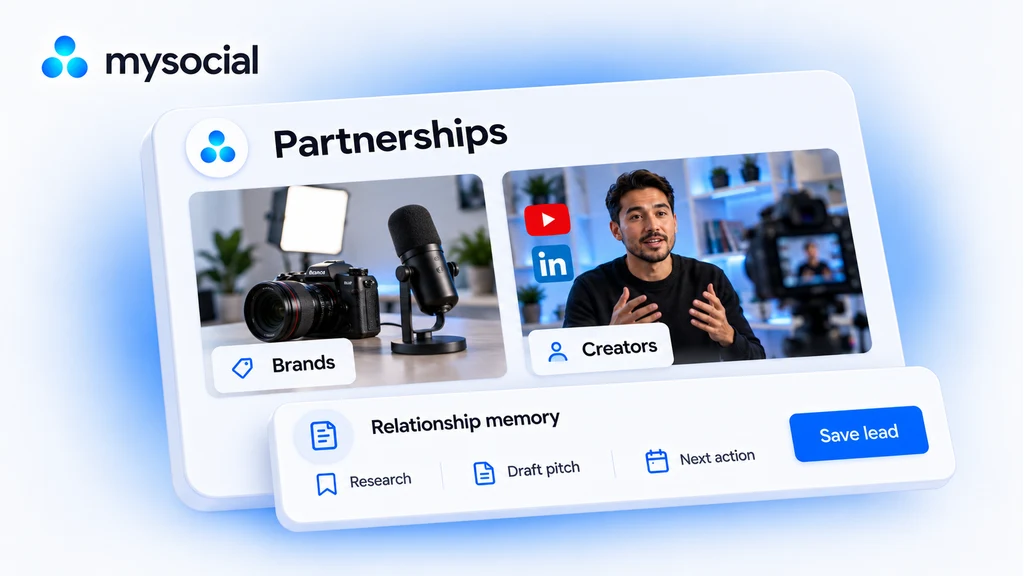
Keep brands and creators in one relationship pipeline with contact routes, saved research, notes, stages and to-dos. Your assistant can read the history and help prepare the next action.
TRY ASKING YOUR AI
“Review the leads due for a follow-up. Summarize the last interaction and prepare the next step.”
Use saved research, available contact information and your brand context to prepare a specific pitch. Keep the draft in the relationship record, review it and send it yourself.
TRY ASKING YOUR AI
“Draft a short pitch to this saved lead using one relevant observation and a clear next step.”
Bring your profile, available performance and selected work into a public media kit. Share the link when a brand or collaborator wants to understand what you do.
TRY ASKING YOUR AI
“Choose the work that best demonstrates the fit for this collaboration.”
Connect Claude or ChatGPT through Mysocial MCP. Research, plan and draft with your saved context, then review the next action. You choose what to create and which conversations to pursue.
Available tools and research allowances depend on your Mysocial plan and your AI provider’s connection support.