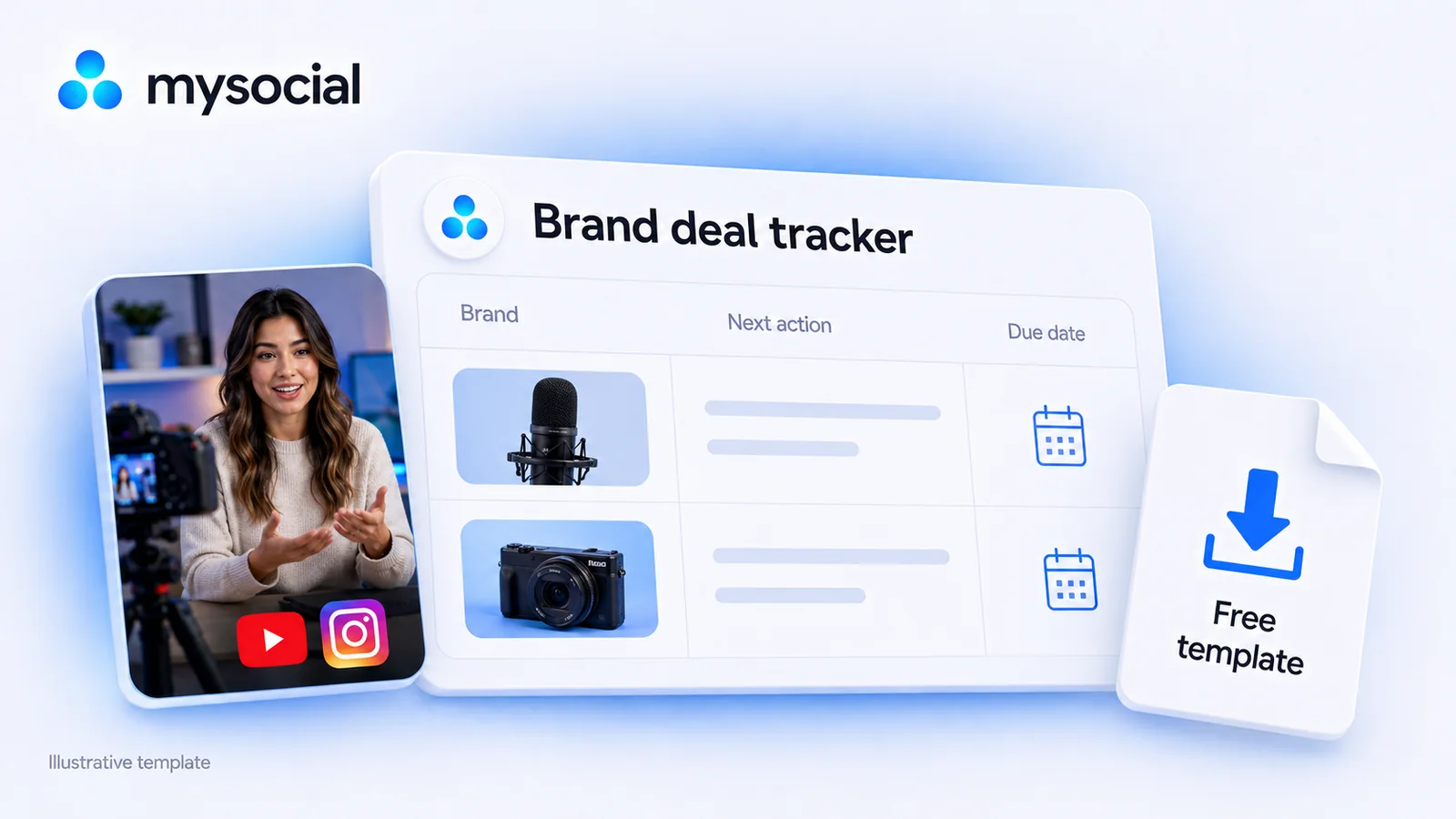
Free Brand Deal Tracker Template for Creators
Download a free brand deal tracker for YouTube and Instagram. Includes 100 prepared rows, a filled example, follow-up checks, delivery dates and payment balances.

Quick answers
Connect Mysocial to Claude or ChatGPT through its MCP connector, then ask for brands in your niche or partnership contacts at a specific company. Give your platform, audience market and proposal. Review the returned sources and contact routes, then ask your assistant to save the useful leads in Mysocial Partnerships. Brand and contact research requires a paid Mysocial plan.
Yes. With Mysocial connected and a paid plan, ask your assistant to find brands in a niche and market, shortlist the relevant companies and research their partnership contacts. You can also start with a company name and website. A connected Instagram or YouTube channel is not required for those searches.
Look for responsibility for influencer marketing, creator partnerships or the relevant campaign. Some brands use an agency or official application programme. Match the contact to your platform, market and proposal; a job title alone does not establish that someone handles your kind of deal.
Yes, when the brand or its agency publishes the form for the kind of enquiry you want to make. A creator application can be the intended route. Check its region, requested information and partnership type rather than assuming that a personal email address would be better.
No. An email-verification result does not establish the person’s current responsibility, campaign budget or interest in your proposal. Keep contact-route evidence separate from evidence about their role, market and the kind of partnership they handle.
The easiest way to find brand partnership contacts with Mysocial is to ask Claude or ChatGPT through the Mysocial MCP connector. Tell it your niche to discover brands, or give it a company name to find the right people and contact routes there.
This works for Instagram and YouTube creators. Your assistant can research the brands, find relevant contacts and save the useful leads in Mysocial Partnerships. Start with either prompt below, then review the sources before pitching.
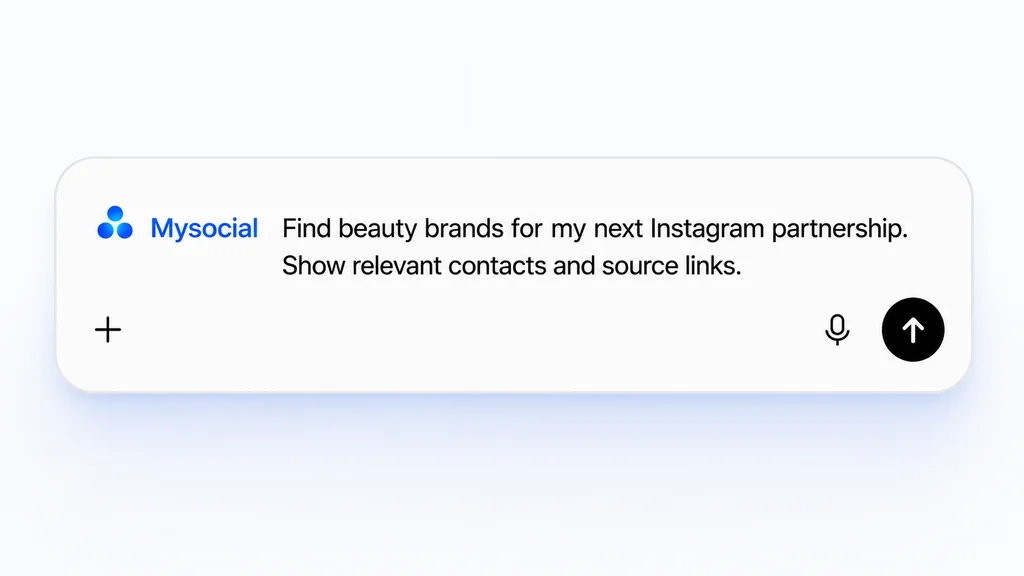
Brand and contact research in Partnerships requires a paid Mysocial plan. You can run these searches without connecting an Instagram or YouTube channel.
Find brands in my niche
Using my Mysocial tools, find brands in [niche] that could fit my [Instagram / YouTube] content for [audience] in [market]. I want to propose [paid collaboration / product review / affiliate partnership]. Shortlist the best three based on that fit and explain why. Research their partnerships or influencer-marketing contacts and official creator application routes. Show the source links, the best next step for each brand and anything you could not confirm. Do not assume they have an open campaign. Let me choose which leads to save in Mysocial Partnerships.
For example: sustainable skincare, Instagram, UK adults interested in simple routines, and a paid Reel. Replace the placeholders with your actual niche and proposal.
Find partnership contacts at a company
Using my Mysocial tools, find the relevant creator-partnership contacts at [company name and official website]. I create [Instagram / YouTube] content for [audience] in [market] and want to propose [collaboration idea]. Look for people responsible for influencer marketing or creator partnerships, and check the brand's official creator programme or team contact route. Show the current role, market, public business contact route and source links where available. Recommend the best next step and flag anything unconfirmed. Do not guess email addresses. Let me review the results before saving the lead in Mysocial Partnerships.
Start with a company you already want to work with. Including its website helps your assistant identify the right business.
When you have reviewed the results, a simple follow-up is enough: “Save [brand names] and their useful contacts in Mysocial Partnerships, with the source links, research notes and next action.” You stay in control of which leads to pursue and when to send a pitch.
The result might be a brand team inbox, an agency contact or a creator application. Use the examples below to assess whether the route fits your proposal. You can also follow these steps when researching a brand yourself.
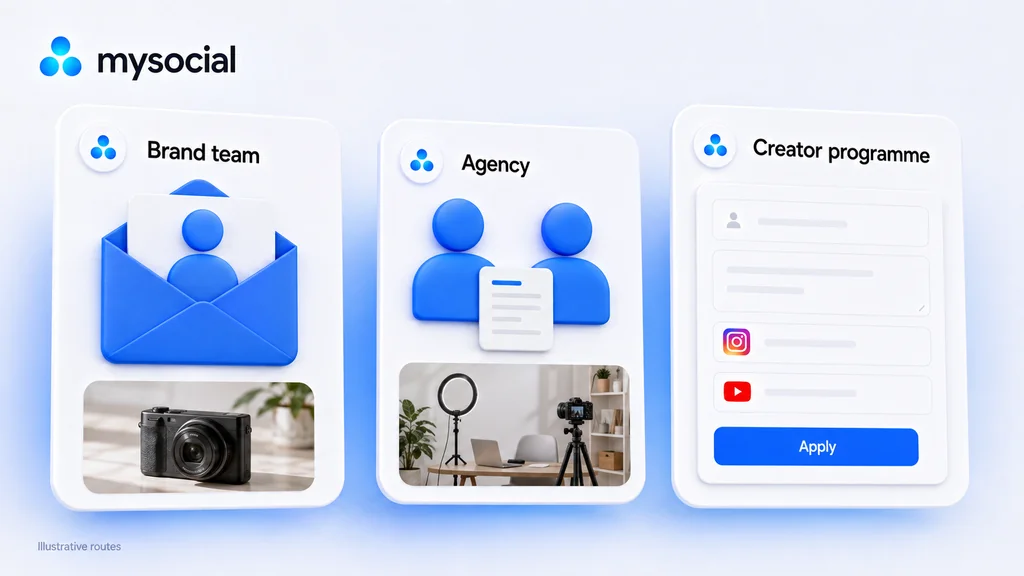
Check the result against your platform, deliverable, audience market and arrangement. For example, “a paid Instagram Reel about a filming setup for UK freelancers” asks a different question from “product access for a YouTube repair review.”
| Route | When to investigate it | Real example below |
|---|---|---|
| Brand team | The company publishes a relevant creator or review contact | iFixit’s product-review route |
| Campaign agency | A named agency documents work for the brand | The Goat Agency’s Dell case study and enquiry form |
| Creator programme | The brand provides a dedicated application | Loop’s US collaboration page |
The compensation model matters. A referral programme, product-review request and fixed-fee sponsorship can have different owners. Read the actual offer before deciding which team to approach.
Ask your assistant for the original source, then open the brand’s creator or ambassador page, newsroom or official social links. If you need to check a route yourself, use searches such as these, replacing the placeholders with the actual brand and domain:
site:brand-domain.com creators
site:brand-domain.com influencer partnerships
site:brand-domain.com product reviews
"Brand name" "influencer marketing" "your country"
"Brand name" "agency" "campaign name"
Open the result and read what the page asks for. A search snippet can omit the region, eligibility conditions or purpose of an inbox. A contact page may contain separate routes for journalists, customers, job applicants and creators.
If the brand publishes an application for your proposal, follow that process. If it only offers a general enquiry route, use a short routing question to establish where creator proposals belong.
The three examples below were checked September 8, 2026. Their source pages are undated. We inspected published routes and accessible forms; we did not send enquiries, test mailbox delivery or establish open campaign budgets.
Suppose you make YouTube repair videos and want to review a toolkit. On iFixit’s official media page, scroll to Product Reviews. It publishes social@ifixit.com for tool-review requests and asks for an audience above 10,000 subscribers. The same page provides separate press and customer-service routes.
Record this as a published product-review contact, with the source and check date. Read the requested process: the page also mentions a form. If its form link is not available to you, ask the listed team for the current review-request process.
This establishes a route for discussing a tool review. It does not establish a cash sponsorship, acceptance or mailbox deliverability. If your proposal requires a fixed fee, make that distinction when confirming fit.
Next action: check the audience requirement and prepare a relevant repair-video example before using the review route.
The Goat Agency’s Dell “Gift of Time” case study describes work across the US, UK, France and Germany, using Instagram and TikTok. That gives an Instagram creator a concrete agency relationship to investigate.
The case study establishes the agency’s reported role in that campaign. It does not prove Goat currently handles every Dell creator enquiry or has a suitable brief open.
Next, inspect Goat’s official contact page. Its loaded enquiry form asks which regional office you want, includes Influencer / Talent Agency as an enquiry category and provides a message field. It also lists careers and journalist contacts for those separate purposes.
Use the form to explain your market and content format, reference the relevant work and ask whether the team handles suitable creator enquiries. Identify yourself accurately as an independent creator if that is your situation. You do not need to invent an employee email or use the press inbox to reach the agency.
Next action: confirm the current regional team and campaign scope. Keep the lead marked current responsibility unconfirmed until you have that evidence.
Loop’s US collaboration page provides an Apply now route through Shopify Collabs. It describes gifting and affiliate opportunities, with potential paid collaborations based on performance.
For an Instagram creator proposing relevant lifestyle content, this is a programme route to inspect. The application entry point led to Shopify account creation or login when checked. We stopped there, so requirements behind the account step were not verified.
Save the brand’s programme page as your source and starting point. It identifies the US community; check the current application conditions for your location and platform. Do not borrow eligibility rules from another programme or assume that applying guarantees paid work.
Next action: review the application requirements and decide whether the offered arrangement fits your proposal. An official application can complete your contact search without a named manager.
Search the brand’s company page and current public professional profiles for responsibilities such as influencer marketing, creator partnerships, social partnerships or campaign management. These are starting points for research. The title “partnerships” can also refer to retail, technology integrations or another unrelated function.
Check four things before selecting someone:
A past campaign credit is useful context, but you still need to check who owns the work now. If the evidence only suggests that someone might be responsible, record that as an inference. A guessed email pattern is not a confirmed contact route.
When you cannot resolve the person, return to an official enquiry channel. A concise question is enough:
Hi team — I create [format] for [audience] in [market]. Which team or application handles [paid creator collaborations / product-review requests] for [product area]? My portfolio is [link].
Replace the alternatives with your actual proposal. Once the route is confirmed, use our creator pitch guide for the full approach.
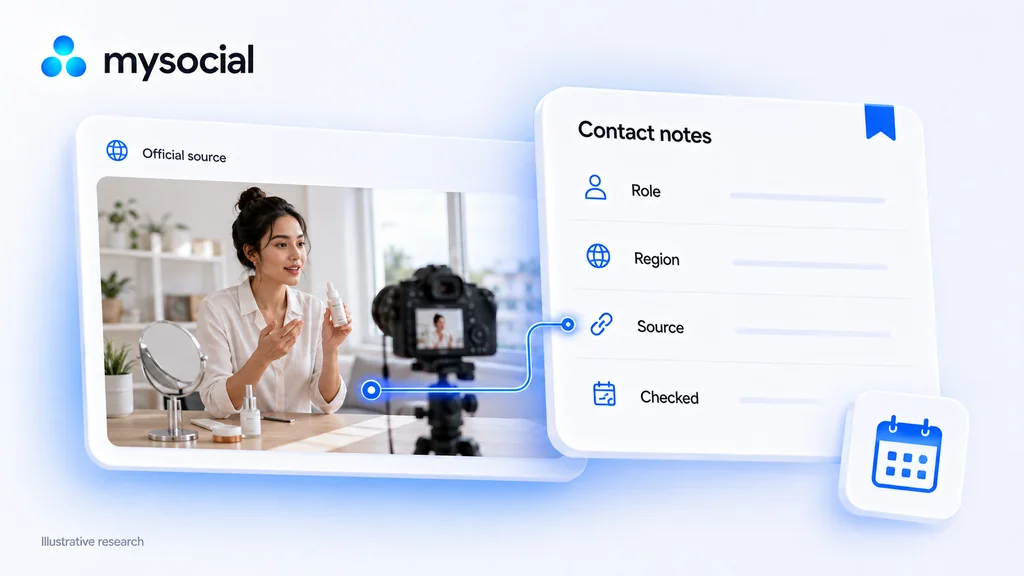
Use a short record you can review before contacting the brand:
Brand and product area:
My platform, audience market and proposal:
Person, team or programme:
Public business route:
Evidence for role and region:
Source URL and date checked:
Still unconfirmed:
Next action and date:
Be specific about the evidence. Published on the official website means you found the route there. Role appears relevant means you have a reason to investigate the person. Confirmed for this enquiry means you have evidence that the route handles your particular request. These are useful research notes, not interchangeable verification badges.
Add the source and next action to the free brand deal tracker if you manage outreach in a spreadsheet. Recheck the source when returning to an old lead, especially if the programme, employee or agency assignment may have changed.
Mysocial Partnerships keeps your brand leads, people, contact routes and research notes together. Once your assistant has saved the leads you selected, open Partnerships to review them and choose your next action.
You can return to Claude or ChatGPT whenever you need to research another niche, fill a gap in a brand file or find another relevant contact. Include the brand name and what you still need to know.
Ask your connected Claude or ChatGPT to do the research, then keep the leads you want to pursue in Mysocial Partnerships. Partnerships requires a paid plan.
Open Mysocial Partnerships Open PartnershipsStill choosing which brands to research? Start with our tech YouTube sponsor examples or Instagram sponsorship platforms. Once you have a suitable route, prepare the specific proposal and record the next step.
Creator Monetization & Brand Deals
Related Posts
Download a free brand deal tracker for YouTube and Instagram. Includes 100 prepared rows, a filled example, follow-up checks, delivery dates and payment balances.
Create a clear brand partnership proposal with deliverables, pricing, dates and evidence. Copy the template or build and download a draft for free.

Calculate earned media value with a clear formula and worked example. Choose defensible CPM inputs and report campaign outcomes alongside EMV.