Best YouTube Sponsorship Platforms for Creators
Compare YouTube sponsorship platforms for finding brands and getting booked. See costs, eligibility and the best fit for your channel.

Quick answers
Choose Mysocial for AI-assisted brand research and managing leads in Partnerships, MeetSponsors for YouTube channel-based sponsor recommendations, Collabstr for selling content packages, or YouTube Creator Partnerships for native brand enquiries. The right alternative depends on the part of your sponsorship workflow you need to improve.
Mysocial supports research through your connected AI assistant and keeps leads, contacts and notes in Partnerships. It does not claim an equivalent, exhaustive database of detected YouTube sponsorships. Keep a dedicated history tool if that evidence is central to your work.
On September 8, 2026, the public Creator offer displayed a $1 seven-day trial followed by a promotional $29 per month. Check the checkout renewal amount and current offer before subscribing. The comparison below also explains the different cost models of its alternatives.
This guide does not establish an automatic SponsorRadar-to-Mysocial import. Start with a small set of leads you are entitled to retain, preserve the evidence and notes, and verify each contact before continuing your outreach.
The most useful SponsorRadar alternatives are Mysocial, MeetSponsors, Collabstr and YouTube Creator Partnerships. They serve different jobs: researching brands, preparing outreach, selling a content package or receiving an enquiry inside YouTube.
Before switching, identify the step that keeps you from moving forward. Finding more companies will not resolve a missing contact or a pile of unanswered pitches. Your next tool should help you complete that step.
Written by Mysocial. Public product documentation and offers checked September 7–8, 2026. We have not tested paid competitor accounts; the practical exercise below is a suggested evaluation, with no claimed campaign results.
| Option | Best reason to consider it | What to check before committing |
|---|---|---|
| Mysocial | Research around your channel and video brief; maintain leads, contacts and notes | Partnerships requires a paid plan, connected channel and AI connection |
| MeetSponsors | YouTube channel-based recommendations and outreach preparation | Initial analysis is free; contact allowances depend on the plan |
| Collabstr | Sell a defined content package through a marketplace | No upfront creator cost; 15% transaction fee on a sale |
| YouTube Creator Partnerships | Receive and manage native brand enquiries | Age, channel and country eligibility apply |
| Keep SponsorRadar | Detected sponsorship history with contacts and Gmail outreach | Creator offer displayed $1 for seven days, then promotional $29/month |
Prices and access above come from the official SponsorRadar, MeetSponsors, Collabstr FAQ and YouTube help pages. See Mysocial plans for current subscription details.
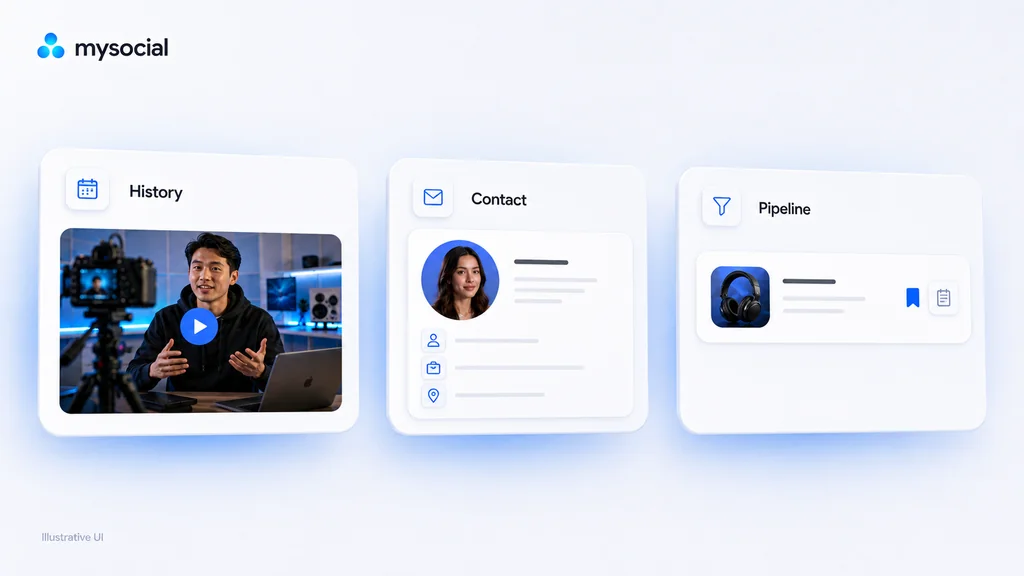
SponsorRadar combines detected YouTube sponsorship history, brand contacts, media kits and Gmail pitch integration. Its public Creator offer displayed a $1 seven-day trial, then promotional $29/month when checked. Confirm the renewal amount at checkout. Source: SponsorRadar.
Stay if your recurring task is investigating which brands sponsored similar channels and using that evidence in outreach. Another tool needs to solve a specific gap to justify moving your research.
Its sponsorship methodology describes detections based on public video signals. Treat those as leads to underlying evidence. A detected appearance does not establish the fee paid, an available budget or a brand’s interest in your channel.
Mysocial is our pick when you want to turn a video idea into a shortlist and maintain the resulting relationships. In Partnerships, the Find brands flow prepares a research prompt for your connected AI assistant. The app holds the leads, contacts, notes and stages that come back.
For example, a desk-setup creator can investigate products relevant to a small home office, ask Claude or ChatGPT to cite the sources, and keep promising companies alongside their next steps. The value is carrying the context forward when you return to a lead.
Access: connect a channel and AI assistant, and use a paid plan. Limit: Mysocial does not claim an equivalent, exhaustive archive of detected YouTube sponsorships. You review the research and send your outreach yourself; it does not provide escrow or automatically pitch a list of companies.
If sponsorship history is essential, you can keep a research source alongside Mysocial. There is no need to rebuild a working process just to use one application for everything.
MeetSponsors starts from your channel URL and offers sponsor recommendations, history, contacts and pitch preparation. Its initial analysis requires a free account with Google sign-in. The public Starter offer displayed $34/month plus VAT, with three outreach kits per month; confirm billing selection and current allowances before purchase.
It also advertises API and MCP access, with limits by plan. An AI connection alone therefore does not distinguish it from other options.
Choose it when: the main task is building and investigating a YouTube-specific starting list. Check whether the contact allowance covers the number of brands you realistically research each month. You handle outreach and negotiation directly.
Collabstr’s creator workflow lets brands discover and order listed content services. That suits a creator who can clearly describe a deliverable, such as a dedicated product demonstration or a short integration.
Its FAQ confirms no upfront creator cost and a 15% transaction fee on sales. Payments are collected through the platform and held until the order is completed under its approval process.
Choose it when: you want a storefront and a payment workflow. This changes how you acquire work: you are presenting an offer for purchase. Define the format, revisions, usage and delivery expectations before accepting an order.
YouTube Creator Partnerships provides brand enquiries, a media kit and desired-rate settings inside YouTube Studio. Requirements include being at least 18, YouTube Partner Programme membership, an available country and no active Community Guidelines strikes.
Open YouTube Studio → Earn and check your channel’s available tools. The experience can vary by country.
Choose it when: you are eligible and want another way for brands to discover you. You still negotiate the agreement and payment with the brand. Access to the tab does not promise campaign invitations.
Use the same brand and video brief to judge the part of each product you can access. This makes a trial more useful than comparing the size of marketing claims.
Suppose your next video is about recording clear audio in a small apartment. This is a hypothetical brief; no brand has agreed to sponsor it.
| Task | What a useful result contains |
|---|---|
| Establish audience fit | A product use that belongs naturally in this specific video |
| Check the evidence | A source URL, date checked and an accurate description of what it proves |
| Find a contact route | The official application or relevant business role, with its source |
| Preserve the context | A lead you can return to with the evidence, notes and next action intact |
| Prepare the approach | A concise idea tied to the brand’s product and your actual audience |
If a product only provides one of those results, evaluate that result on its merits. An inbound marketplace will need a different trial: publish a clear package and inspect its booking workflow. An empty inbox after a few days tells you little about the quality of your research.
Research one brand before switching tools
Use my connected YouTube channel and ask for any missing audience details. My next video is about recording clear audio in a small apartment. Research one relevant brand, cite its official product page and any public creator partnership evidence, and distinguish confirmed facts from your suggestions. Find an appropriate public contact route. Show me the evidence and proposed next action before saving the lead in Partnerships. Do not send outreach.
For Mysocial, connect your channel and AI assistant and use a paid plan. Review the underlying sources before saving or pitching a brand.
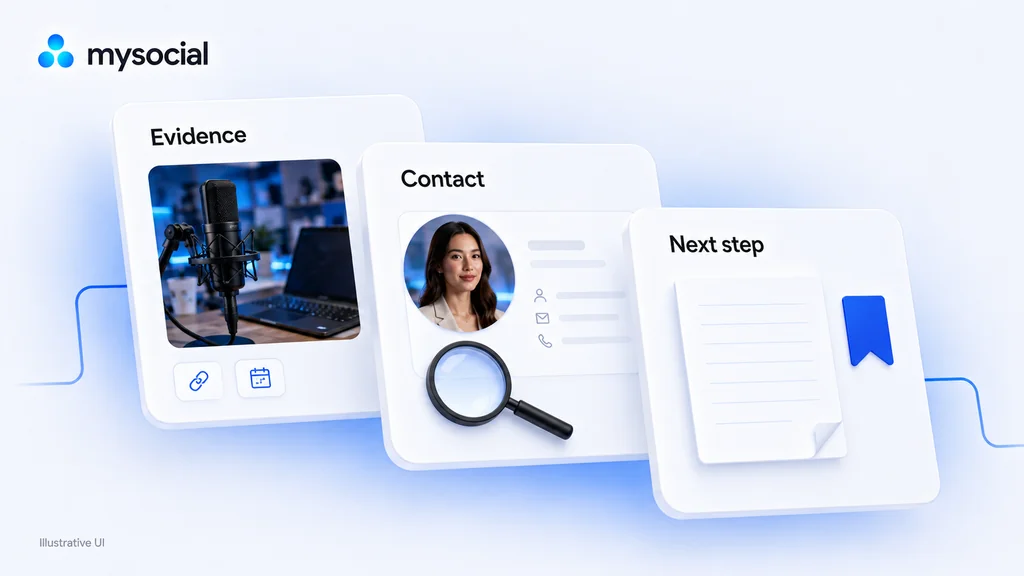
Start with a small set of active prospects. Keep the brand’s domain, the evidence URL, the last date you checked it, the contact source, your notes and your next action. Retain only information you are entitled to keep under your current tool’s terms.
Recheck contact roles and application pages. A person may have changed jobs since you added them; a programme may now accept a different kind of creator. Preserve any previous replies and promises so you do not restart an existing conversation from zero.
There is no verified automatic SponsorRadar-to-Mysocial import in this guide. Recreate a few valuable leads first and confirm that the new workflow keeps the context you need. Cancel a subscription only after checking renewal terms and retaining the records you need.
Build a shortlist around your next video, then keep the evidence and contacts in Mysocial. Partnerships requires a paid plan, connected channel and AI connection.
Build my sponsor shortlist Open PartnershipsFor a broader category comparison, see YouTube sponsorship platforms. For source-backed candidates, explore brands that sponsor tech YouTubers. To prepare the asset you send with a pitch, use the YouTube media-kit template. If you publish primarily on Instagram, start with the separate Instagram sponsorship platform guide.
Creator Monetization & Brand Deals
Related Posts
Compare YouTube sponsorship platforms for finding brands and getting booked. See costs, eligibility and the best fit for your channel.
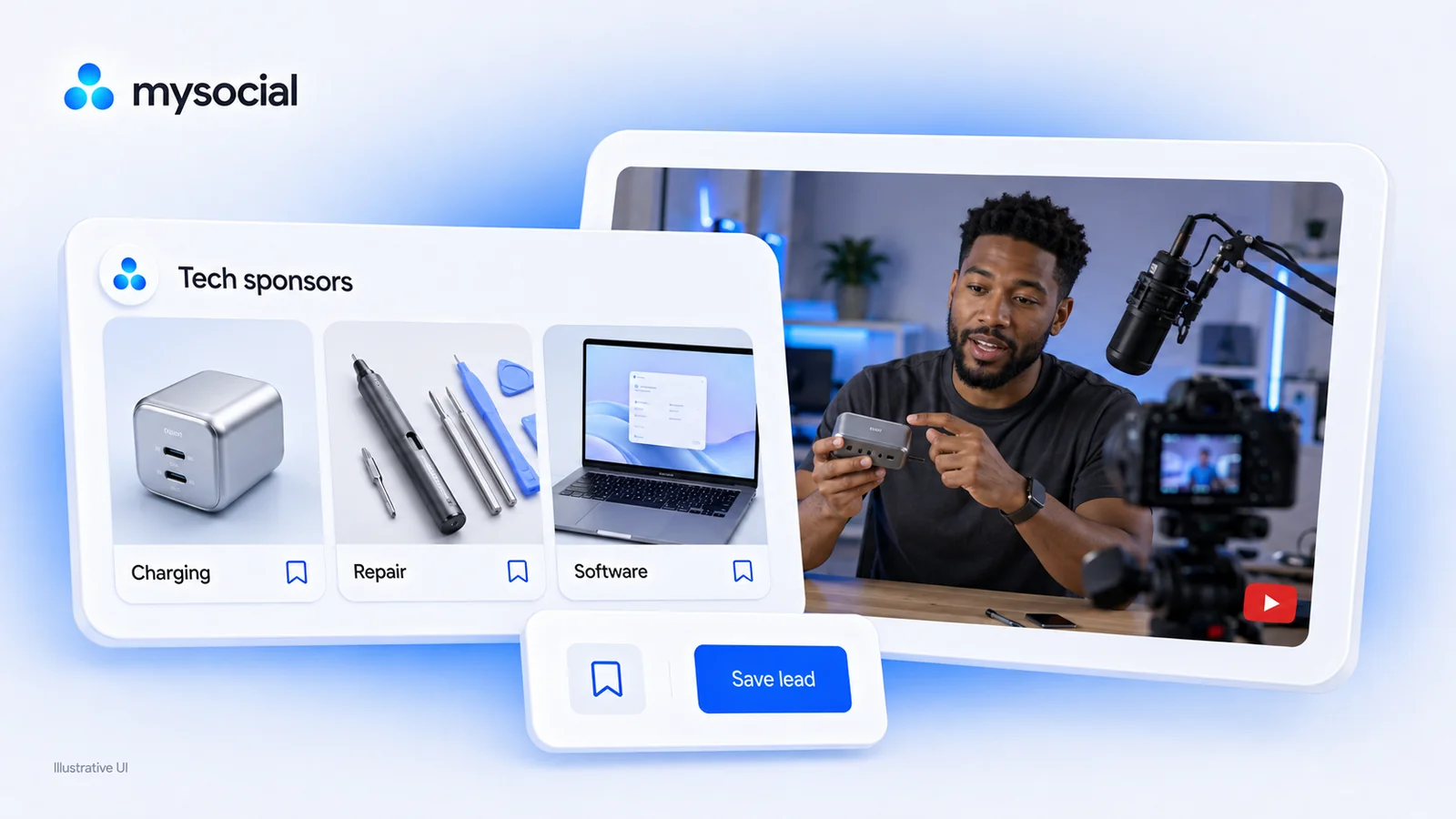
Research eight brands with documented tech-creator partnerships. See the evidence, audience fit and official contact routes before building your sponsor shortlist.

Calculate earned media value with a clear formula and worked example. Choose defensible CPM inputs and report campaign outcomes alongside EMV.