

Best Social Media MCP Servers: An Honest Comparison
14 social media MCP servers, four different jobs. Postiz wins publishing, Supermetrics wins reporting — and Mysocial wins the one nobody else does.


Quick answers
Content creation is the full process of turning an idea into a finished asset people can consume — scripts, videos, graphics, captions, and audio. For creators it covers planning, recording or designing, editing, publishing, and iterating based on performance data.
Use five stages: plan (pillars, ideas, calendar), produce (film, record, write), package (edit, hooks, thumbnails, captions), publish (scheduling and distribution), and improve (metrics, patterns, refinements). Skip any stage and growth feels random instead of repeatable.
Publish on a fixed cadence, fix your first three seconds before anything else, and study saves and shares more than likes. Repurpose every long piece into short clips so you get more reps without more filming days. Change one variable per week.
Less than most creators think once it is batched. Systematic repurposing saves 60 to 80 percent of production time, and creators using AI in their workflow report saving around nine hours a week. The time sink is context switching, not filming.
Short-form video for discovery. Reels reach roughly 3 to 5 times more accounts than static image posts, and carousels sit between the two. Use video to be found, carousels to be saved, and static posts only when they support a larger narrative.
You are not short on ideas. You are short on a system that turns ideas into finished, published work every week — without wrecking your calendar or your health.
That is what content creation actually is. Not talent. Not gear. A pipeline. This guide defines the work, breaks it into five stages you can run solo or with a team, and shows where the pipeline breaks for most creators. If you want the platform-by-platform version afterwards, pair it with our guide on how to create social media content.
9 hrs
saved per week by the 86% of creators using AI in their workflow (Spiralytics, 2026)
3–5x
more reach for short-form video vs. static posts (Socialinsider, 2026)
60–80%
of production time saved by systematic repurposing (Shno, 2026)
78%
of creators say burnout is hurting their motivation and output (Creator Economy Report)
Content creation is not filming. It is a chain of nine distinct crafts, and a weakness in any one of them caps everything downstream. A YouTube video, a TikTok, a carousel, and a newsletter all pass through the same chain — only the tools change.
The nine crafts inside one post
Research
What your audience already asks
Positioning
The angle only you can take
Scripting
Hook, promise, payoff
Capture
Footage, audio, screen, stills
Editing
Pacing, cuts, sound cleanup
Design
Covers, text, brand system
Packaging
Titles, thumbnails, first frame
Distribution
Surface, timing, cross-posting
Analysis
What worked, and why
That wide definition matters, because creators who only optimize filming never fix the real bottleneck. Weak hooks, no repurposing, and a missing feedback loop stall growth faster than camera settings ever will. Treat content creation as a system and you get to choose which step to fix.
If ideation is the step that keeps stalling you, 25 ChatGPT prompts for content creators covers the research and scripting end of that chain — and connecting your channels to your assistant means those prompts run against what you have actually published rather than a blank slate in detail.
These five stages apply whether you are solo with a phone or running a team of editors and designers. The names matter less than the fact that each one has an output the next stage consumes.
Each stage hands the next one something finished
01
Plan
Pillars, a backlog, a dated calendar
→ a slate
02
Produce
Footage, voiceover, stills, drafts
→ raw takes
03
Package
Cuts, captions, hooks, covers
→ finished assets
04
Publish
Surface, timing, cross-posting
→ live posts
05
Improve
Patterns, not single results
↺ back to Plan
Stage five feeds stage one. That loop is the difference between a pipeline and a treadmill.
The creators who never run dry are not more creative. They capture continuously and decide in batches. A voice note in the car, a screenshot of a comment, a saved post from someone in your niche — those are raw ideas, and they cost nothing to collect.
The mistake is trying to have the idea and judge the idea in the same sitting. Separate them. Capture all week, then pick your slate in one planning block.

The best planning input you already own is your own comment section. Questions asked repeatedly are pre-validated topics — your audience has already told you what they want and how they phrase it. Turn that slate into dated slots with our content calendar guide, where every entry already carries a pillar and a format.
Batching is the single biggest lever in the pipeline. Content batching cuts production time by more than 70% (Heropost, 2026), and the saving comes from eliminating setup and context switching, not from filming faster.
1 day
Capture block
One lighting setup, one outfit, six to ten scripts filmed back to back. Setup cost is paid once.
1 week
Edit + package block
Every clip cut, captioned and covered in one pass, so your editing brain stays warm across all of them.
1 month
Publishing runway
Scheduled ahead, so a bad week never becomes a gap in your feed. Consistency stops depending on mood.
If you want that rhythm mapped across an entire month, the 30-day content plan for YouTube, Instagram, and TikTok lays out exactly which day does what.
Packaging is not decoration. It is the part of the asset that determines whether the rest of the asset is ever seen. Facebook research found that 65% of viewers who make it past three seconds watch for at least ten, and 45% keep watching past thirty.
That makes the opening the highest-leverage two seconds of editing you will ever do. Here is what “good” actually looks like once a clip is live.
Healthy retention by clip length (short-form)
Average view-through
0% to 67%
Clip length
Under 15s
67%15–30s
55%30–60s
47%60s+
38%Average view-through
Clip length
Source: Retensis and Shortzly short-form retention benchmarks, 2026
Read your own numbers against that band. If a clip under fifteen seconds is retaining below 60%, the problem is almost always the first line — not the topic, not the edit, not the algorithm. Our breakdown of hooks, pacing and retention structure goes deeper on how to build an opening that survives the scroll.
The fix is not guesswork. Pull the posts that already held attention — yours first — and take the opening apart: the exact words, the structure underneath them, and what the audience did next.
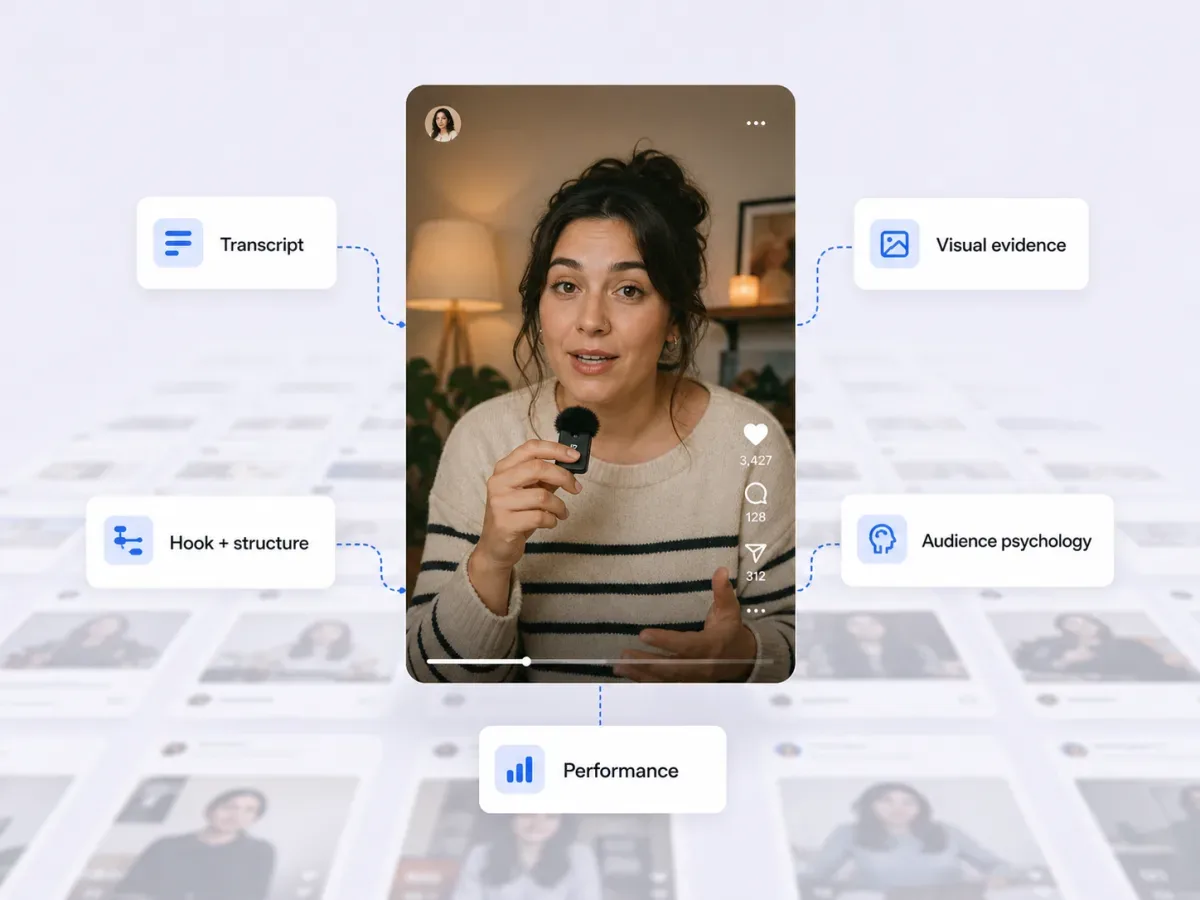
Formats are not interchangeable, and treating them as one bucket is how creators conclude that “nothing works”. Each surface has a different reach ceiling and a different job.
Average reach rate by format · Instagram
30.8%
Reels
Built to be found. Watch time and shares push you to non-followers.
14.5%
Carousels
Built to be saved. Multi-slide depth earns the bookmark and the return visit.
13.1%
Static posts
Built to support. Use them inside a bigger narrative, not as your engine.
Source: Socialinsider and Upgrow Instagram benchmarks, 2026. Engagement rates run tighter than reach — reported ranges put Reels at 0.50–1.23%, carousels at 0.55–0.99%, and static posts at 0.35–0.59% depending on methodology.
The practical read: video earns the reach, carousels earn the save, static supports the story. Most creator accounts want roughly 60–70% short-form video, 20–30% carousels, and the rest static.
The last stage is the one solo creators skip, and it is the only one that compounds. Improvement is not staring at a dashboard. It is finding what your best posts have in common and doing that on purpose.

Look for repetition across your top ten posts of the last ninety days:
Hook shape. Question, claim, or confession — one of the three almost always dominates your winners.
Topic territory. Which pillar actually carries the account, versus which one you enjoy making.
Structure. Listicle, story arc, demo, or teardown — the skeleton under the content.
Emotional register. Relief, outrage, aspiration, or recognition. Winners rarely feel neutral.
This is exactly the work Mysocial does on your back catalogue — every post read, transcribed and scored against your own baseline, so the pattern behind your best work is something you can look at instead of something you vaguely remember.
One strong core asset should never produce one post. Marketers who repurpose systematically report up to 300% more reach and a 40% lift in total output without a proportional increase in time or headcount (Shno, 2026). The multiplier is not a growth hack — it is just refusing to throw away footage you already paid for.
One filming block
1 flagship asset
A long video, a deep carousel, or a full newsletter issue
10–20
Short clips
Reels, Shorts, TikToks
3–5
Carousels
One per key argument
1–2
Emails
The owned-audience cut
∞
Replies
Comments become follow-ups
Sources: Shno Content Repurposing Statistics 2026, Heropost 2026
The rule is simple: increase output by increasing packaging, not filming days. More reps, same shoot.
Almost every stalled creator account has the same shape. It is not a talent gap — it is a missing loop.
Random posting vs. a pipeline
Random posting
Decides the topic on the day it films
One idea produces exactly one post
Checks analytics only after a flop
Changes five things at once, learns nothing
Output collapses in a bad week
Effort without accumulation
A pipeline
Captures all week, decides in one block
One shoot fuels a month of packaging
Reviews on a fixed day, win or lose
Changes one variable, reads the result
Runs on a scheduled runway, not on mood
Slower to build, compounds forever
A pipeline without a review is a conveyor belt to nowhere. Block 45 minutes on the same day every week and run the same three layers. Daily analytics checks train anxiety; monthly reviews are too slow to catch a dying format.
The 45-minute creator review
Read performance · 15 min
Top three and bottom three posts of the week. For each one, name the hook, the format and the pillar. Saves and shares over likes; watch time over views.
Update the calendar · 15 min
One thing to repeat, one thing to cut, one thing to test. Move next week’s slots to match, and re-cut a winner into a second format while it is still warm.
Check monetization readiness · 15 min
Which formats hit benchmark engagement, which pillars drive saves, and whether the trend is up. Four consecutive weeks of upward trends is your signal to pitch harder and raise rates.
Key takeaway: a review that produces no decision is reporting, not reviewing. Leave with one improvement rule for next week.
When you pitch brands, this discipline is what shows up in your numbers — and a live media kit turns that weekly output into proof a sponsor can check.
Quality is standardized delivery: clear audio, an intentional hook, readable captions, honest editing. Consistency is hitting your cadence when inspiration is absent. Burnout is what happens when you try to maximize both without batching or repurposing.
The numbers here are not subtle. 78% of creators say burnout is affecting their motivation and health, 71% report their workload has risen sharply over the last two years, and 47% of full-time creators have considered quitting in the past six months (Creator Economy Report, 2026).
Protect the calendar by separating creation days from distribution days. Film in blocks. Edit in blocks. Schedule in one sitting. Your worst weeks should be absorbed by a runway you built when things were going well.
You do not need to master video, audio, photography, design, and writing. You need a minimum viable stack for your primary platform, then depth only where you have leverage — speed-first for short-form, precision-first for long-form YouTube, template-first for carousels and Stories. For a current breakdown, see the best content creation tools for social media creators.
AI now sits inside most creator workflows: 86% of creators use generative AI and report saving around nine hours a week (Spiralytics, 2026). Where it genuinely helps is the mechanical middle of the pipeline — variations on a hook you already wrote, captions, chapter markers, repurposing one script into four formats.
Where it fails is judgment. Generic AI does not know which of your posts worked, who your audience is, or what you sell — so it produces competent content that sounds like nobody. That gap is the whole point of grounding AI in your own material rather than a blank prompt box.
Write your five-stage pipeline down this week: plan, produce, package, publish, improve. Then pick the single slowest step — for most solo creators it is packaging or planning — and upgrade only that one for seven days. Do not redesign the whole system at once; you will not be able to read the result.
Once that step is stable, add the repurposing layer so every flagship asset feeds short-form discovery, and put the 45-minute review on a recurring calendar slot you actually defend.
Mysocial reads everything you have already published — every post transcribed, watched and scored against your own baseline — so the plan stage starts from evidence instead of a blank page, and the improve stage takes minutes instead of an evening. You bring the judgment; the system brings the memory. More tactics by platform live in the AI and content creation workflows hub.
Your social memory, connected
Connect one channel and Mysocial starts reading your back catalogue — hooks, formats and patterns behind the posts that already worked. Free to start.
Free to start. One channel is enough to begin.
Mysocial connects YouTube, Instagram, TikTok, LinkedIn and Threads to one Content Memory that Claude and ChatGPT can use.
AI & Content Creation Workflows
Related Posts
14 social media MCP servers, four different jobs. Postiz wins publishing, Supermetrics wins reporting — and Mysocial wins the one nobody else does.
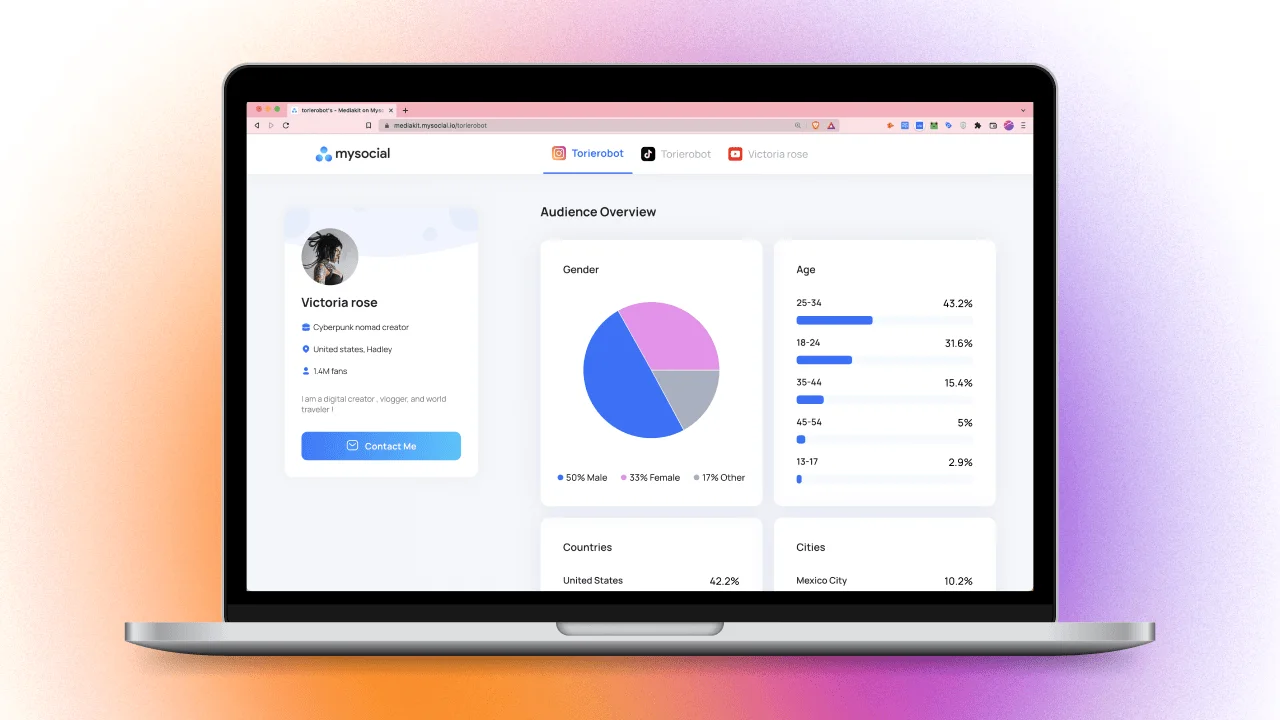
Build a media kit that wins brand deals. 7 essential sections, metrics to include, rate card tips, and how to stand out from competitors.
What freelancers and agencies charge for social media management in 2026: hourly rates, retainers, prices by platform and country, and a rate calculator.