Influencer Pitch Template: Brand Email + Mysocial Prompt
Copy an influencer pitch template, use Mysocial to draft a specific brand email and review the sources, contact history and next step before sending.

Quick answers
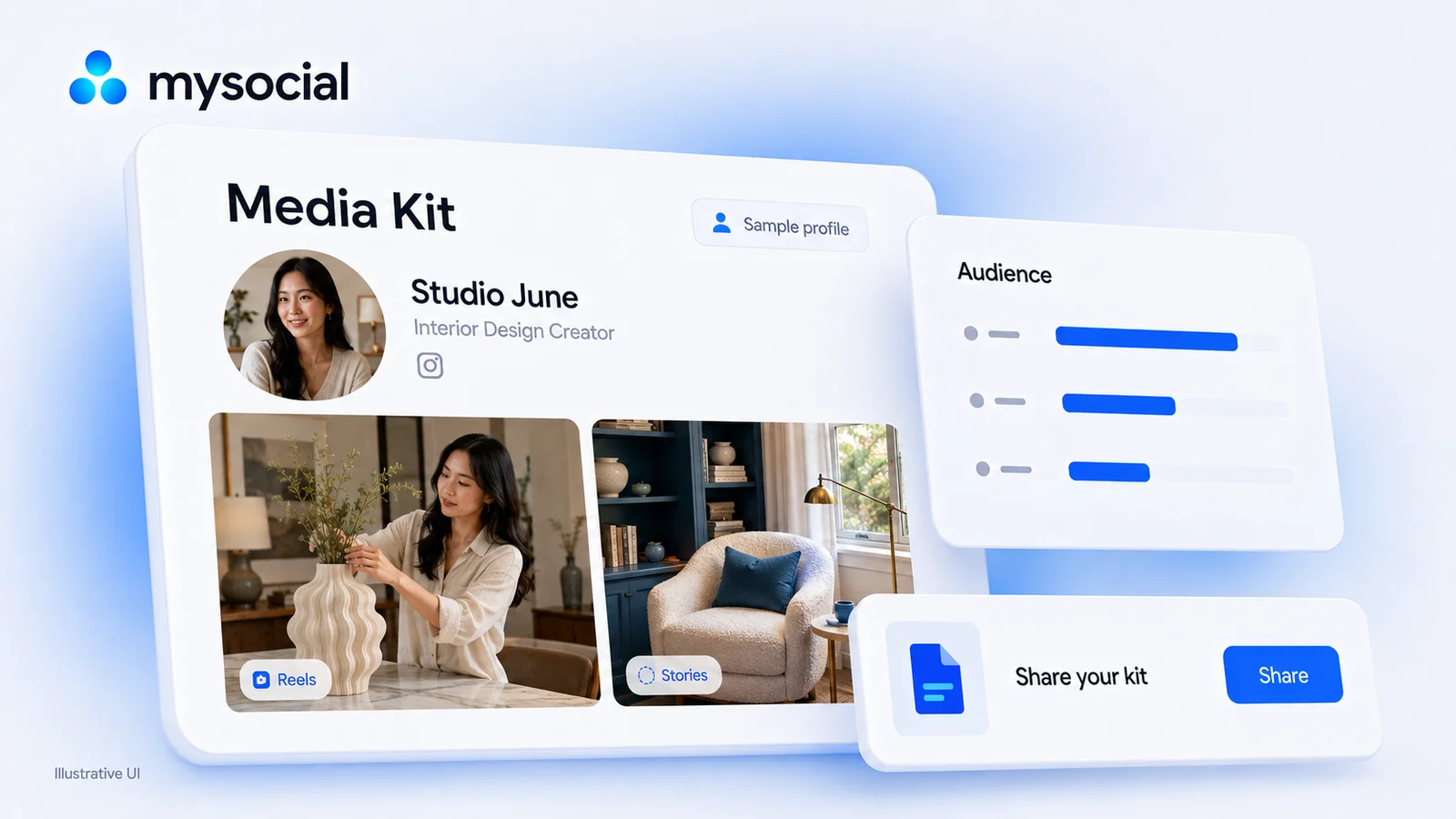
An Instagram media kit is a document or web page that introduces a creator to a potential brand partner. It brings together their content niche, audience and performance data, examples of their work, collaboration options and contact details. Use your own dated analytics rather than unsupported claims about your audience.
Include a short bio, follower count with a measurement date, relevant engagement and reach metrics, available audience demographics, links to selected posts, your offer and rates, any genuine past campaign results, and public contact details. Mark estimates and creator-supplied numbers clearly.
Show a rate you can explain and reproduce. State the interactions you counted, whether the denominator is followers or reach, the post formats, the reporting period and the number of posts. Different formulas answer different questions, so avoid comparing rates calculated in different ways.
Set a price for a defined scope of work: deliverables, production effort, expected distribution, usage rights, exclusivity and revisions. State the currency and what is included. Follower count alone does not determine a price; use relevant results and your own costs to support the quote.
Yes. The free draft tool in this guide turns the information you enter into a preview you can copy or download as text. It does not fetch or verify account data. For a shareable Mysocial kit with available connected analytics, create an account and connect Instagram; the local draft is not transferred automatically.
An Instagram media kit gives a brand one place to understand your content, who it reaches and how to work with you. A clear kit is useful whether you are pitching your first partnership or updating a long-running collaboration.
Start with information you can support: your niche, dated Instagram Insights, links to your work and a defined offer. A follower count helps establish context; it does not replace evidence that your audience and content suit the brand.
This guide walks through the sections and how to present your numbers. You can also jump to the free draft tool to prepare your own text preview. When your kit is ready, use it in your outreach to relevant brands.
A brand needs to judge fit, likely distribution, creative quality and the work it is buying. Your media kit should answer those questions with a short introduction and evidence, rather than relying on a large follower number.
Explain what your audience comes to you for. Instagram’s Best Practices guidance in the professional dashboard includes personalized advice on engagement and reach; start with your own account’s performance rather than a universal benchmark. Include performance from content similar to the proposed campaign. A brand buying a Reel benefits from examples of your Reels, while a Story campaign calls for relevant Story results.
The Sections of an Instagram Media Kit
Bio & Brand Story
Who you are, your niche, and what makes your content unique
Follower Count & Growth Rate
Current count with a date; growth over a clearly stated period
Engagement Rate by Format
Reels, Stories, Carousel, and Static — broken out separately
Audience Demographics
Available age, gender and location data with a reporting period
Content Portfolio
Selected relevant posts, with the results you can substantiate
Rate Card
Per-deliverable pricing: Reel, Story set, Carousel, Static post
Past Brand Collaborations
Genuine past work and results, when you have permission to share them
Contact Information
Email, social handles, and a clear CTA to book you
For a deeper breakdown of the sections, see our complete media kit guide. You do not need to invent past work or campaign results to fill a template: show your strongest relevant content, and add genuine collaborations when you have them.
A percentage is useful only when the reader knows what it measures. Choose a formula, state the reporting period and show the underlying count or sample size. Do not mix follower-based and reach-based rates as though they were the same metric.
| What you want to show | How to present it |
|---|---|
| Engagement by followers | Interactions per post ÷ followers × 100; state which interactions you counted |
| Engagement by reach | Interactions ÷ accounts reached × 100, for the same content and reporting period |
| Typical performance | Report a representative sample of comparable posts; identify the format and period |
| A standout post | Link to it and report its actual result; keep it separate from your typical performance |
If you do not have a metric, leave it out. A smaller set of accurate numbers is more useful than a complete-looking template filled with guesses. Never turn views into reach, or present an estimated audience trait as measured demographics.
Define what a brand receives before attaching a price. A Reel quote might include concept development, filming, editing, one revision and a specified posting date. A Story package might include a fixed number of frames, a link and a reporting window.
Use a short scope table in your draft:
| Item | Details to specify |
|---|---|
| Deliverables | Format, quantity, duration or number of frames |
| Production | Concept, script, filming, editing and revisions |
| Distribution | Where the content appears and how long it stays available |
| Usage rights | Whether the brand may reuse it, on which channels and for how long |
| Paid amplification | Whether ads or partnership ads are included, and their limits |
| Exclusivity | Competitor category and period, if requested |
| Price | Currency, tax treatment where relevant, payment terms and what is excluded |
Start with the work and costs required to deliver the campaign. Then consider your relevant performance, audience fit, rights and demand. A broad follower tier is not a price list, and a different creator’s rate is not evidence of what your own scope should cost.
Make optional rights or extra revisions separate line items. If you prefer not to publish fixed prices, describe the offer and ask the brand for the brief before quoting.
For more pricing guidance, see Instagram influencer pricing and how much to charge for a brand deal.
A PDF is useful when a buyer needs an attachment or an offline copy. It can contain clickable links and work well on a phone if designed for it. Its limitation is that the copy you sent stays unchanged until you replace it.
A web-based kit gives you one link to share. In Mysocial, a kit can show available analytics and posts from connected channels, with sections you review before publishing. Connected data and the creator-written parts of the kit have different update behavior: check your wording and rates when your offer changes, and check the displayed reporting date for analytics.
Choose the format your recipient can use. For either one, test the links, readability and contact details. Neither format guarantees a response or a brand deal.
Step 01
Write a short bio about your content and audience. Choose relevant posts and record the metrics you want to show with their dates and definitions. The draft tool below organizes only the information you provide; it does not fetch Instagram data.
Step 02
Open the Media Kit section in Mysocial and create a kit. Connect Instagram to use the analytics available for your account. Review the channel selection, audience sections, contact details and any rates you choose to show. Imported data availability depends on the connected account; do not promise a field you cannot verify.
Step 03
Check the preview on a phone, confirm your numbers and contact details, then publish the kit and copy its public link. Use the link in a relevant pitch with a clear collaboration idea. Review creator-written details when you change your offer, and republish those edits when they are ready.
Free media-kit draft
Turn your own profile, numbers and work into a draft you can copy or download. No signup needed for this draft.
Your draft · numbers supplied by you
Copy this draft first. In Mysocial, connect Instagram, choose the available analytics you want to show, and review your kit before publishing. This draft is not transferred automatically.
Set up my kit in Mysocial Open my media kits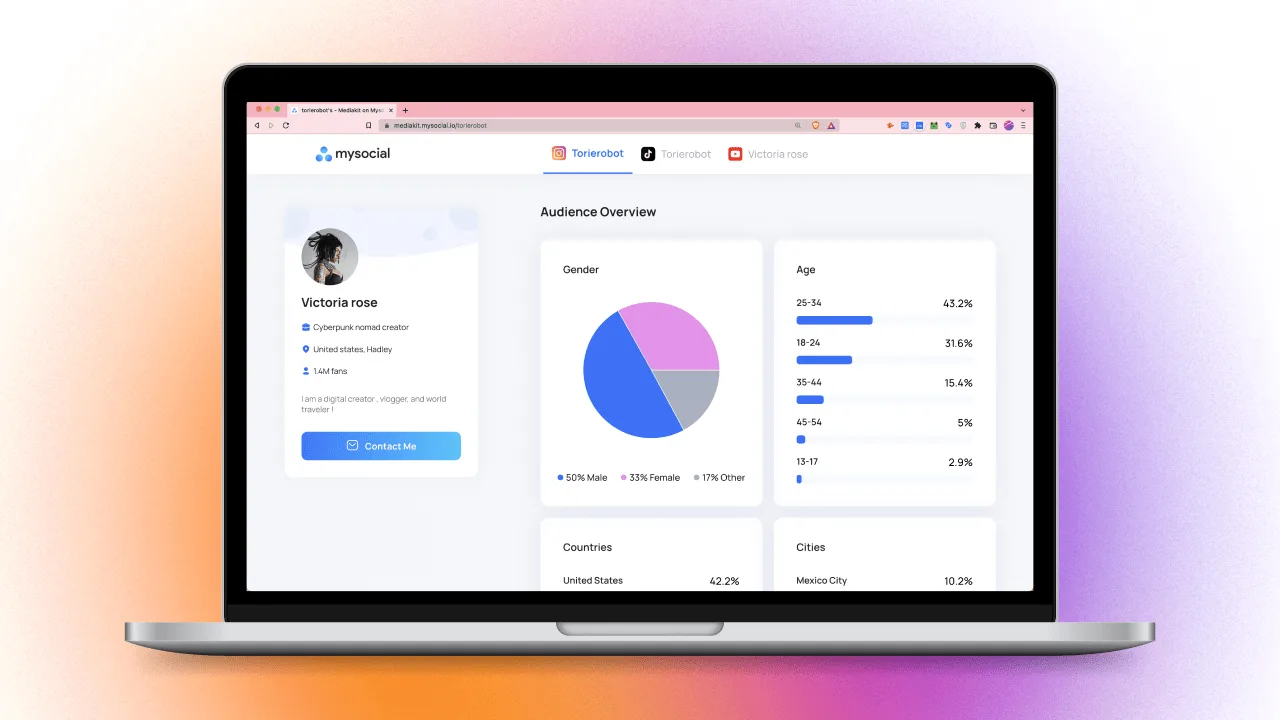
Avoid these shortcuts
Invent past partnerships — an example logo is not evidence that a brand hired you
Inflate your numbers — report only results you can substantiate
Label estimates as measured data — explain assumptions or leave the metric out
Compare different formulas — follower-based and reach-based rates are not interchangeable
Include private contact information — use only details you intend to share publicly
Hide the next step — tell the reader how to ask about a collaboration
Make your kit useful
State your niche clearly — explain the audience and the problem your content helps with
Use your own dated analytics — name the metric, format, formula and reporting window
Link to relevant work — choose posts that show the creative work a brand might buy
Define your offer — list deliverables and separate production from usage rights
Review on mobile — check legibility, links and public contact details
Keep the kit current — review your offer and the available connected data before a new pitch
Your social memory, connected
Create a shareable media kit in Mysocial, connect Instagram for available analytics, and choose the content and contact details you want brands to see. Review your kit before publishing.
Free to start. One channel is enough to begin.
Creator Monetization & Brand Deals
Related Posts
Copy an influencer pitch template, use Mysocial to draft a specific brand email and review the sources, contact history and next step before sending.
Compare Instagram sponsorship platforms for Reels, Stories and brand deals. See creator fees, campaign types and the best fit for your next partnership.

14 social media MCP servers, four different jobs. Postiz wins publishing, Supermetrics wins reporting — and Mysocial wins the one nobody else does.