
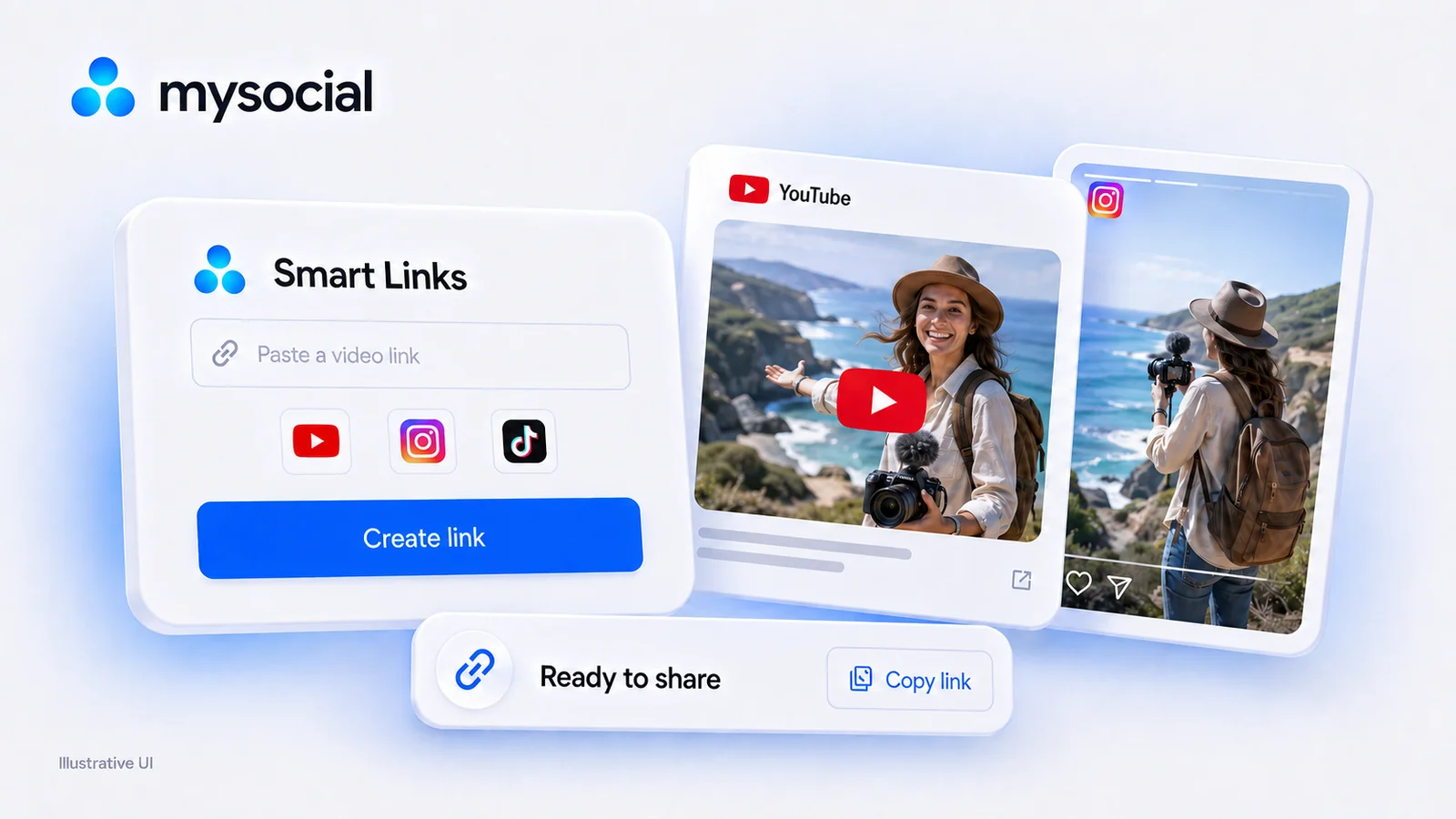
Free URLgenius Alternative With No Click Cap | Mysocial
URLgenius charges per click. Mysocial Smart Links are free with no click cap on every plan. Verified 2026 pricing for URLgenius, LinkTwin, OpenUp and U2L.

Quick answers
A deep link sends users directly into a native app — not a website or browser. When someone taps a deep link to your YouTube video, they land in the YouTube app where they can like, comment, and subscribe. Regular links often open in-app browsers where users are not logged in, killing engagement.
In-app browsers strip away logged-in sessions. Visitors see a login wall instead of your content, and most abandon. Deep links bypass this entirely — landing users in the app where they are already authenticated. Creators report 2-8x more engagement from deep-linked traffic vs. regular links.
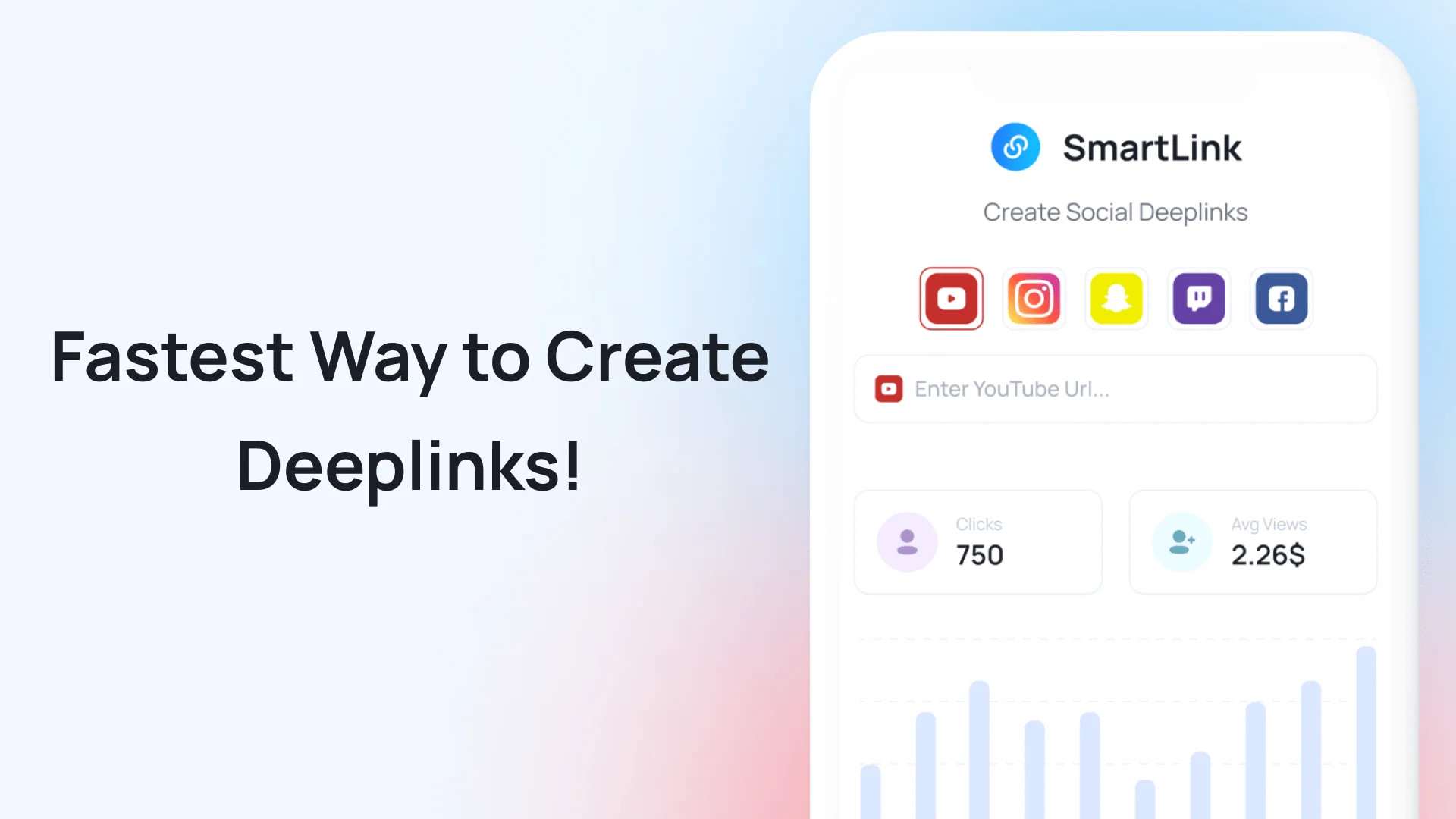
Use a deep linking tool like Mysocial SmartLink. Paste any social media URL, and it generates a deep link that routes users to the native app on mobile and falls back to the web on desktop. It works for Instagram, YouTube, TikTok, Snapchat, and more.
Every time you share a social media link outside of its native platform — in a bio, an email, a DM, or a cross-platform post — there is a high chance the person tapping it lands in a browser instead of the app. They see a login wall, cannot engage, and leave. You just lost a follower, a view, or a sale.
Deep linking fixes this. A deep link routes users directly into the native app where they are logged in and can immediately like, comment, follow, or subscribe. It is the single highest-leverage technical change a creator can make — and most creators still do not use it.
2-8x
More engagement from deep-linked traffic vs. regular link traffic
70%
Of users abandon when redirected to a browser login wall
800%
More YouTube ad revenue reported by creators using deep links for external traffic
A regular link opens a URL. The device decides where — usually the default browser. A deep link overrides that decision and sends the user to a specific location inside a specific app.
When a follower taps a deep link to your Instagram Reel, they land on that exact Reel inside the Instagram app — not a mobile web page asking them to log in. When they tap a deep link to your YouTube video, it opens in the YouTube app where their subscriptions, watch history, and ad settings are already active.
This matters because engagement actions (likes, comments, follows, shares) require a logged-in session. In-app browsers and mobile web pages strip that away. Deep links preserve it.
Regular link vs. deep link
Regular link
1. User taps link
2. Opens in-app browser (Facebook, Instagram, email)
3. Mobile web version loads — no logged-in session
4. User sees login wall
5. User abandons (70% of the time)
Deep link
1. User taps deep link
2. Native app opens directly
3. User is already logged in
4. Content loads instantly
5. User engages — likes, follows, subscribes
Deep linking is not just a technical optimization — it directly impacts the three things creators care about most:
Every cross-platform promotion you do (sharing a YouTube video on Instagram, linking your TikTok in an email, posting your Instagram in a Discord) loses followers when the link opens in a browser. Deep links recover those lost conversions. If you are growing your Instagram to 10K or building your YouTube channel, deep linking your cross-platform traffic is one of the fastest wins.
YouTube ad revenue depends on in-app views. When external traffic opens in a browser, those views generate zero ad revenue for you. Creators who deep link their YouTube promotions report up to 8x more ad revenue from the same traffic. The same applies to affiliate links — in-app purchases convert at much higher rates than browser purchases.
Comments, shares, saves, and follows all require a logged-in app session. Deep links ensure every visitor arrives in the app where they can take action. Higher engagement feeds the algorithm, which increases organic reach, which drives more followers — a compounding cycle.
Step 01
Use Mysocial SmartLink — it generates deep links for Instagram, YouTube, TikTok, Snapchat, Twitter, and more. No coding required. Paste a URL, get a deep link.
Step 02
Copy the URL of the profile, video, post, or page you want to deep link to. Paste it into SmartLink. The tool detects the platform and generates the correct deep link format automatically.
Step 03
Replace every regular social media link in your bio, emails, DMs, cross-platform posts, and marketing materials with the deep link version. Use it in your Instagram bio link, email signatures, and anywhere you share content across platforms.
Step 04
Tap the deep link from a mobile device to confirm it opens the correct app. Test from different contexts — email, SMS, another social app's in-app browser — to verify the deep link works in all scenarios.
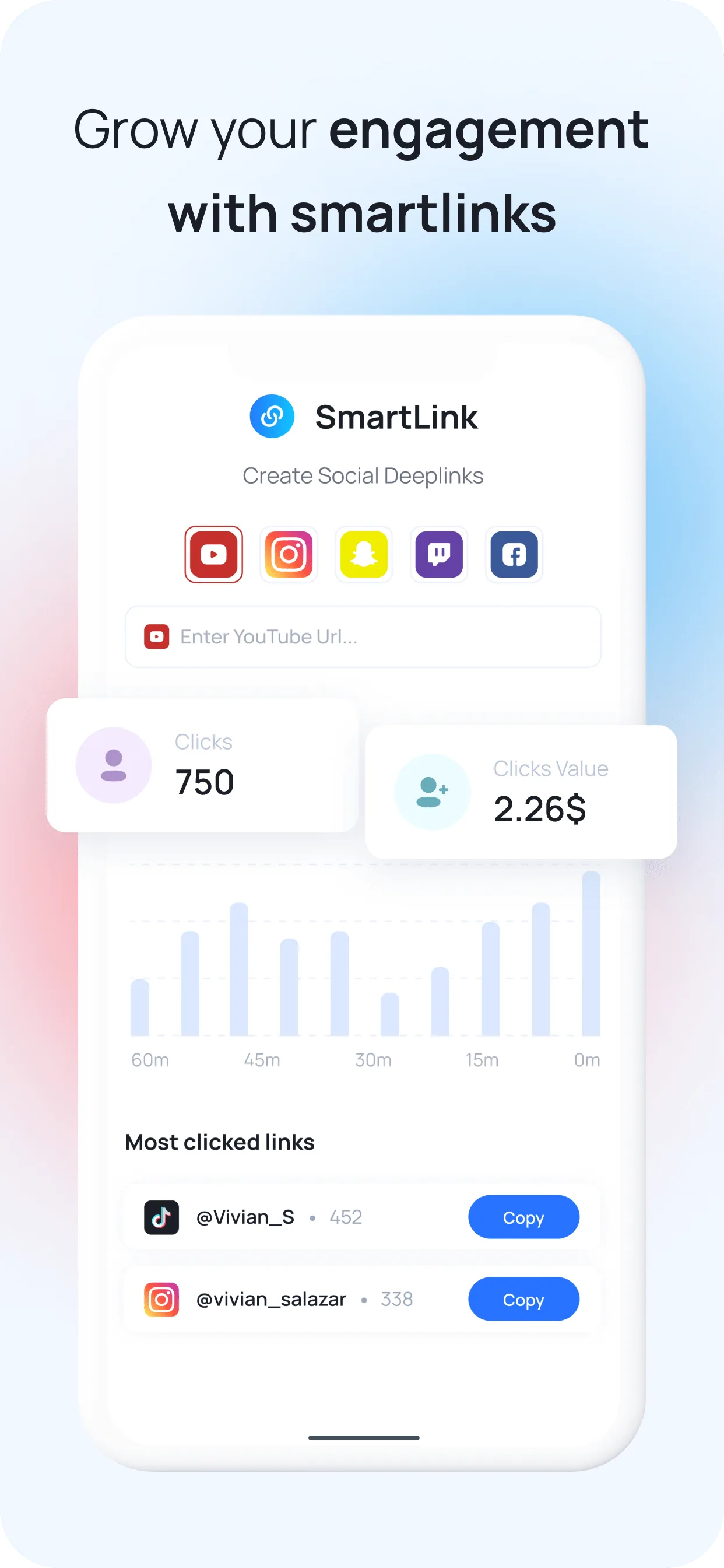
Try it right here: paste any YouTube, Instagram or TikTok link and get one that opens the app.
That was today's free link
Log in and make as many as you like, free, with click tracking.
Log in, it's freeYou're logged in. Unlimited smart links are waiting in the app.
Open Smart LinksEach platform has its own quirks with deep linking — different URL schemes, different in-app browser behaviors, and different edge cases. A smart link generator handles those differences for you, but it helps to know what is happening underneath. We have dedicated guides for the three platforms where deep linking has the highest impact:
Instagram Deep Linking
Bypass Instagram’s in-app browser and land users directly on your profile, Reel, or post.
YouTube Deep Linking
Maximize ad revenue and subscriber conversions by routing traffic to the YouTube app.
Common mistakes
Sharing raw social media URLs and hoping they open in the right app
Only deep linking some links and forgetting others — inconsistency leaks traffic
Assuming desktop and mobile behavior is the same — deep links primarily help mobile users
Ignoring in-app browsers (Facebook, Instagram, email apps) — they are the biggest offenders
Using deep links without testing — broken deep links are worse than regular links
Deep linking best practices
Deep linking every cross-platform link — bio, emails, DMs, newsletters, collab posts
Testing deep links on mobile before publishing — different apps handle links differently
Using deep links in brand deal deliverables to maximize campaign performance for sponsors
Combining deep links with a link-in-bio tool for maximum cross-platform traffic routing
Deep linking YouTube promotions to recover ad revenue lost to in-app browsers
Your social memory, connected
Mysocial SmartLink creates deep links for Instagram, YouTube, TikTok, and every major platform — more engagement, more followers, more revenue from the same traffic.
Free to start. One channel is enough to begin.
Mysocial connects YouTube, Instagram, TikTok, LinkedIn and Threads to one Content Memory that Claude and ChatGPT can use.
Social Media Growth & Algorithms
Related Posts
URLgenius charges per click. Mysocial Smart Links are free with no click cap on every plan. Verified 2026 pricing for URLgenius, LinkTwin, OpenUp and U2L.
14 social media MCP servers, four different jobs. Postiz wins publishing, Supermetrics wins reporting — and Mysocial wins the one nobody else does.
Content creation turns ideas into finished posts and videos. Learn the five-stage pipeline, current format benchmarks, and how to scale without burnout.