
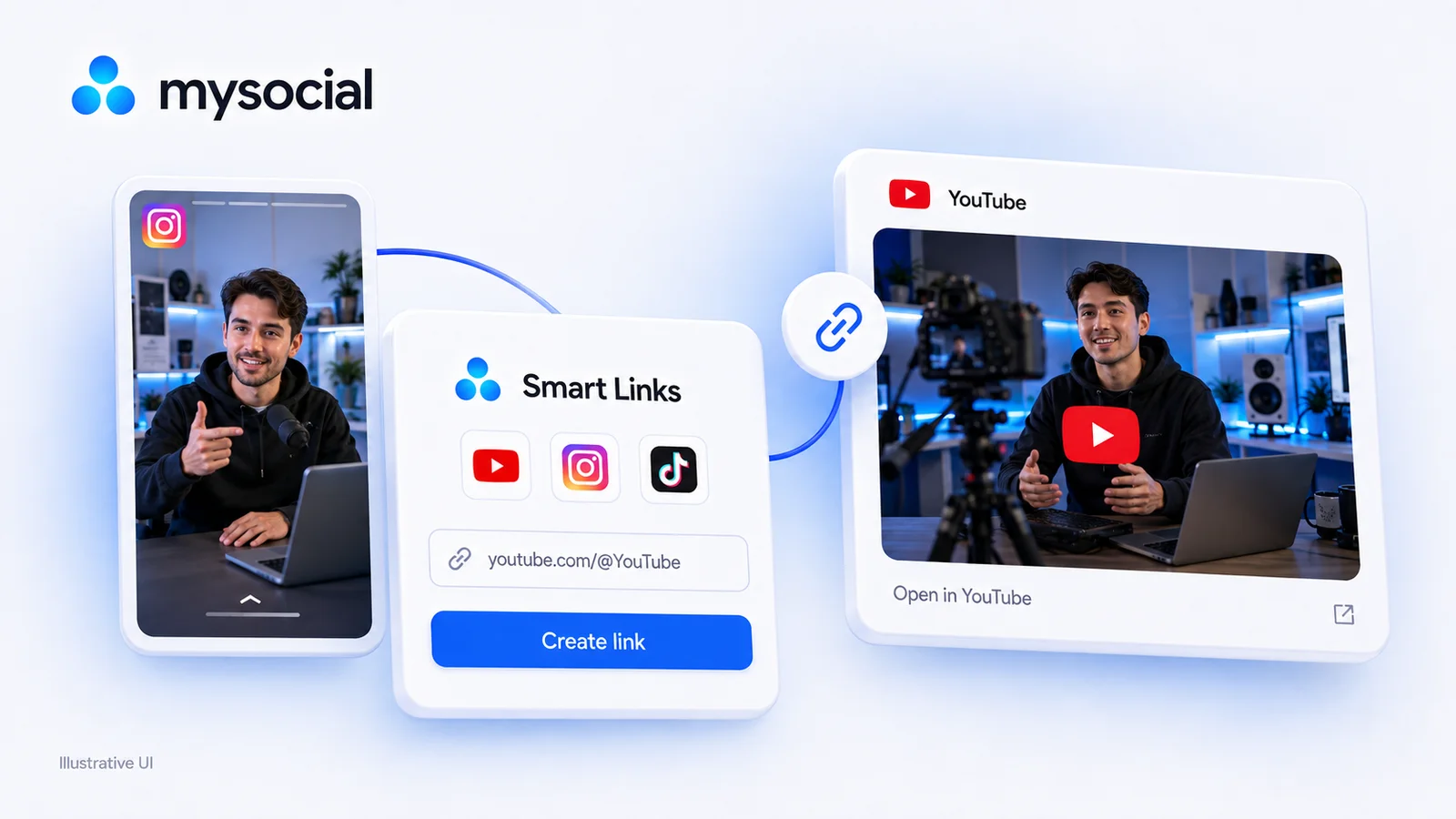
Free LinkTwin Alternative for YouTube Creators
Try a free LinkTwin alternative with a working YouTube link generator. Compare click limits, app-opening behavior and what to check before switching.

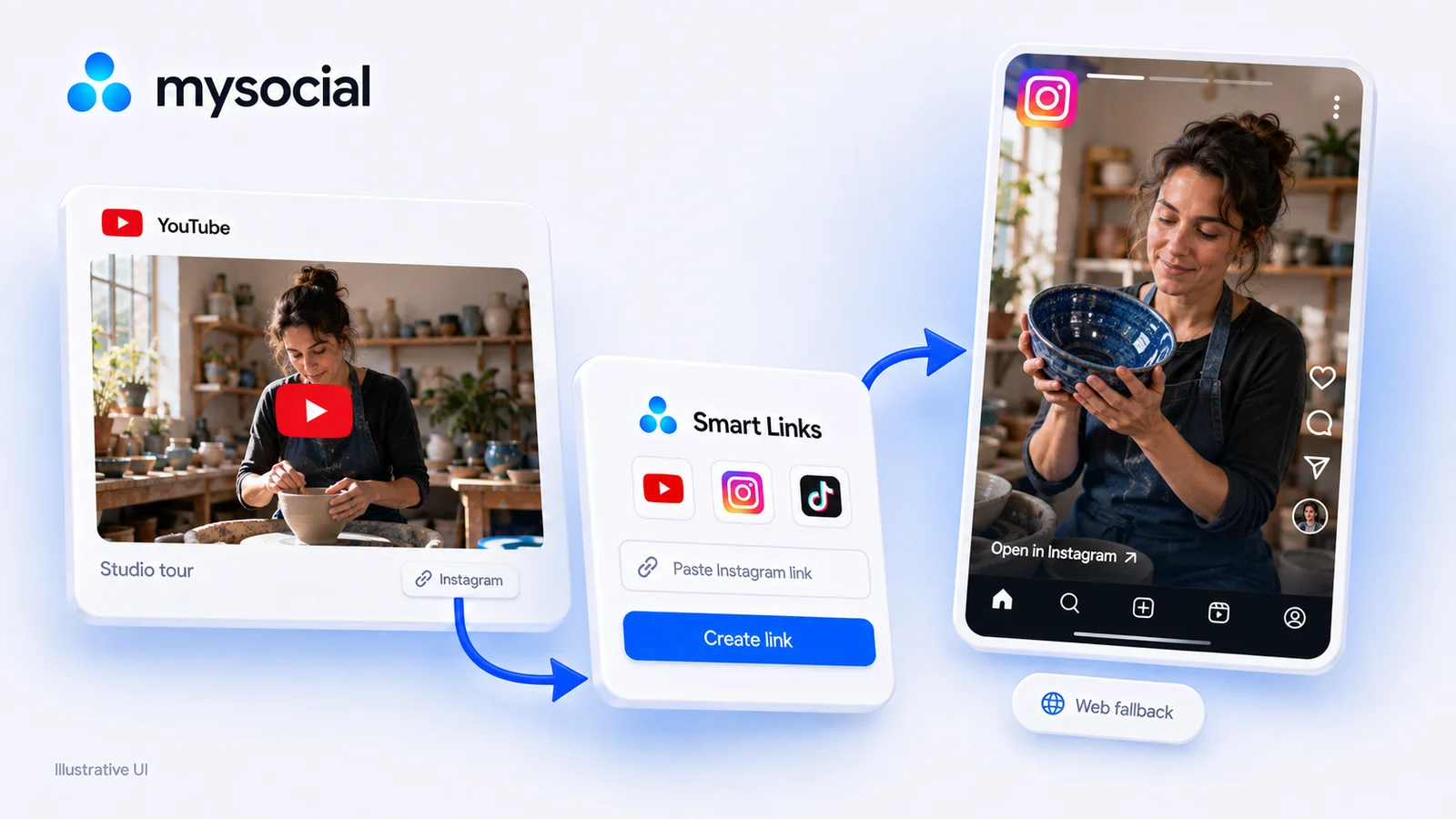
Quick answers
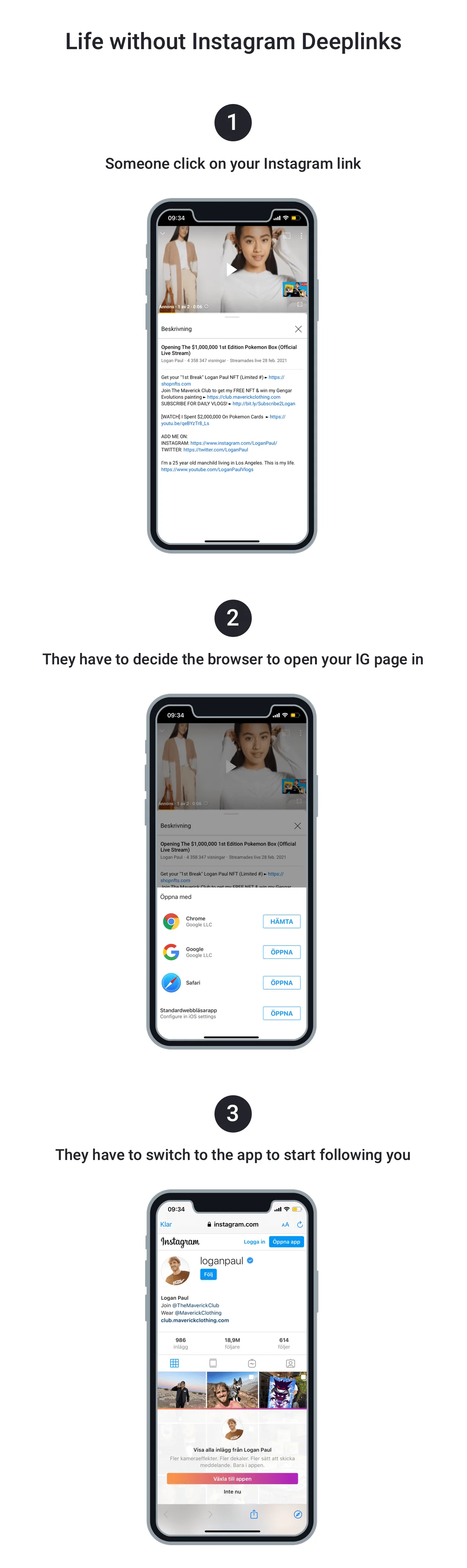
When you share an Instagram link on YouTube, TikTok, email, or any other platform, the link opens in an in-app browser — not the Instagram app. The viewer sees Instagram's mobile website where they are not logged in. They cannot follow you, like, or comment, and most abandon within seconds.
Use a deep linking tool like Mysocial SmartLink. Paste your Instagram profile, Reel, or post URL, and it generates a deep link that routes mobile users directly into the Instagram app. No coding required. It works for profiles, posts, Reels, and Stories highlights.
Everywhere you share Instagram content outside of Instagram — your TikTok bio, YouTube video descriptions, email newsletters, Twitter posts, Discord servers, and link-in-bio pages. Any cross-platform promotion loses followers without deep links because the traffic lands in a browser instead of the app.
Every time you share your Instagram link on TikTok, YouTube, email, or any other platform, you’re gambling on whether the viewer actually ends up in the Instagram app. Most of the time, they don’t. They land in an in-app browser, see a stripped-down version of your profile with a login wall, and leave — without following, liking, or commenting.
That follower leak is invisible. You never see the people who tapped your link and bounced. But it happens every single time someone clicks a regular Instagram URL from outside the app. Deep linking fixes it.
70%
of external Instagram link clicks open in a browser, not the app
3-8x
more follows when traffic lands in-app vs. mobile browser
0
engagement actions possible from a browser login wall
When you copy your Instagram profile URL (instagram.com/yourhandle) and share it on another platform, the receiving app decides how to open it. Almost every app — TikTok, YouTube, email clients, Facebook Messenger, Discord — opens the link in its own built-in browser instead of the Instagram app.
The result: your visitor sees Instagram’s mobile web version. They’re not logged in. They can’t follow you, can’t like your posts, can’t save your Reels, and can’t DM you. They see a “Log in” prompt and a degraded version of your content. The vast majority close the tab and move on.
Where your Instagram traffic actually lands
Opens in TikTok’s in-app browser — not Instagram
Opens in YouTube’s in-app browser on mobile
Opens in mail client’s embedded browser — login wall
Opens in Facebook’s in-app browser on most devices
Routes directly to Instagram app on mobile, web fallback on desktop
This problem compounds. If you’re actively growing your Instagram to 10K followers, every cross-platform link that opens in a browser is a lost conversion. You’re doing the hard work of creating content that drives people to your profile — and then losing them at the last step because of how links work.
A deep link overrides the default browser behavior and routes users directly into the Instagram app. When someone taps a deep link to your profile, they land on your actual profile inside Instagram — logged in, able to follow, like, and engage instantly.
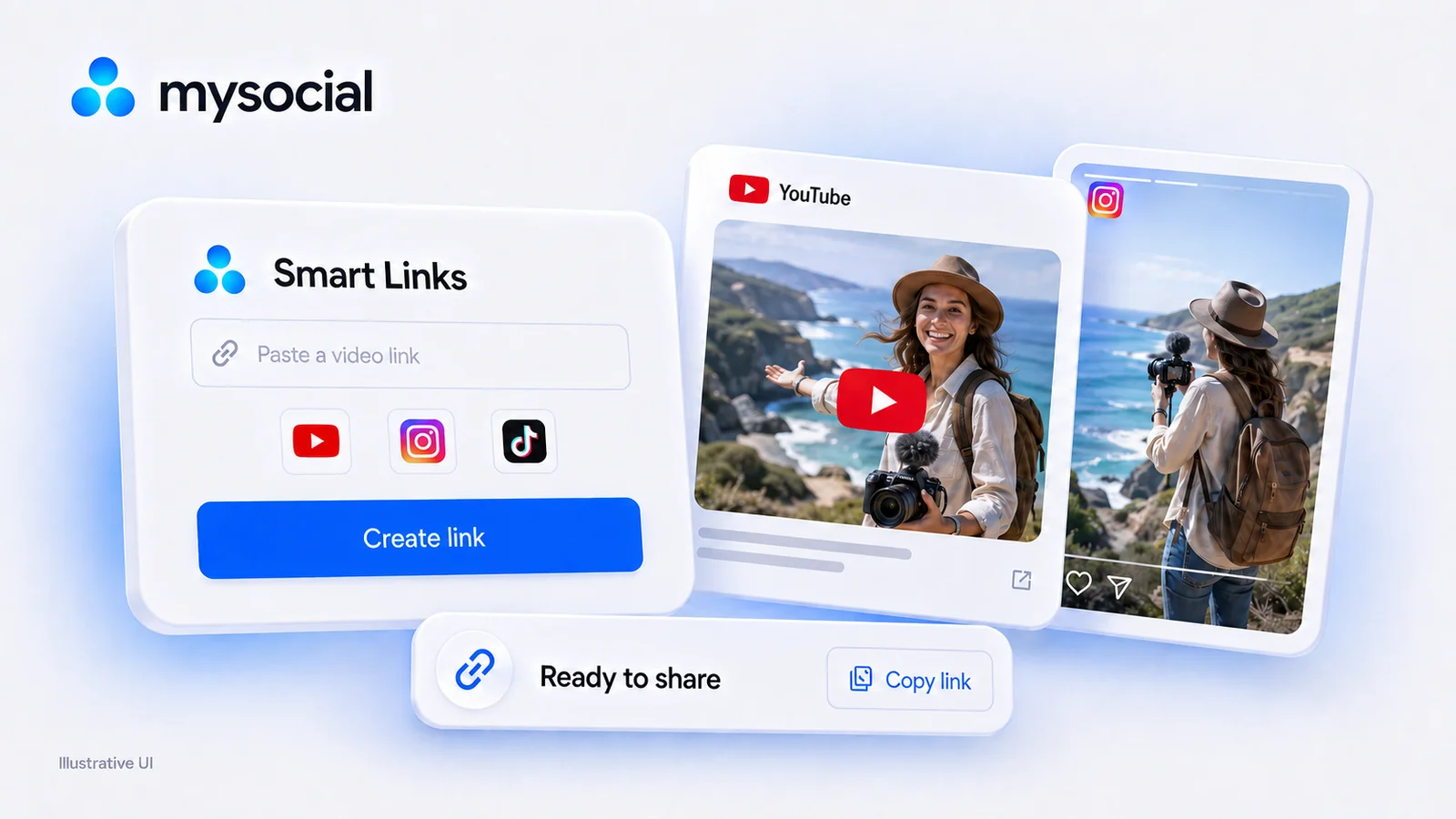
Here is the whole thing on Mysocial’s free Smart Link generator, start to finish, with Mysocial’s own Instagram profile. It takes about 20 seconds and no account:
Step 01
Go to mysocial.io/smartlink. The generator is the first thing on the page, and it needs no account.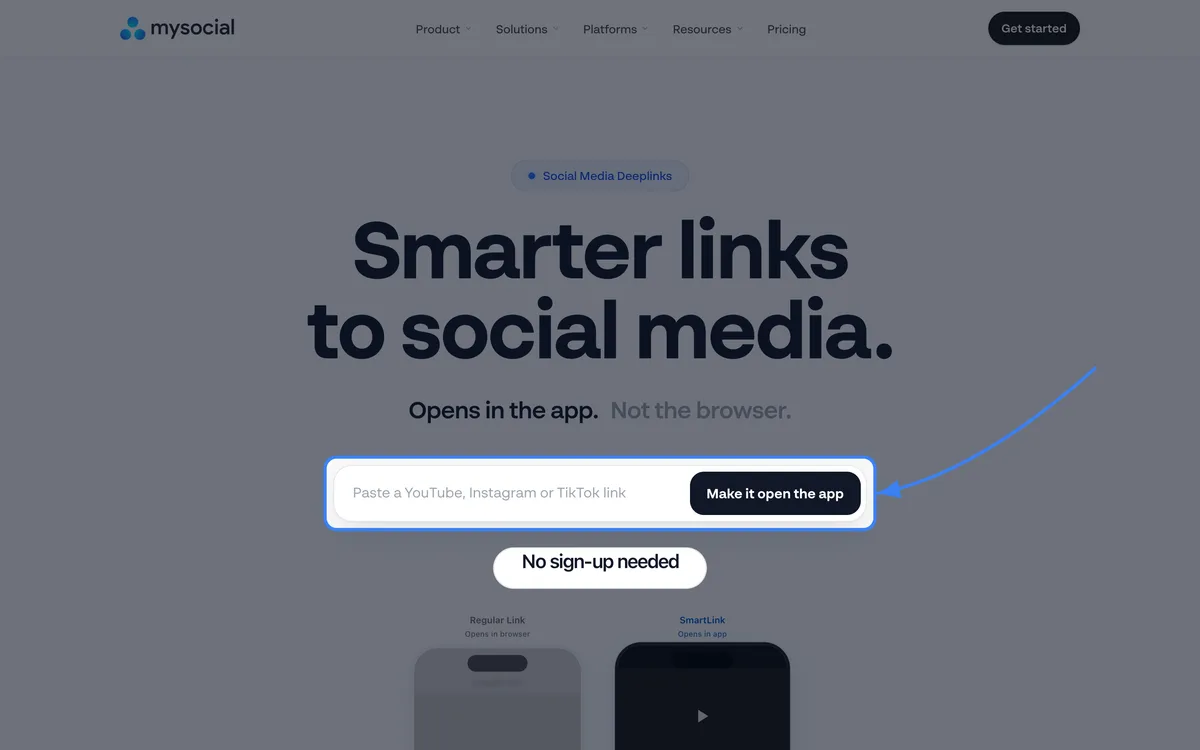
Step 02
Copy the link to your Instagram profile (instagram.com/yourhandle), a post or a Reel, and paste it into the box.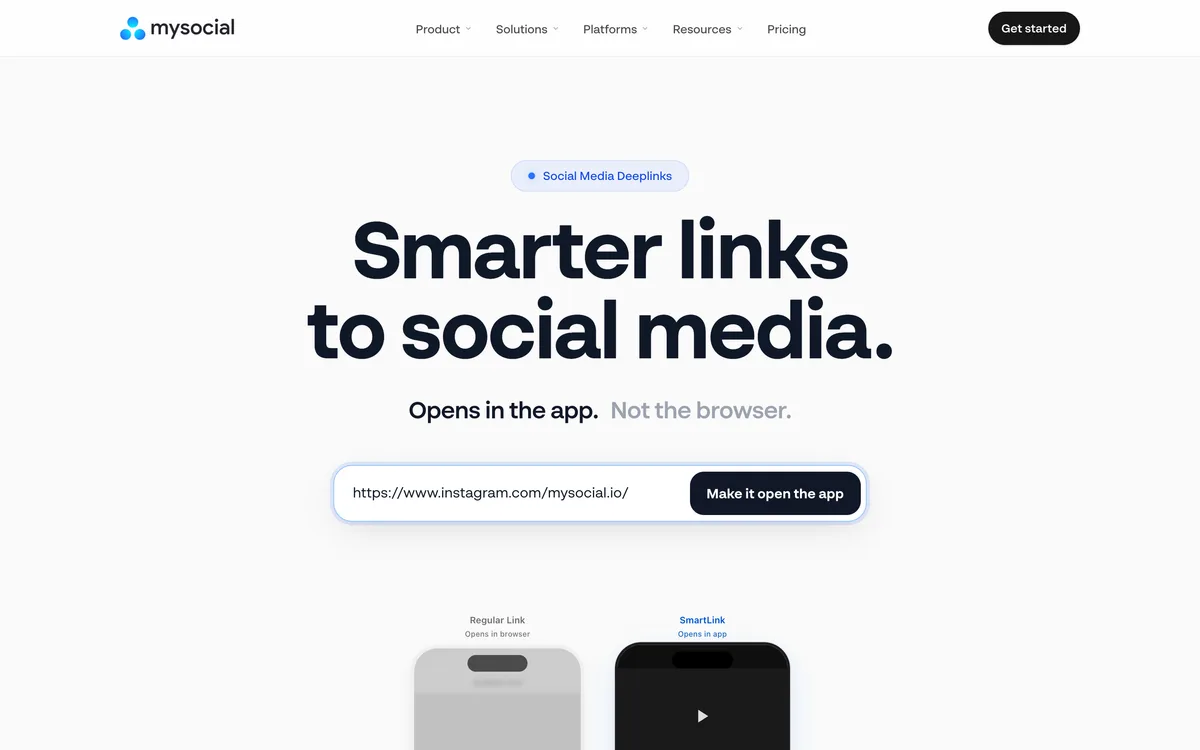
Step 03
The generator checks the link is Instagram and builds the deep link that opens the Instagram app on iPhone and Android.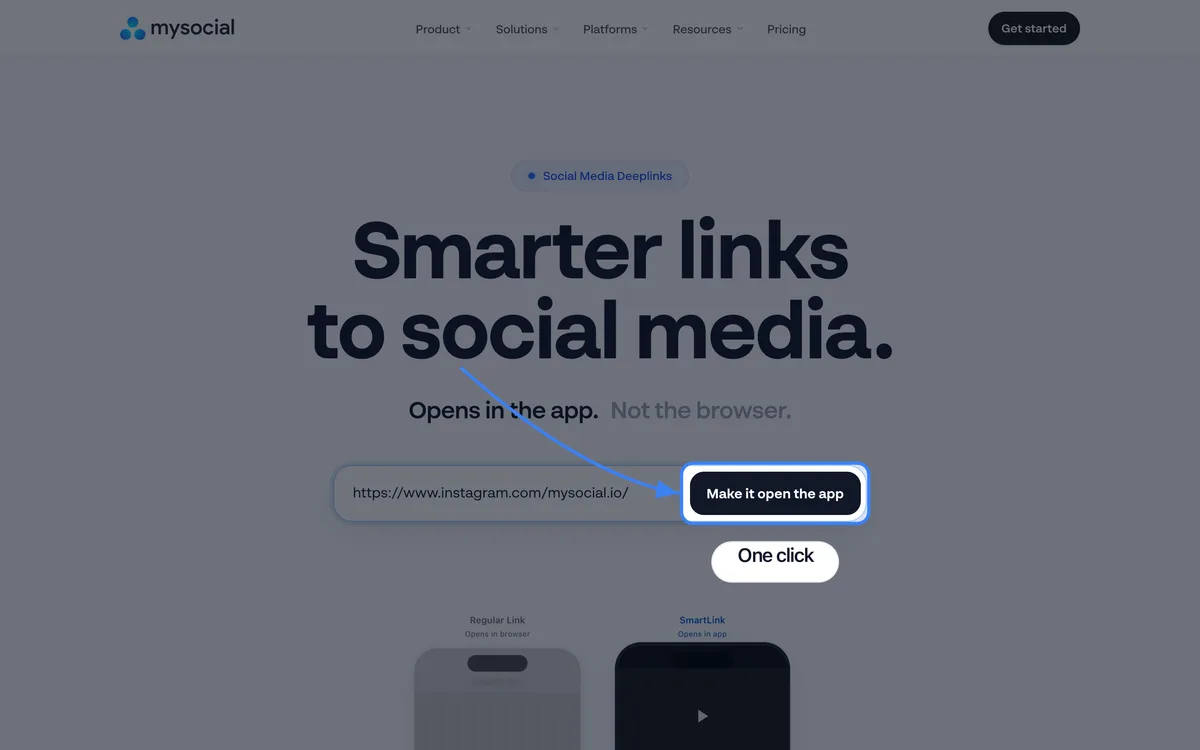
Step 04
Your link appears as to.mysocial.io/s/…. Press Copy link: this is what you share instead of the raw Instagram URL.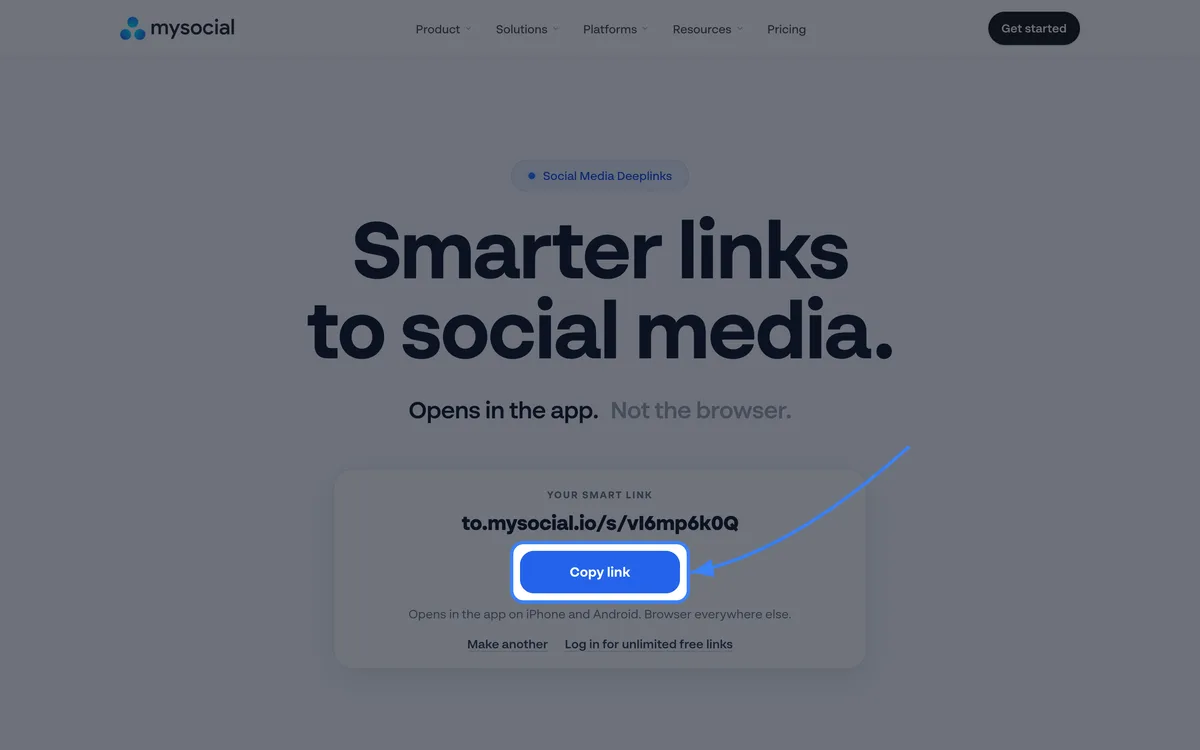
Step 05
Replace your Instagram link in your TikTok bio, YouTube descriptions, email signature and link-in-bio page. Then tap it on your phone from the apps your audience actually uses, and confirm it opens Instagram each time.
Not all link placements are equal. These are the spots where switching from regular Instagram URLs to deep links produces the biggest difference in follower conversion.
Wasted opportunities
Sharing raw instagram.com URLs that open in a browser on every platform
Only deep linking your profile but not individual Reels and posts
Forgetting to update old links in YouTube descriptions and pinned tweets
Assuming viewers will manually open Instagram and search for your handle
Skipping deep links in your bio link setup — it's the highest-traffic entry point you control
High-impact deep link placements
TikTok bio — your TikTok audience is the most likely to follow you on Instagram, but TikTok's browser is one of the most restrictive
YouTube video descriptions — deep link your Instagram whenever you mention it in a video. YouTube's in-app browser blocks Instagram login
Email newsletters — embed deep links to your latest Reels and posts so subscribers land in the app, not a browser
Link-in-bio pages — use deep links in your link-in-bio tool instead of raw Instagram URLs
Brand deal deliverables — when running Instagram brand deals, deep links maximize campaign engagement metrics for your sponsors
Try it right here: paste your Instagram profile, post or Reel and get a link that opens the Instagram app.
That was today's free link
Log in and make as many as you like, free, with click tracking.
Log in, it's freeYou're logged in. Unlimited smart links are waiting in the app.
Open Smart LinksDeep linking isn’t just about routing — it’s about visibility. With a smart link generator that tracks app opens, every click is tracked. You can see exactly how many people tapped your Instagram deep link, which source platforms drive the most traffic, and which links convert best. This data turns cross-promotion from guesswork into a measurable strategy.
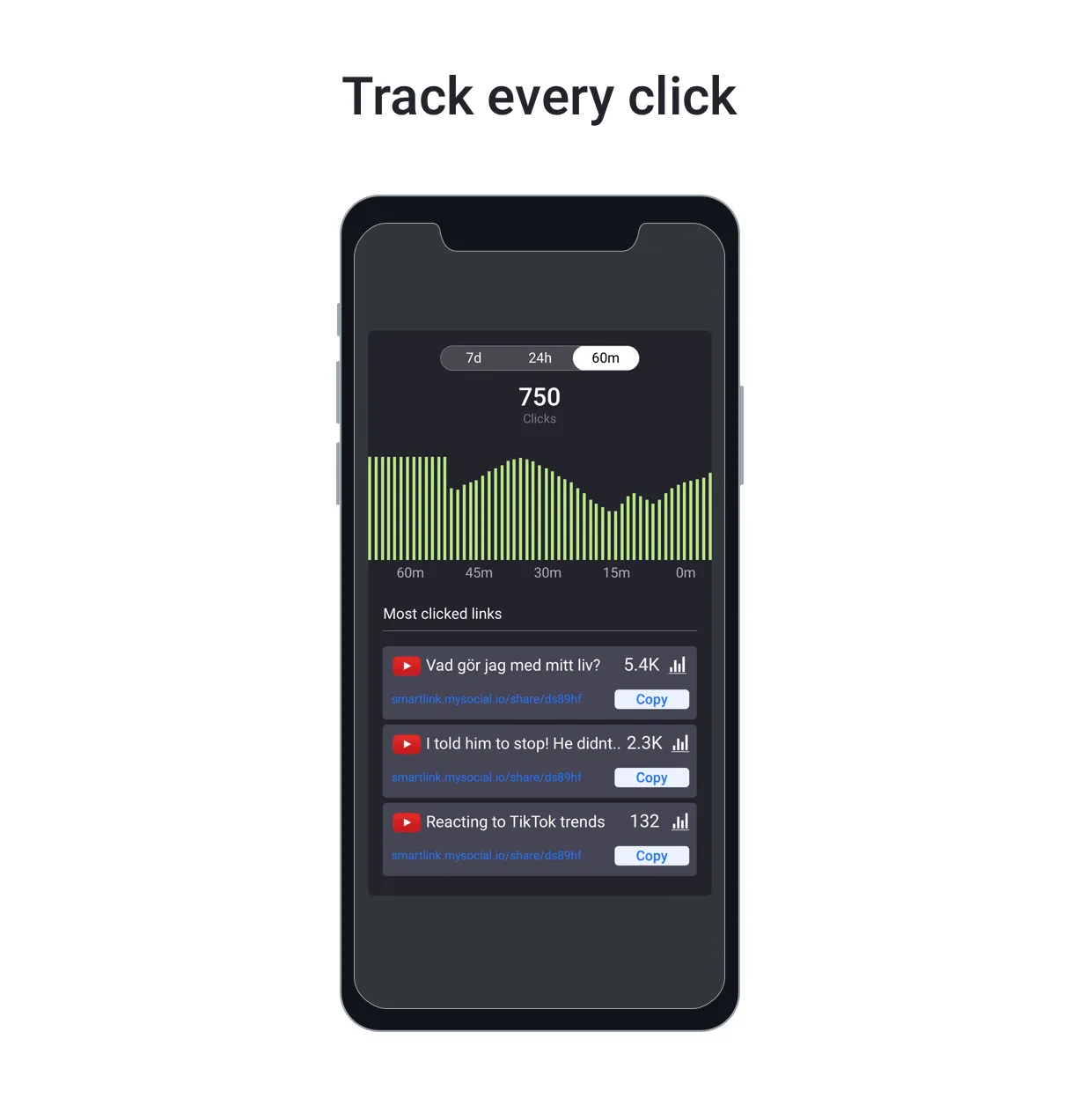
Use Mysocial reporting alongside SmartLink to see how deep-linked traffic impacts your actual Instagram growth metrics — follower rate, engagement rate, and profile visits — so you know exactly which cross-platform promotions are worth doubling down on.
Instagram is one of the worst offenders for in-app browser behavior, but the same problem affects every platform. For a complete guide to deep linking across all platforms, see our social media deep linking guide. For the other platform-specific guides:
Your social memory, connected
Mysocial SmartLink creates Instagram deep links that route traffic directly into the app — more follows, more engagement, more conversions from the same cross-platform traffic.
Free to start. One channel is enough to begin.
Mysocial connects YouTube, Instagram, TikTok, LinkedIn and Threads to one Content Memory that Claude and ChatGPT can use.
Social Media Growth & Algorithms
Related Posts
Try a free LinkTwin alternative with a working YouTube link generator. Compare click limits, app-opening behavior and what to check before switching.
URLgenius charges per click. Mysocial Smart Links are free with no click cap on every plan. Verified 2026 pricing for URLgenius, LinkTwin, OpenUp and U2L.
Find small influencers for your brand. Compare audience fit, recent reach, engagement quality and campaign costs before choosing nano or micro-creators.