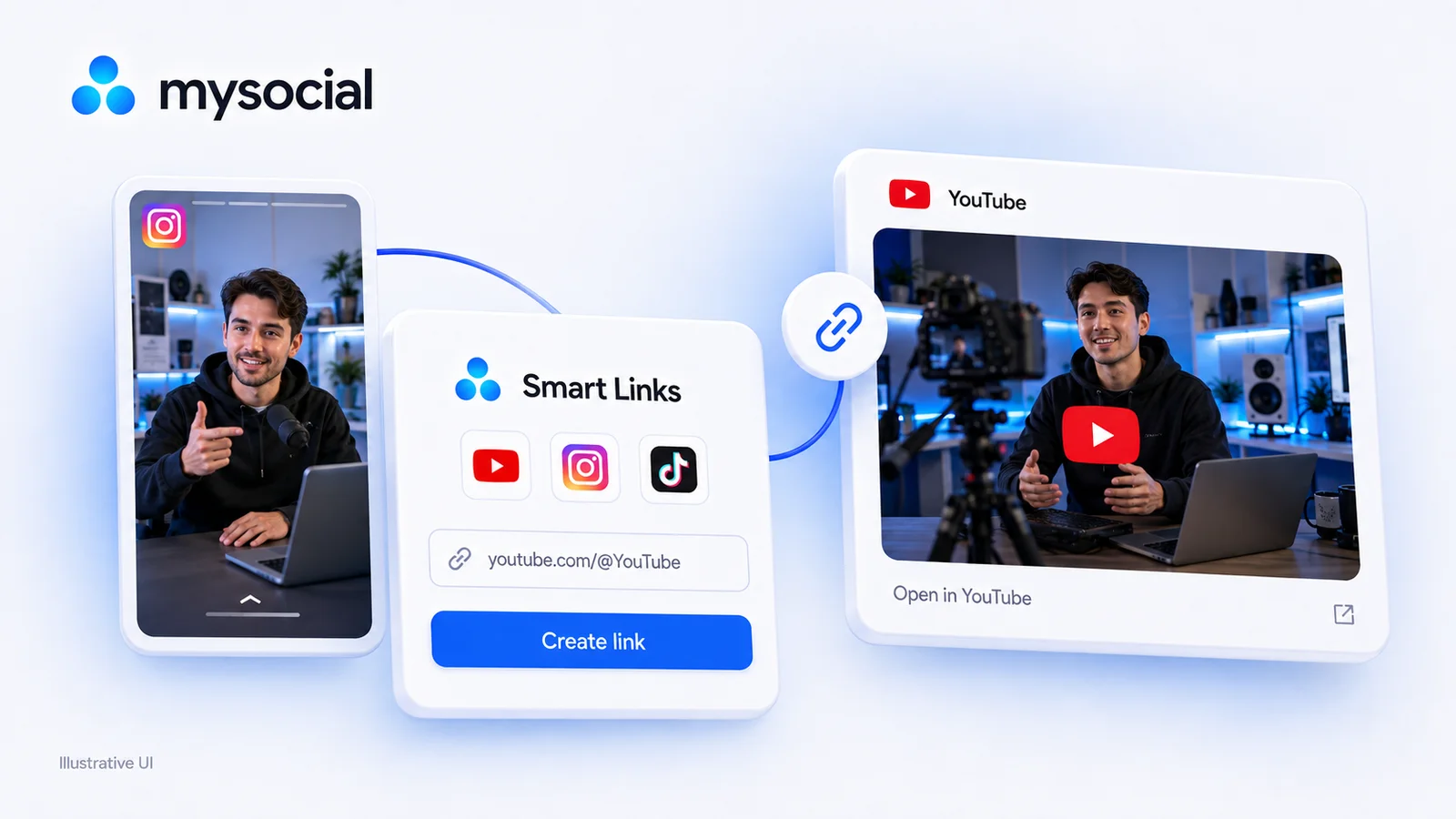
Free LinkTwin Alternative for YouTube Creators
Try a free LinkTwin alternative with a working YouTube link generator. Compare click limits, app-opening behavior and what to check before switching.

Quick answers
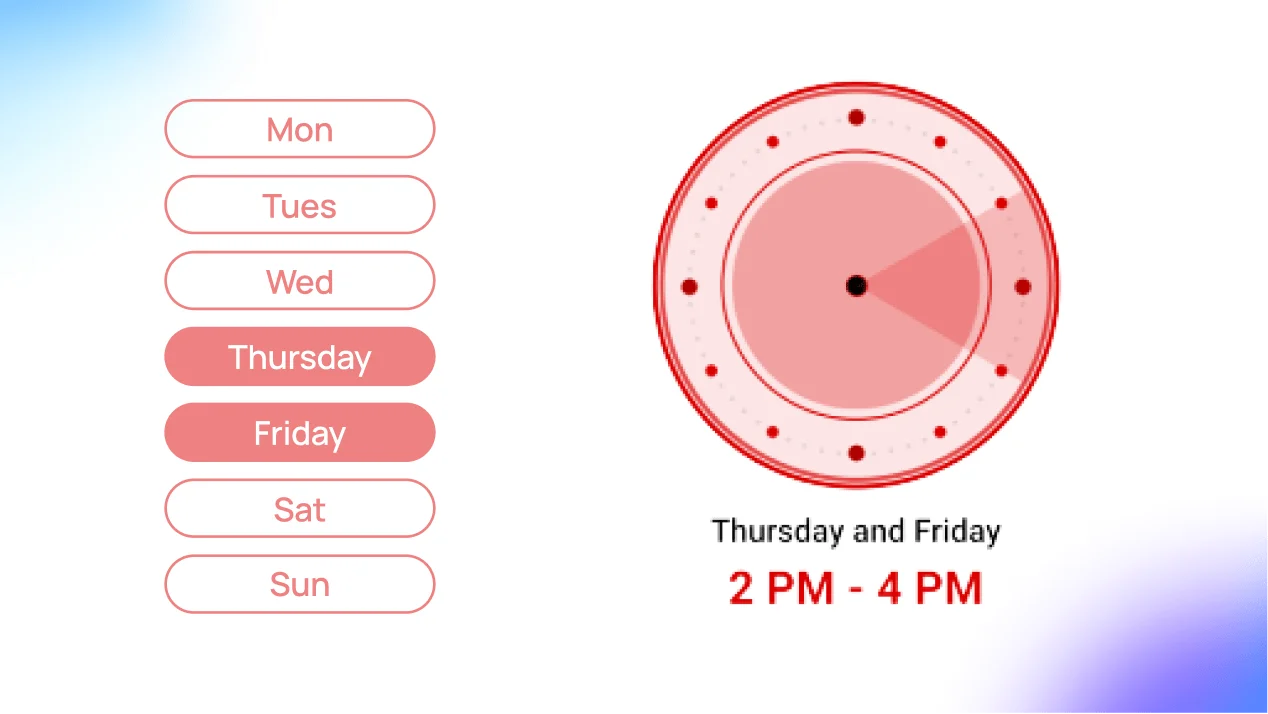
For long-form videos, Sunday at 10 a.m. is the strongest slot in Buffer's 2026 study of 1.8 million videos, with weekday mornings (around 9 a.m.) and midday on Friday and Saturday also strong. For Shorts, evenings win: Friday at 4 p.m. is the top slot, and 6–9 p.m. works most days. Times are in your audience's local time.
For long-form videos, Sunday, then Tuesday and Monday; Wednesday and Thursday were weakest in Buffer's 2026 data. For Shorts, Friday is best, followed by Saturday and Thursday.
Evenings. In Buffer's 2026 data, Shorts engagement peaks between 6 p.m. and 11 p.m., with Friday at 4 p.m. the single best slot. Midday to 5 p.m. is weakest on most days. Shorts keep getting resurfaced for days, so their posting time matters less than for long-form.
Open YouTube Studio → Analytics → Audience and check "When your viewers are on YouTube". Pick a slot just before your darkest bars on your busiest day, post there for a few weeks and compare videos at the same age.
It can help early views, because more of your audience is online. YouTube says publishing time isn't known to affect a video's long-term performance, so treat the time as a small edge and the video itself as the main lever.
The best time to post on YouTube is Sunday at 10 a.m. for long-form videos, and Friday at 4 p.m. for Shorts. That’s from Buffer’s 2026 study of 1.8 million videos, which compared median engagement across every hour of the week. The times are in your audience’s local time. Below is the full day-by-day schedule, the best days, and how to find the slot that fits your own channel.
The top three slots for each day, in your audience’s local time (Buffer, July 2026):
| Day | Long-form videos | Shorts |
|---|---|---|
| Monday | 9 a.m., 10 p.m., 7 a.m. | 8 p.m., 5 p.m., 6 p.m. |
| Tuesday | 9 a.m., 11 a.m., 8 a.m. | 8 p.m., 9 p.m., 7 p.m. |
| Wednesday | 7 a.m., 3 p.m., 5 p.m. | 7 p.m., 8 p.m., 9 p.m. |
| Thursday | 5 p.m., 6 p.m., 7 a.m. | 7 p.m., 8 p.m., 9 p.m. |
| Friday | 12 p.m., 11 a.m., 3 p.m. | 4 p.m., 6 p.m., 7 p.m. |
| Saturday | 12 p.m., 10 a.m., 3 p.m. | 7 p.m., 11 a.m., 6 p.m. |
| Sunday | 10 a.m., 9 a.m., 12 p.m. | 7 p.m., 8 p.m., 5 p.m. |
The bold slots are the best of the week for each format.
| Rank | Long-form videos | Shorts |
|---|---|---|
| Best | Sunday | Friday |
| Next | Tuesday, then Monday | Saturday, then Thursday |
| Weakest | Wednesday and Thursday | Tuesday and Monday |
Long-form videos do best early in the day and on Sunday, when people have time to watch something longer. Shorts do best in the evening, when people scroll after work.
| Compare | Long-form | Shorts |
|---|---|---|
| Best slot | Sunday 10 a.m. | Friday 4 p.m. |
| Best window | Mornings, plus midday on Friday and Saturday | 6–11 p.m. most days |
| Worst window | Thursday afternoon | Midday to 5 p.m. (except Friday) |
| How much timing matters | More: early views shape how a video starts | Less: Shorts keep being resurfaced for days or weeks |
If you post both, you don’t need to post them together. A long-form video on Sunday morning and a Short on Friday evening each lands in its own best slot.
Study averages are a starting point. Your own viewers might be in another time zone, or online at different hours. YouTube Studio shows when they’re around.
Step 01
Go to YouTube Studio → Analytics → Audience and find When your viewers are on YouTube. It shows when your viewers were on YouTube over the last 28 days, by day and hour, with darker bars for more activity.
Step 02
Pick the day with the darkest bars. If you upload once a week, that's your day.
Step 03
Publish a little before the darkest hours so the video is live and processed when your viewers arrive. Leave time for processing: higher resolutions take longer.
Step 04
Alternate between your Studio slot and the study's best slot for your format. Compare each video with similar ones at the same age since publishing, not on day one alone.
Step 05
Once one slot keeps doing better, make it your regular time. A consistent schedule also helps viewers know when to expect you.
Replace [channel] and [time zone], and add your Studio activity notes. Without Mysocial, paste those notes and a few past videos into your assistant, or use the worksheet below.
CHANNEL AND FORMAT:
VIDEO'S READER QUESTION:
TARGET WEEK AND TIME ZONE:
ACTIVITY SOURCE AND DATE:
OBSERVED ACTIVITY WINDOWS:
PREPARATION TIME AND CONSTRAINTS:

CANDIDATE SLOT A:
Audience reason:
Readiness check:
What is unknown:

CANDIDATE SLOT B:
Audience reason:
Readiness check:
What is unknown:

CHOSEN SLOT AND REASON:
Manual scheduling owner:
Same-age performance review point:
Mysocial can help your assistant use available existing posts and account context when drafting the plan. The Studio activity notes remain an input you supply. A caption, public view count or publication timestamp cannot establish when viewers were online or what a video’s private retention was.
YouTube’s performance FAQ says publishing time isn’t known to affect a video’s long-term performance. A good slot helps early views, because more of your audience is online. Timing matters most for live streams and Premieres, where people need to be there at the moment.
So use the best time as a small edge, not a fix. A strong title, thumbnail and first 30 seconds move views more than the hour you post.
Allow time for your actual file to process and for playback checks. YouTube says processing depends on factors such as the video’s format, length, frame rate and quality; higher resolutions can take longer. It does not supply a universal indexing countdown. Video quality and processing.
In YouTube Studio, upload the video, review its details and use Schedule to select a date, time and time zone. Check them before confirming. The publishing step belongs in Studio; the Mysocial prompt produces a draft plan. YouTube’s scheduling instructions.
Compare the video with reasonably similar uploads at the same age since publication. Record format, topic, packaging and any unusual event alongside the chosen slot. Those differences make a simple “Friday won” conclusion unreliable.
Use only the metrics actually available to you. If your source has views but no impressions or CTR, leave those fields unknown. One successful video is a reason to investigate the slot again, not proof that its publishing hour caused the result.
For live streams and Premieres, use the audience report to help people attend. For Shorts, keep a separate record rather than treating a regular-video schedule as an established Shorts rule.
When your plan is ready, connect YouTube to ChatGPT with Mysocial to bring available channel context into your next planning session. For a title that accurately matches the finished video, use the YouTube title-audit workflow.
Social Media Growth & Algorithms
Related Posts
Try a free LinkTwin alternative with a working YouTube link generator. Compare click limits, app-opening behavior and what to check before switching.
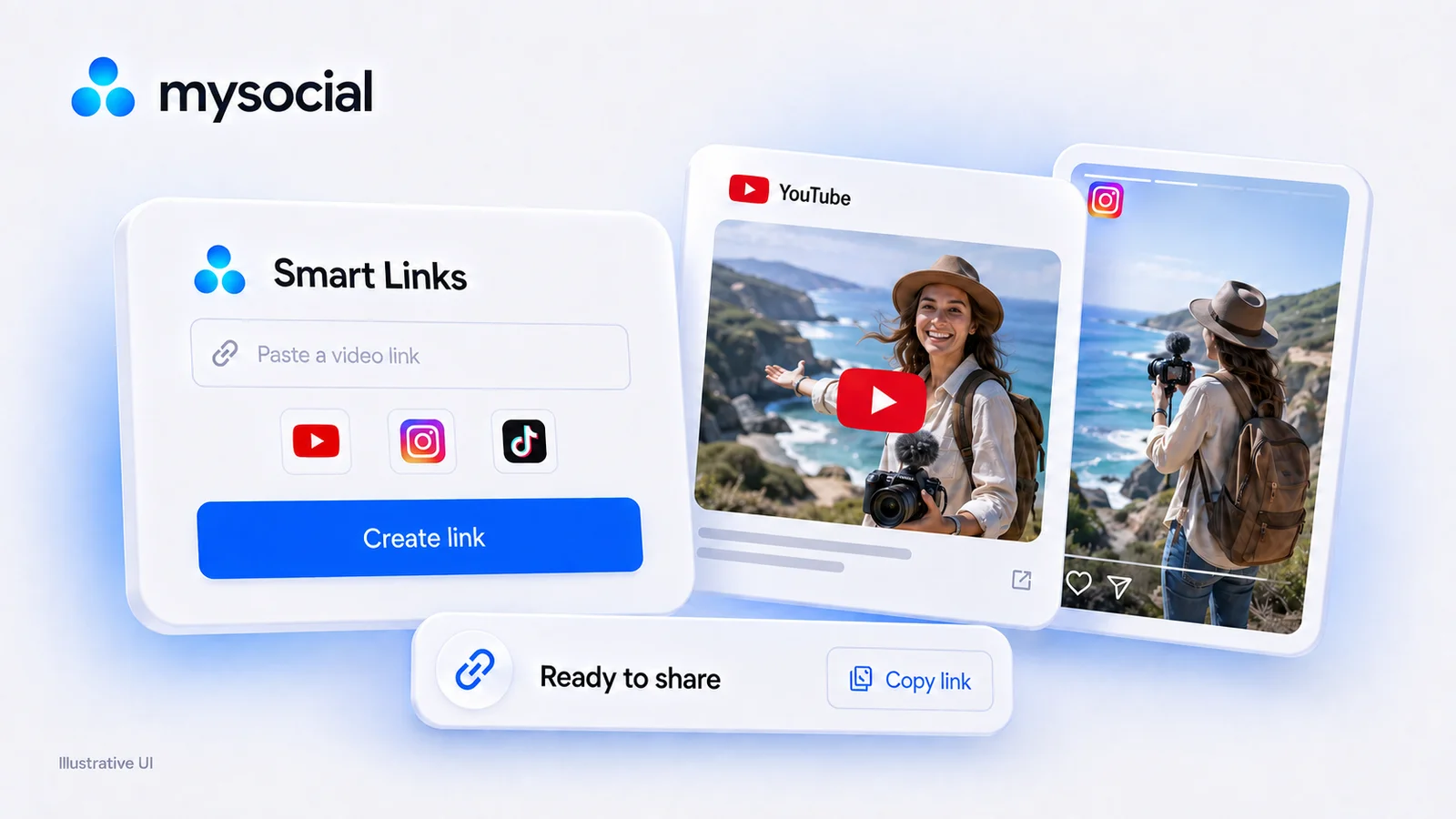
URLgenius charges per click. Mysocial Smart Links are free with no click cap on every plan. Verified 2026 pricing for URLgenius, LinkTwin, OpenUp and U2L.

Find small influencers for your brand. Compare audience fit, recent reach, engagement quality and campaign costs before choosing nano or micro-creators.