
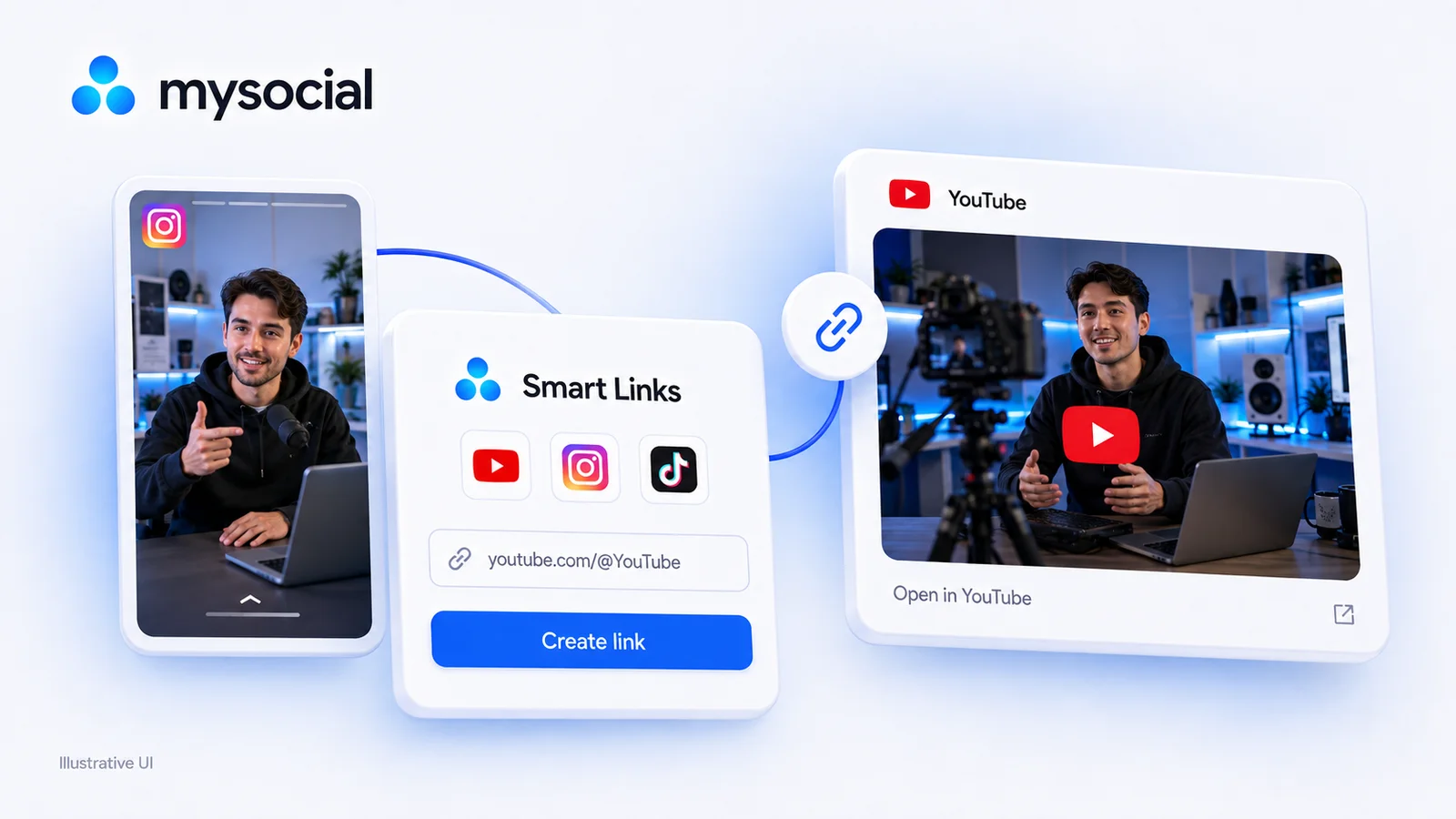
Free LinkTwin Alternative for YouTube Creators
Try a free LinkTwin alternative with a working YouTube link generator. Compare click limits, app-opening behavior and what to check before switching.

Quick answers
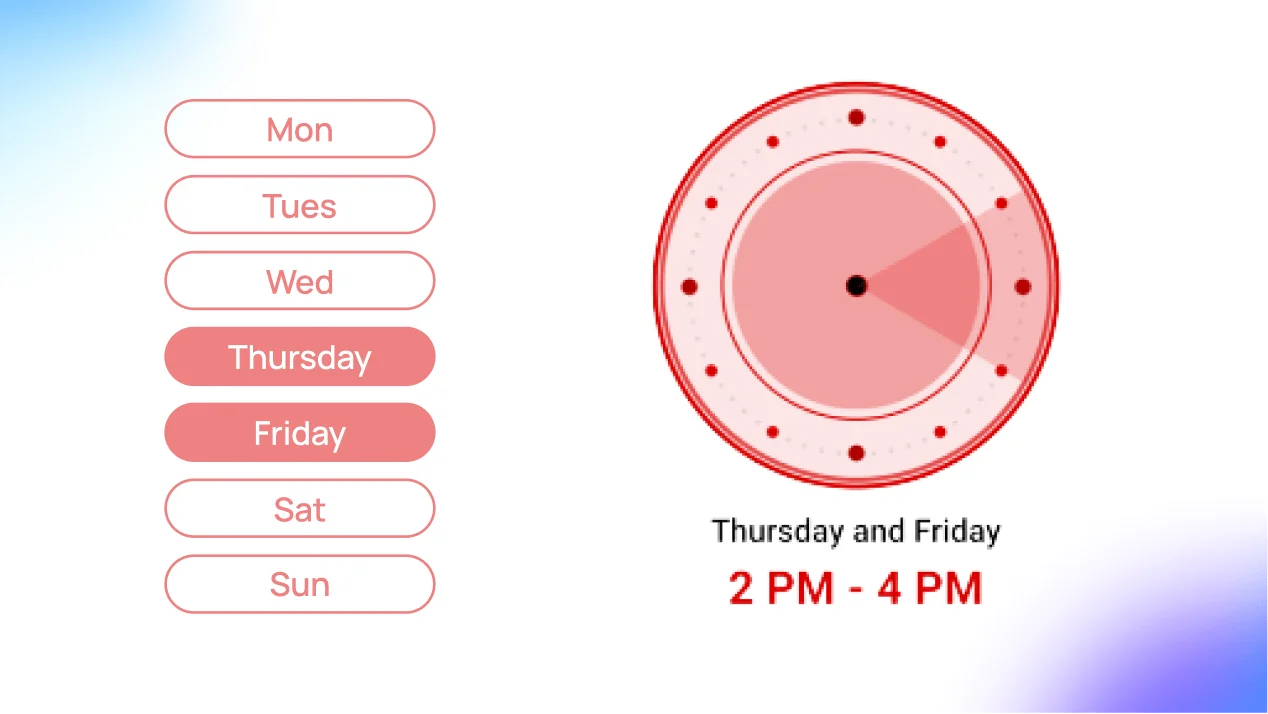
On weekdays, post between 2-4 PM EST so YouTube can index your video before the evening viewing peak. On weekends, post between 9-11 AM EST when audiences start their leisure browsing earlier in the day.
Yes. YouTube needs time to index and process your video before it appears in search and recommendations. Uploading 2-3 hours before your audience peak gives the algorithm time to make your video discoverable.
Thursday and Friday consistently outperform other weekdays. Weekend uploads also perform well since viewers have more free time. Sunday is the single busiest day for YouTube traffic overall.
Open YouTube Studio, go to Analytics, then Audience. The "When your viewers are on YouTube" report shows a heatmap of your audience activity by hour and day. Post 2-3 hours before the darkest bars.
YouTube doesn’t push your video the instant you hit publish. The platform needs time to process, index, and classify your content before it surfaces in search results and recommendations. Upload at the wrong time and your video sits invisible during the hours when your audience is most active.
This guide gives you the day-by-day posting schedule backed by research, plus how to use YouTube Studio to find the exact windows that work for your channel.
2.7B+
Monthly active users
2-3 hrs
Indexing delay before discovery
70%
Views from recommendations
Unlike TikTok or Instagram where content surfaces almost instantly, YouTube has an indexing delay. After you upload, the algorithm runs a multi-stage pipeline before your video is fully discoverable.
YouTube indexing pipeline
Process & transcode
Your video is converted across resolutions (360p → 4K). Audio is normalized. Captions are auto-generated.
Analyze metadata
Title, description, tags, and thumbnail are parsed. YouTube classifies your video’s topic, audience, and category.
Test audience wave
YouTube serves your video to a small test group — subscribers, Browse, and home feed. Their signals decide what happens next.
This means you need to publish 2-3 hours before your audience’s peak viewing window. If your audience peaks at 7 PM, uploading at 7 PM means your video only becomes fully discoverable around 9-10 PM — when most viewers have already moved on.
The algorithm evaluates your test audience’s behavior to decide whether to push wider or stall distribution. These are the metrics that matter.
CTR
Click-through rate
Are your title and thumbnail compelling enough to earn the click? Aim for 5-10% on new videos.
AVD
Average view duration
Are viewers staying past the first 30 seconds? If they drop early, your hook needs work — not your timing.
SVR
Session view rate
Do viewers keep watching more videos after yours? YouTube rewards content that keeps people on the platform.
Strong early signals push the video into Browse and Suggested feeds. Weak signals stall distribution — regardless of when you posted.
These times account for the indexing delay — post at these windows so your video is fully indexed and searchable during peak viewing hours.
Weekly upload schedule
All times EST
Monday
Tuesday
Wednesday
Thursday
PeakFriday
PeakSaturday
Sunday
PeakThursday, Friday, and Sunday are the strongest days. Thursday and Friday catch the end-of-week browsing surge. Sunday is consistently the busiest day on YouTube overall — viewers have time, and the algorithm has fresh content demand to fill.
The weekday pattern (2-4 PM) accounts for the indexing delay before the evening viewing peak (7-10 PM). Weekend uploads shift earlier (9-11 AM) because leisure browsing starts in the morning.
Not all content follows the same rhythm. Your niche determines which days your audience is primed to watch.
Business & educational
Best days: Tuesday through Thursday
Viewers are in learning mode during the work week
Upload at 2-4 PM so indexing finishes before the evening study window
Avoid weekends — your audience is offline
Entertainment & vlogs
Best days: Friday through Sunday
Viewers are in leisure mode and have longer watch sessions
Upload Friday at noon to catch the weekend binge
Sunday morning uploads ride the highest traffic day
Generic schedules are starting points. Your audience is unique. Here’s how to find the exact windows that work for your channel using YouTube Studio.
Step 01
Go to YouTube Studio → Analytics → Audience. Look for the When your viewers are on YouTube heatmap. It shows activity by hour and day with darker bars indicating higher traffic.
Step 02
Find the day with the darkest bars — that's when the most viewers from your specific audience are active. If you can only upload once a week, this is your day.
Step 03
If your peak is 7 PM on Thursday, upload by 4-5 PM. This gives YouTube enough time to process, index, and begin surfacing your video before the wave hits.
Step 04
Videos get the most views in their first 48 hours. If your busiest day is Sunday but Saturday is your second busiest, upload on Saturday morning — you'll catch two peak days with one video.
Step 05
Upload at your identified times for a month. Compare views, watch time, and CTR per upload slot. After 4 weeks the data will confirm or correct your schedule.
YouTube Shorts follow the same indexing pipeline, but consumption patterns are completely different. Here’s how to schedule them.
Long-form
Upload: Weekdays 2-4 PM, weekends 9-11 AM
Peak: Evening leisure (7-10 PM)
Device: Desktop + TV heavy
Strategy: 1-2x per week, consistent day
Shorts
Upload: 9-11 AM any day of the week
Peak: All day — commutes, breaks, queues
Device: Mobile only
Strategy: 3-5x per week, stagger with long-form
If you post both formats, stagger them: Shorts in the morning, long-form in the afternoon. This avoids cannibalizing your own audience’s attention and gives each piece its own discovery window.
This week’s action plan
Pick Thursday or Friday at 12-3 PM EST
Start with the highest-traffic days. You can optimize further once you have data.
Nail your thumbnail and title first
Timing gives you a window. Strong thumbnails and hooks convert that window into views.
Optimize for YouTube SEO before hitting publish
Title, description, tags, and chapters all feed the indexing pipeline. Get them right and the algorithm works faster.
Share with deep links on other platforms
Send viewers into the YouTube app directly — in-app browsers destroy watch time and ad revenue.
Check your heatmap after 2 weeks
Open YouTube Studio → Audience → “When your viewers are on YouTube.” Adjust your schedule based on real data.
Remember: Timing gets your video in front of viewers. Content quality is what keeps them watching.
Your social memory, connected
Consolidate analytics from YouTube and all your platforms in one dashboard. Share real-time reports with sponsors and prove your value.
Free to start. One channel is enough to begin.
Mysocial connects YouTube, Instagram, TikTok, LinkedIn and Threads to one Content Memory that Claude and ChatGPT can use.
Social Media Growth & Algorithms
Related Posts
Try a free LinkTwin alternative with a working YouTube link generator. Compare click limits, app-opening behavior and what to check before switching.
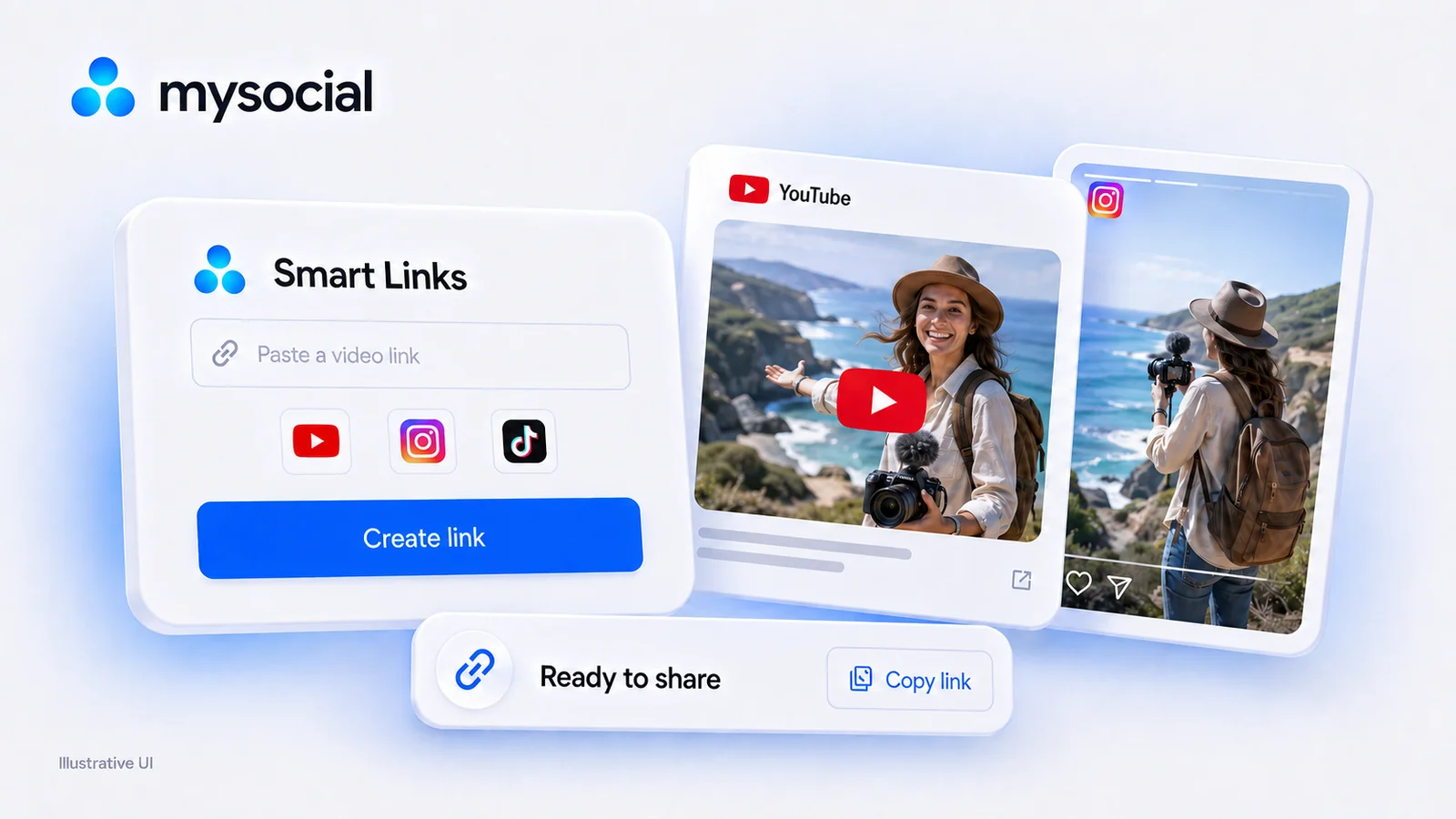
URLgenius charges per click. Mysocial Smart Links are free with no click cap on every plan. Verified 2026 pricing for URLgenius, LinkTwin, OpenUp and U2L.
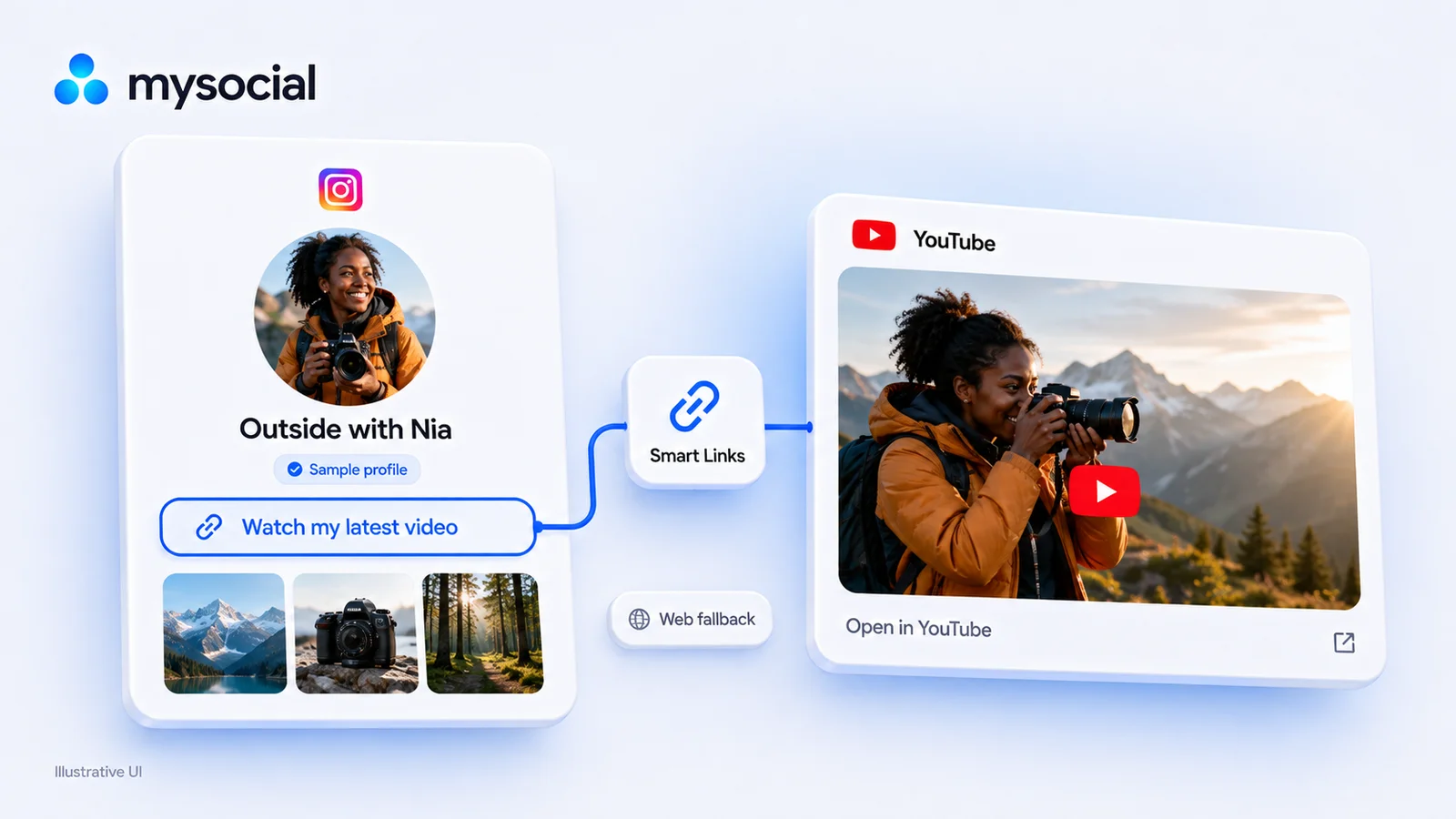
Your Instagram bio link loses followers to in-app browsers. Fix it with deep linking to boost conversions and keep traffic in-app.