
10 Must-Have Tools Every Influencer Needs
The best tools for influencers to create content, find sponsors, grow followers, and manage social media like a pro.

Quick answers
CapCut is the best free TikTok editor — 68% of professional TikTok creators use it. It includes transitions, effects, music library, and auto-captions. The paid tier ($4.99/month) adds stock footage and premium music.
Yes. TikTok Studio (free) offers native scheduling. Third-party tools like Buffer ($6/channel) and Later ($16.67/month) support auto-publish via TikTok's API for hands-off posting across multiple platforms.
TikTok Analytics (built-in for business accounts) covers views, watch time, and demographics. For deeper insights, tools like Beplan provide diagnostic scores explaining why content performs, and MySocial tracks cross-platform analytics in one dashboard.
Professional tools correlate with 40% higher engagement rates compared to basic mobile recording alone (InfluenceFlow, 2026). The biggest gains come from editing tools (better retention) and analytics (data-driven posting decisions).
TikTok’s built-in editor has improved significantly — AI background removal, auto-captions, text-to-speech — but it still cannot do multi-track editing, custom transitions, or cross-platform scheduling. That is where third-party tools come in.
This guide covers the tools that actually matter for TikTok creators in 2026, organized by category. No follower-buying services, no gimmicks — just the editing, analytics, scheduling, and content tools that help you create better videos and post smarter.
68%
Of pro TikTok creators use CapCut as primary editor (InfluenceFlow, 2026)
40%
Higher engagement with professional tools vs basic recording
$0–$20
Monthly cost range for most creator tools
7+
Platforms supported by top scheduling tools
Your editing tool determines your video quality, which directly affects watch time and retention. TikTok’s algorithm rewards videos that keep viewers watching — and clean edits, smooth transitions, and good audio are how you hold attention.
The default TikTok editor — built by ByteDance. Auto-captions, keyframe animation, speed curves, music library, and AI-powered effects. Free tier covers 90% of creator needs. Pro adds stock footage and premium music.
Professional-grade color correction and audio editing in a free package. Overkill for simple TikToks but essential if you also produce YouTube long-form. The learning curve is steep but the power is unmatched at this price.
Mobile-first editor built for vertical video. Quick trimming, text overlays, music, and export presets for TikTok, Reels, and Shorts. Best for creators who edit entirely on their phone.
Bridges beginner and professional editing. AI-powered auto-reframe for converting horizontal to vertical video. Good choice if you are growing beyond CapCut but are not ready for Resolve's complexity.
For 90% of TikTok creators, CapCut is the right choice. It is free, it is built for TikTok’s format, and it gets updates faster than any competitor because ByteDance develops both products. Start with CapCut, graduate to Resolve when you need it.
Posting at the right time matters — but manually publishing at 7 AM or 11 PM is not sustainable. Scheduling tools solve this by auto-publishing via TikTok’s API.
TikTok's native scheduling tool. Schedule posts up to 10 days in advance. Limited to TikTok only — no cross-platform support. Good enough for casual creators who only post on TikTok.
Simple scheduling with auto-publish to TikTok, Instagram, YouTube, X, LinkedIn, Pinterest, and more. The free tier covers 3 channels with 10 scheduled posts each. Clean UI, no bloat.
Visual content calendar with drag-and-drop scheduling. Supports TikTok auto-publish plus Instagram, Pinterest, YouTube, X, and LinkedIn. Best for creators who plan content visually and need a grid preview.
Creator-focused scheduler with diagnostic analytics. Instead of just showing raw metrics, Beplan explains why your content performed the way it did. Good for creators who want data-driven posting decisions.
For most creators, Buffer’s free tier is the best starting point — 3 channels, 10 posts each, auto-publish. Upgrade when you need more capacity. For posting time optimization, check our guide on the best time to post on TikTok.
You cannot grow what you do not measure. TikTok’s built-in analytics cover the basics, but third-party tools go deeper.
Analytics tiers
Available for business and creator accounts. Covers views, watch time, audience demographics, traffic sources, and follower activity. Data for the last 7-60 days. Enough for most creators under 50K followers.
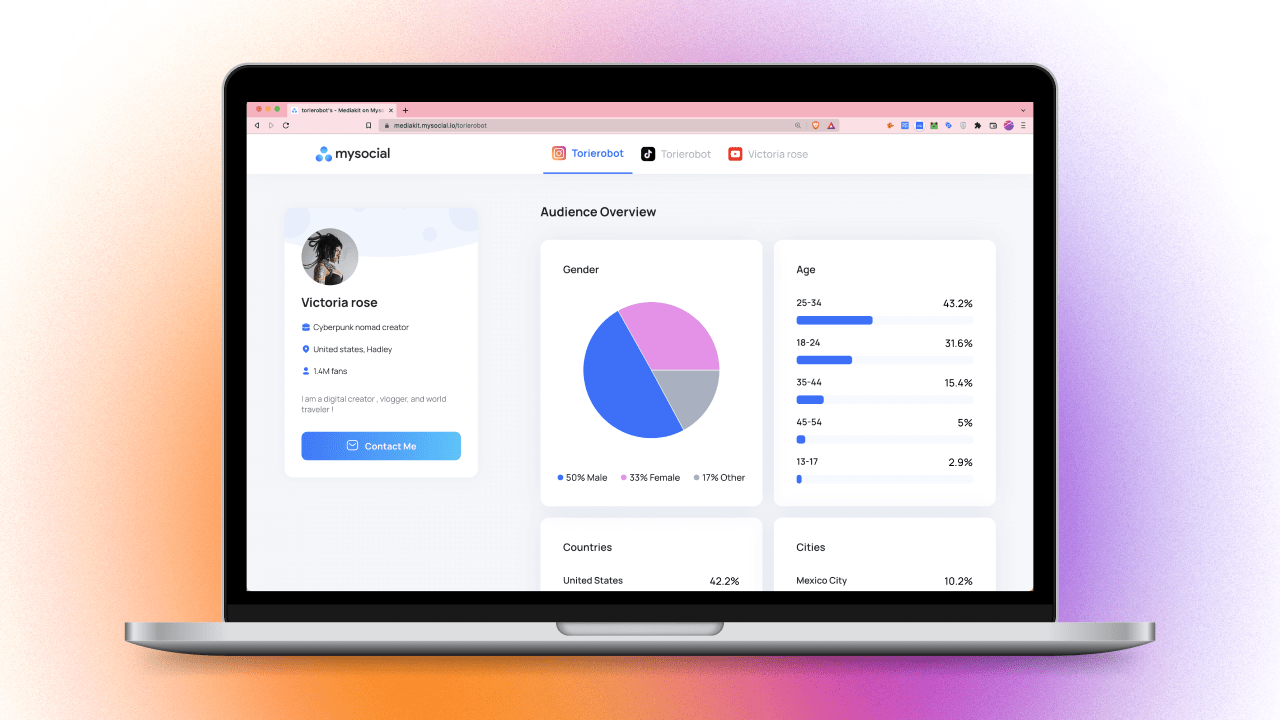
Track TikTok, Instagram, and YouTube analytics in a single dashboard. Auto-updating media kit for pitching brands. Best for creators who post on multiple platforms and need one source of truth.
Goes beyond raw numbers to explain why your content performed the way it did. Provides diagnostic scores and actionable recommendations. Best for data-driven creators optimizing posting strategy.
AI tools do not replace creativity — they accelerate the repetitive parts of content creation: scripting hooks, generating captions, repurposing long-form into Shorts, and researching trending topics.
Generate TikTok hooks, scripts, and captions in your voice. Topic intelligence finds trending ideas in your niche. Repurpose long-form content into TikTok-ready clips. Built into the full MySocial creator workflow.
General-purpose AI for brainstorming hooks, writing scripts, and creating content calendars. Use with our table formatting guide to organize content plans.
Edit video by editing text. AI transcription, filler word removal, eye contact correction, and automatic clip creation. Ideal for repurposing podcast or YouTube content into TikTok clips.
Do not buy every tool at once. Match your tools to your current stage.
Buying followers or engagement — fake followers destroy your engagement rate, which is the metric brands actually check. TikTok also actively purges bot accounts.
Paying for 'growth services' — no tool can game TikTok's algorithm. Growth comes from content quality, posting consistency, and audience engagement.
Using 5+ tools simultaneously — tool fatigue is real. Each tool adds friction. A lean stack of 3-4 tools beats a bloated stack of 8.
Ignoring native features — TikTok's built-in editor, green screen, duets, and stitches are free and algorithm-boosted. Use them before reaching for external tools.
Paying before you post — do not subscribe to paid tools until you have posted at least 20 videos and understand your workflow. You do not know what you need yet.
Start free — CapCut, Buffer free, TikTok Analytics, and MySocial cover everything a new creator needs at zero cost.
Upgrade one tool at a time — identify your biggest bottleneck (editing speed? posting consistency? analytics?) and upgrade only that tool.
Use cross-platform tools — if you post on TikTok and Instagram, choose tools that support both (Buffer, Later, MySocial) instead of platform-specific ones.
Prioritize audio and captions — 80% of TikTok is watched with sound off initially. Auto-captions (CapCut, TikTok native) are non-negotiable.
Track ROI — a $20/month tool that saves you 4 hours per week is worth it. A $50/month tool you use once is not.
Start with the free stack: CapCut + Buffer + TikTok Analytics + MySocial AI Content Studio. Post your first 20 videos, analyze what works, and upgrade tools based on your specific bottlenecks.
For platform strategy, dive into our TikTok growth strategies guide and learn how to monetize TikTok once your audience is growing. If you also create on YouTube and Instagram, our top social media management tools guide covers cross-platform tool stacks.
Track analytics, build your media kit, find sponsors, and create content with AI — all from one platform built for creators.
Get started freeSocial Media Management & Operations
Related Posts
The best tools for influencers to create content, find sponsors, grow followers, and manage social media like a pro.

Build a content calendar that drives growth. Content pillars, platform-specific posting rhythm, batch workflows, and weekly review system.
Build a media kit that wins brand deals. 7 essential sections, metrics to include, rate card tips, and how to stand out from competitors.