
4 Ways to Increase Your YouTube Engagement
Proven strategies to boost YouTube engagement -- from deep linking and CTR optimization to consistency systems that the algorithm rewards.


Quick answers
Use YouTube search with the Channel filter to find active creators in your niche. Join collaboration platforms like CollabPals or find-collabs.com, check subreddits like r/NewTubers for collab threads, and engage in comment sections of similar channels before pitching. Target creators within 0.5-2x your subscriber count for the best mutual benefit.
Target creators with 0.5x to 2x your subscriber count. Similar-sized channels mean mutual benefit, compatible audiences, and balanced credibility — which increases the chance both sides say yes.
Yes. Collaborative content gets 2.3x higher engagement than solo content. Cross-channel collabs expose you to a partners subscriber base, and the combined engagement signals YouTubes algorithm to promote the video more broadly. Three science channels that collaborated on a single project saw a 9% subscriber increase from one video.
Lead with what you bring, not what you need. Reference a specific video of theirs, propose a concrete video concept that serves both audiences, share your media kit with audience data, and keep the pitch under 150 words.
Collaborations are the fastest organic growth lever on YouTube. One collab puts your face and content in front of an entirely new audience that already trusts the creator who invited you. The challenge isn’t whether collabs work — it’s finding the right partners and pitching them effectively.
2.3x
higher engagement on collaborative vs. solo content
150-300%
reach increase from cross-channel collaborations
3x
faster growth for channels with a collab strategy
5
max creators YouTube supports on a single video
When two creators collaborate, both audiences engage — and YouTube’s algorithm reads that dual-audience signal as high-quality content worth recommending.
Solo Content vs. Collaboration
Solo Upload
Reach
Your subscribers only
Engagement signal
Single audience
New subscribers
Organic discovery only
Algorithm boost
Standard
Collaboration
Reach
Both subscriber bases
Engagement signal
Dual-audience (2.3x)
New subscribers
Direct exposure + trust transfer
Algorithm boost
Amplified by dual engagement
The compounding effect: Higher initial engagement → more algorithmic promotion → more Suggested placements → more subscribers for both creators. Three science channels that collaborated on a single glass-making project saw a 9% subscriber increase from one video. For more algorithm insights, see our YouTube growth guide.
Not every creator is a good fit. The best collabs happen when audiences overlap but don’t duplicate.
0.5-2x
Your sub count. Mutual benefit zone.
Adjacent
Same audience, different angle.
Weekly+
Active upload schedule signals commitment.
3%+
Comment-to-view ratio shows real community.
The 0.5-2x rule matters because creators way above your size rarely say yes — and creators way below yours won’t move the needle. Adjacent niches work best: a fitness creator collabs with a nutrition creator, a tech reviewer pairs with a productivity channel. Same audience, fresh perspective.
Step 01
Go to YouTube search, type a niche keyword (e.g., 'budget travel vlog'), then click Filters → Type → Channel. This surfaces active creators — not just videos. Watch 2-3 of their recent uploads to evaluate tone, production quality, and audience fit. Once you find one good creator, check YouTube's sidebar recommendations to discover similar channels.
Step 02
Platforms built specifically for creator collabs cut the search time significantly. CollabPals (137K+ members, 680 collabs per week) uses a credit system where you earn credits by helping others, then spend them to post collab requests. find-collabs.com and collabGo offer cross-promotion matching with real-time analytics tracking. Create profiles on 2-3 platforms that match your niche.
Step 03
Subreddits like r/NewTubers, r/YouTubers, and r/letsplay have dedicated collaboration threads where creators actively post collab requests. Search 'collaboration' within these communities and filter by recent posts. On Twitter/X, search hashtags like #YouTubeCollab and #YouTubeCreator to find creators actively looking for partners.
Step 04
Before cold-pitching, spend two weeks leaving thoughtful comments on target creators' videos. Not generic praise — specific feedback that shows you actually watched. When you eventually DM or email them, they'll recognize your name. This warm approach increases response rates 3-5x compared to cold outreach.
Step 05
Look at the channels section of creators in your niche. Many display their 'Featured Channels' — these are often past collaboration partners. Watch their collab videos to understand what worked, then pitch a similar (but differentiated) concept to those same creators or their featured partners.
YouTube has a built-in collaboration feature that makes cross-promotion automatic.
YouTube Collaboration Feature
Up to 5 creators
Invite collaborators in YouTube Studio under video details
Dual-feed distribution
Video appears in all collaborators’ subscription feeds
Subscribe button shown
Each collaborator’s channel + subscribe button displayed on the video
Long-form + Shorts
Works for both regular videos and YouTube Shorts
Algorithm boost
YouTube recommends the video to both creators’ audiences
Revenue stays with uploader
100% of ad revenue goes to the uploading channel — no automatic split
Use YouTube Studio → Upload → Details → Collaboration → Invite to add collaborators. When they accept, the cross-promotion happens automatically. Since ad revenue isn’t split, discuss revenue-sharing arrangements separately if both creators are contributing equally.
Lead with what you bring, not what you need. Most collab pitches fail because they read like fan mail instead of a business proposal.
YouTube Collab Pitch Framework
Specific reference — prove you watch their content
”Your video on [specific topic] made me think of [specific angle].” This immediately separates you from mass-DMs. Never open with “Hey, love your content!“
Audience value — show what you bring
Share your subscriber count, average views, and audience demographics. Link your media kit so they can verify your data instantly without asking.
Concrete concept — pitch a specific video idea
”I’d love to create a [format] video where we [concept] — it serves your audience because [reason].” Two or three video concepts gives them options without overwhelming.
Low friction — make it easy to say yes
Offer to handle the editing, suggest filming remotely if distance is a factor, and propose a timeline. The less work for them, the higher your acceptance rate.
Keep it short: Your entire pitch should be under 150 words. Creators get dozens of DMs — brevity shows respect for their time. For a full outreach template, see our pitching guide — the framework works for creator outreach too.
Mismatched audiences — a gaming channel and a cooking channel rarely share viewers. Low crossover kills the growth benefit
Vague pitches — 'We should totally collab sometime!' gives the other creator nothing to act on
Subscriber count obsession — chasing creators 10x your size wastes time. They won't reply. The 0.5-2x range is where deals happen
No creative plan — showing up without a script, outline, or concept makes you look unprepared and burns the relationship
One-and-done mentality — a single collab grows your channel. A recurring collab partnership compounds growth exponentially
Adjacent niches — a tech creator + a productivity creator gives both audiences fresh value without feeling off-brand
Shared media kit — send your media kit upfront so the other creator can see verified audience data before committing
Clear creative brief — agree on the video concept, who edits, publish date, and cross-promotion plan before filming
Cross-promotion — both creators share the video on all platforms (community posts, Shorts, Stories) to maximize the reach multiplier
Post-collab follow-up — share performance data with your partner afterward. Successful collabs turn into recurring partnerships
YouTube Collab Formats by Effort Level
Guest appearance
Feature in each other’s videos
Low effort. Film remotely over Zoom or travel for in-person energy.
Challenge video
Compete or complete tasks together
High engagement. Audiences love stakes and personality clashes.
Channel swap
Post on each other’s channels
Direct subscriber exposure. You appear in their feed, they in yours.
Skill exchange
Teach each other your expertise
High value for educational niches. Both creators learn on camera.
Shorts collab
Create side-by-side Shorts
Lowest barrier. Film your half independently, edit together.
Joint series
Multi-episode collab series
Highest commitment. Recurring collabs compound growth exponentially.
Start with the lowest-effort format to test chemistry before committing to a full series. Remote creators work best with guest appearances, Shorts collabs, or skill exchanges. Local creators can do challenge videos and in-person series.
A media kit isn’t just for brand sponsorships — it’s the fastest way to prove your collab value to another creator. When they can see your audience demographics, average views, and engagement rate in one link, the decision to collaborate becomes obvious.
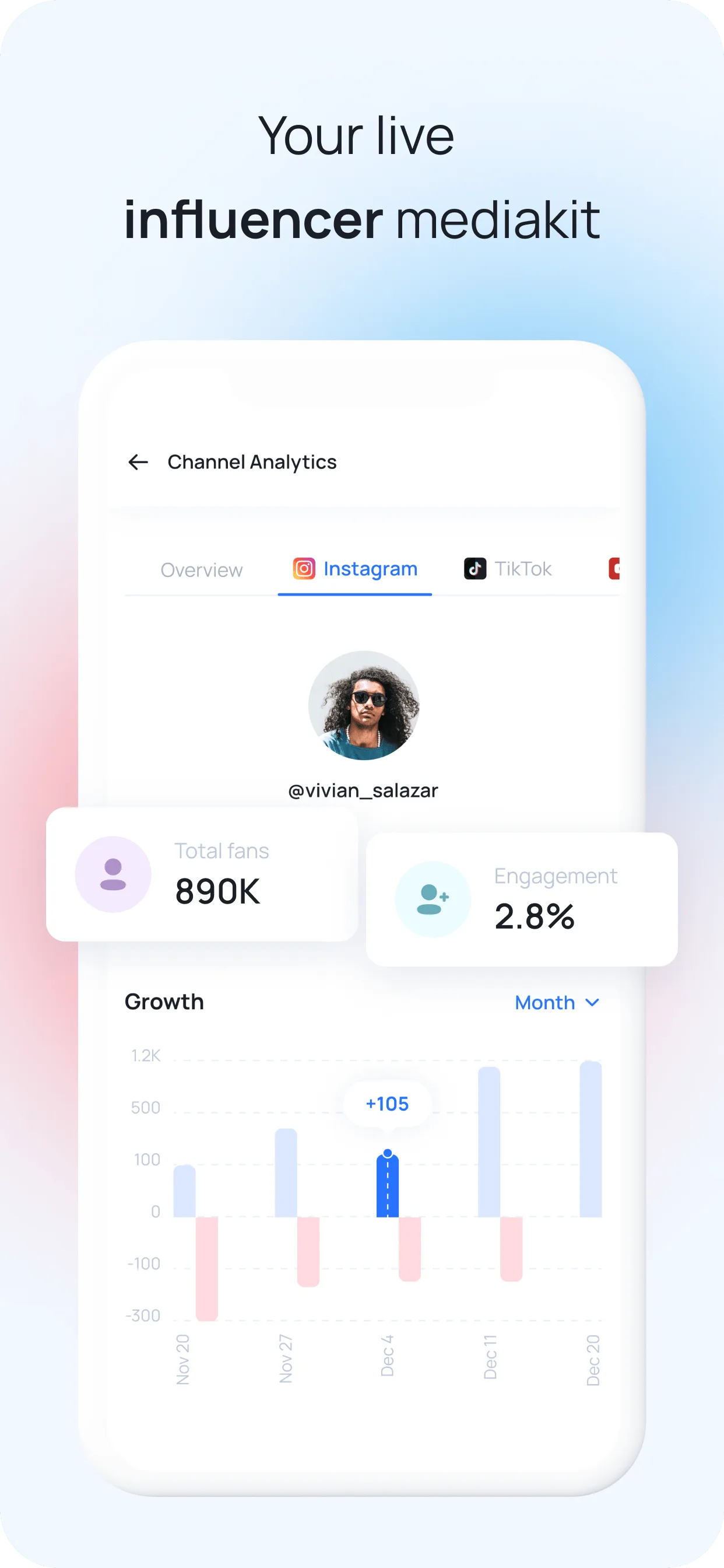
MySocial’s media kit builder pulls your YouTube analytics automatically and creates a shareable link that stays current. For the full guide on structuring each section, read how to build the ultimate influencer media kit. Once your collab partnerships start landing, the same media kit helps you find YouTube sponsors — brands pay more for creators with proven collaboration reach. For more growth strategies, explore the Social Media Growth & Algorithms hub.
Pull your YouTube analytics into a shareable media kit that updates daily. Show potential collaborators your audience data, engagement rate, and growth — no screenshots needed.
Build your media kitSocial Media Growth & Algorithms
Related Posts
Proven strategies to boost YouTube engagement -- from deep linking and CTR optimization to consistency systems that the algorithm rewards.

50 actionable YouTube growth tips organized by branding, content strategy, algorithm optimization, audience building, and monetization.

Your Instagram bio link loses followers to in-app browsers. Fix it with deep linking to boost conversions and keep traffic in-app.